
- 1. Reminder: what each file does
- 2. Golden rule: MERGE only
- 3. Order AI must follow (same as Panel Save)
- 4. In the content table - main entity must include
- 5. Hidden category entity (required if Categories is on)
- 6. In the UI contract - required keys
- 7. “Panel reads without errors” checklist
- 8. Sample prompt - AI declares the type (real estate)
Appifio Creator · Lesson AS21 · AI declares a type · Panel-safe
merge correctly · Panel reads without errors
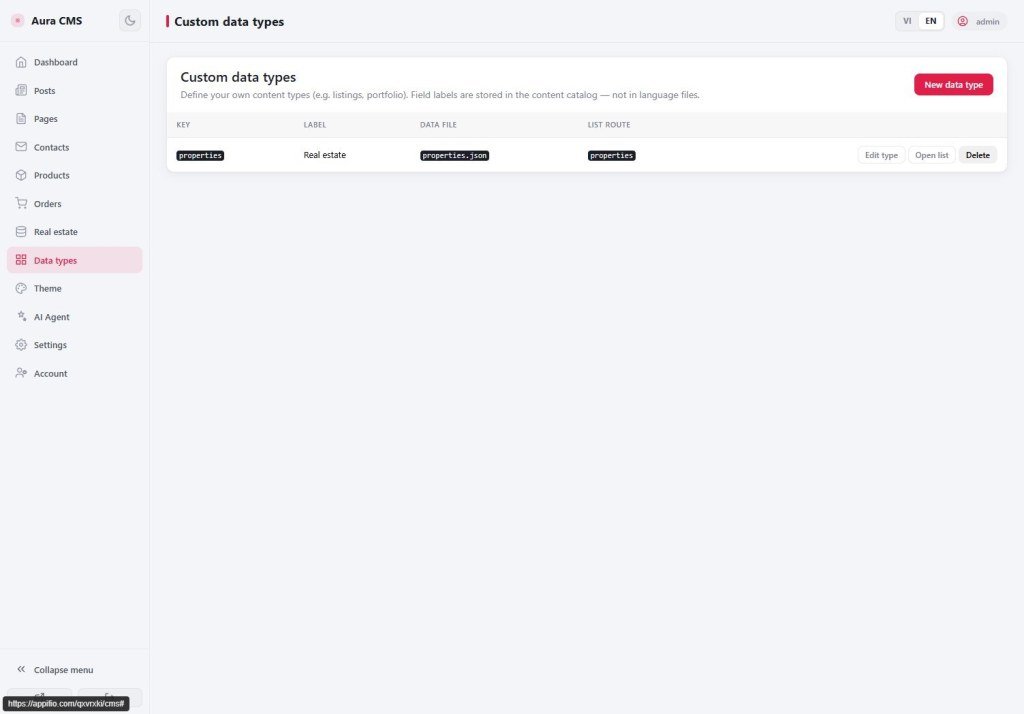
When you ask AI to create a type without clicking Save on the Panel - AI must update both declaration files with the same Panel conventions, then create HTML + routes.
When to use this lesson?
Only when you explicitly ask AI to create a type (not via Custom data types). The safer path is still AS20 (Panel Save).
Required prompt: Appifio Aura CMS + Storage - Complete AI Guide (+ Aura Complete). Don’t enable Easy.
Learning goals: Know what AI must merge into both files; checklist so /cms shows the right menu + form.
Previous: AS19 (what the two files do) · AS20 (fields + real estate on the Panel)
1. Reminder: what each file does
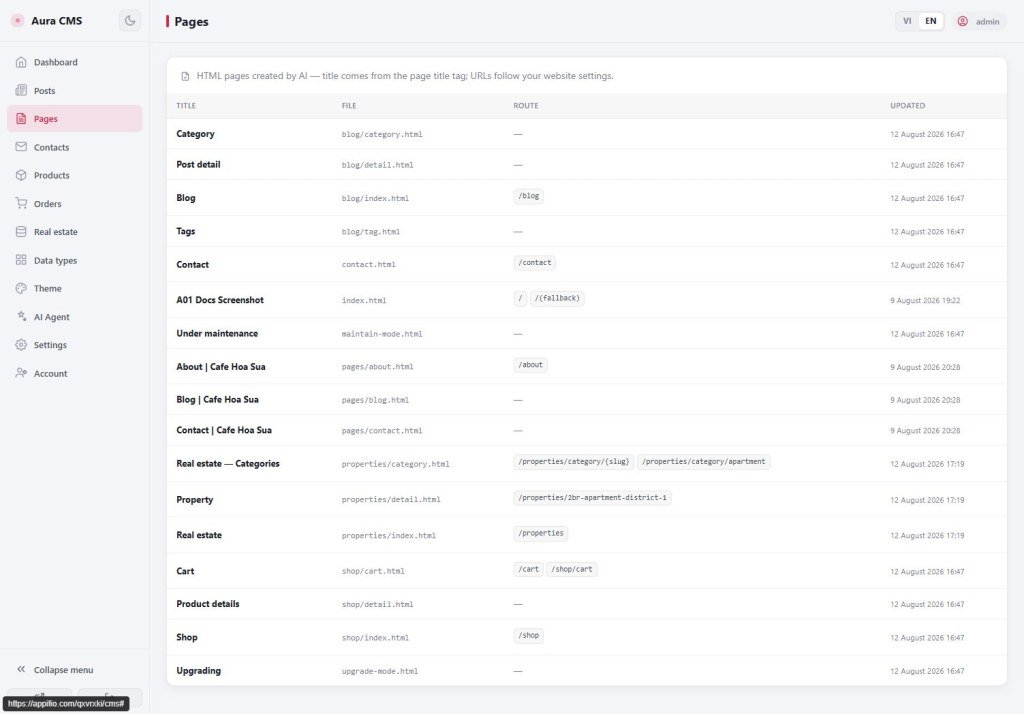
__cms_manifest__.json- content declaration table: entity, fields,data_file, routes, taxonomy. The Panel reads it for menu and forms.__cms_ui_contract__.json- UI contract: HTML pages, hook ids, assets. New types addde_{code}_list/detail… keys.
2. Golden rule: MERGE only
- Sign in as admin (AI needs permission to write page files / attach routes).
- Read each existing declaration file → parse if it’s a string.
- Don’t write a brand-new file from scratch (you’ll lose blog/shop).
- Only add/update keys for the new type; keep existing parts.
- Write list/detail HTML matching hooks ·
addRoutefor the list. - Open
/cmsand check menu + add-item form.
3. Order AI must follow (same as Panel Save)
2. Merge content table: entities.{key} with custom:true
3. If categories/tags on → add hidden entity {key}__cat / {key}__tag
4. Merge UI contract: de_{key}_list / detail (+ category/tag)
5. Write list + detail HTML (keep #de-item-list / #de-item-detail)
6. addRoute for list (+ taxonomy if any)
7. Self-check against §7
4. In the content table - main entity must include
AI must write all of these blocks (don’t omit admin.form / field_ui):
custom: true·label·data_filefields- business fields only; don’t stuff inid/slug/created_at/updated_atadmin: icon, list columns,form.groups,field_ui(widgets)frontend:list_fields+public_filter: { publish_state: "published" }routes: list_page, list_route, detail_page, detail_route (with{slug}if needed)
publish_state is not in fields - attached when each item is saved. Enums use an array enum: ["sale","rent"].
5. Hidden category entity (required if Categories is on)
Example properties + categories - you need both:
- On the parent entity: a
taxonomy.categoriesblock (enabled,data_file,list_route,list_page,entity_key) - Child entity key
properties__cat:hidden: true,parent_entity: "properties",taxonomy_role: "category", fieldsname/slug/description,admin.enabled: false
Tags are similar: properties__tag, taxonomy_role: "tag". Missing the hidden entity → Panel category management often breaks.
6. In the UI contract - required keys
| Page | pages/routes key | HTML hook |
|---|---|---|
| List | de_{key}_list | #de-item-list |
| Detail | de_{key}_detail (+ dynamic: true) | #de-item-detail |
| Category | de_{key}_category | #de-tax-item-list |
| Tag | de_{key}_tag | #de-tax-item-list |
Each page in the contract needs: file, route, body_attrs (with data-aura-cms-root + entity), an assets array (cms-public.css, engagement, store), required_hooks.
7. “Panel reads without errors” checklist
Manifest
- Don’t delete existing entities (posts, products…)
custom: true+ full fields / admin / frontend / routespublic_filter.publish_state === "published"- Categories on ⇒ taxonomy on parent + hidden
{key}__cat
UI contract
- Only add
de_*, don’t delete blog/shop - Hooks + body_attrs + assets complete
Alongside
- HTML has the correct hook ids
addRoutefor list OK- Open
/cms→ see the new type → form shows the right fields
8. Sample prompt - AI declares the type (real estate)
“Aura CMS is on. Please create a custom type properties (Real estate): fields title, description, listing_type enum sale/rent, price, area_m2, bedrooms, bathrooms, address, city, cover_image; enable taxonomy categories. Merge (don’t overwrite whole files) into __cms_manifest__.json and __cms_ui_contract__.json using Panel conventions: hidden entity properties__cat, contract keys de_properties_*, hooks #de-item-list / #de-item-detail. Create HTML + addRoute. Then confirm /cms shows the menu and form. Don’t use Easy.”
Full AI schema reference
Appifio Aura CMS + Storage - Complete AI Guide · sections 0A-0E (merge + sample JSON)
Internal navigation (same language)
Appifio Creator · AS21 · AI declares a type · Panel-safe
