
Appifio Creator · Lesson AS02 · Beginner · Aura series
config sheet vs multi-row ledger
Before you ask AI to “save data”, pick the right shape - like choosing a one-time sticky note versus a ledger with one row per customer.
Learning goals: Tell “one config sheet” from “multi-row ledger”; write AI prompts with the right shape; avoid overwriting entire lists.
Reading time: ~12 minutes · Previous: AS01 · Next: AS03
UI labels:
1. Choosing a shape
2. Glossary
| Term | Meaning | Where you see it |
|---|---|---|
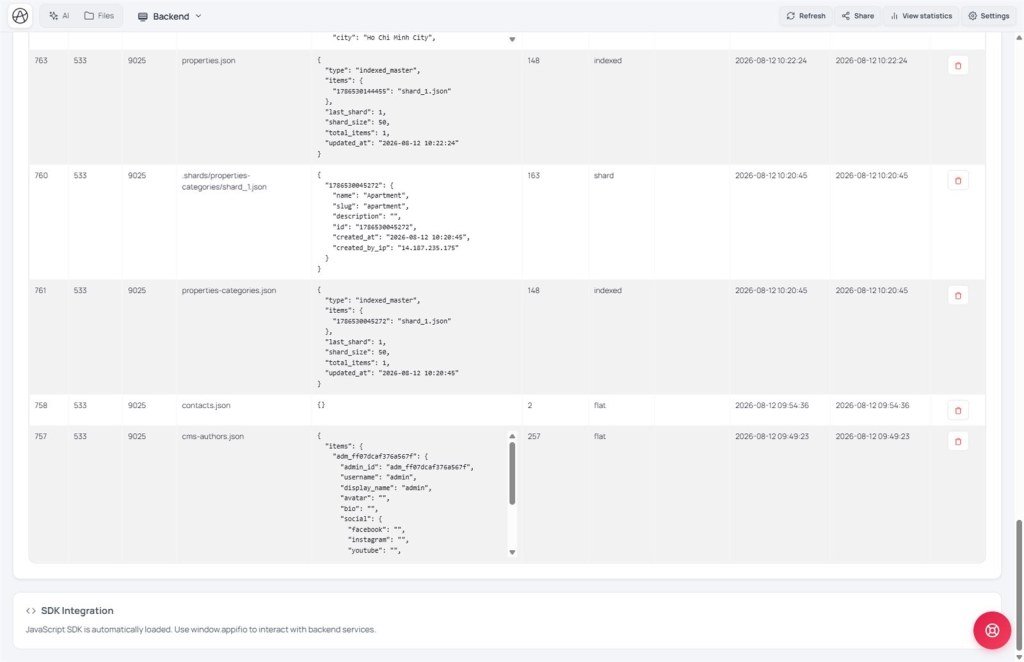
| Config sheet | One file holding a full settings set - update = rewrite the sheet | Backend / AI prompt (settings) |
| List ledger | Many records of the same kind - add row by row | Contact forms, blogs, orders |
| Add one row | Visitor submits → ledger grows by 1 row, old rows stay | Prompt mode Coder |
| Overwrite sheet | Replace the entire config sheet contents | Admin “Save settings” page |
3. Concrete examples
| Need | Choose | Why |
|---|---|---|
| Shop name, phone, brand color | Config sheet | Only one set |
| List of contact submissions | Ledger | Each submit = a new row |
| Blog posts | Ledger | Many posts |
| Toggle “show promo banner” | Config sheet | One switch for the whole site |
3b. One data type = one ledger
- Right: every post lives in one ledger (e.g. the blog list). The system shards behind the scenes - you do not create
post-1.json,post-2.json. - Wrong: one file per post; or overwrite the whole ledger as if it were a config sheet.
- CMS on: ledger names come from the content map (AS10) - posts are usually
blog-posts.json, not a guessedblog.json.
4. Steps when asking AI
- Ask yourself: one set or many rows?
- Mode Coder - state the shape clearly in the prompt (samples below).
- Preview on Changes → test.
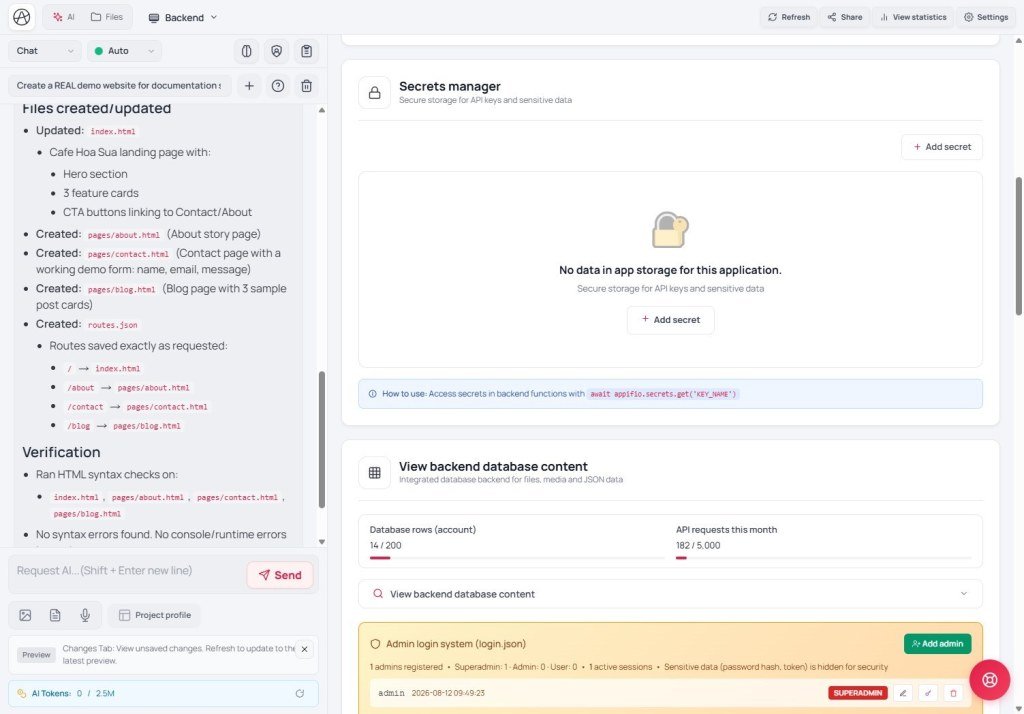
- Backend → View backend database content - do you see the new data?
- Click Save changes when happy.
5. Sample prompts
Ledger: “Public contact form - each submit only appends one row to the contact list; do not overwrite the whole list.”
Sheet: “Admin page with a settings form for shop name and phone - save by overwriting the settings config sheet; visitors must not edit this sheet.”
6. Comparisons
- Airtable: each table ≈ ledger; one “Settings” row ≈ sheet.
- WordPress options vs posts: options ≈ sheet; posts ≈ ledger.
- Firebase: single document vs collection - same idea.
7. Limits
You can
- Forms + settings side by side
- First form submit still works (system prepares the ledger)
Do not
- Do not use a config sheet to hold hundreds of customers
- Do not let guests overwrite a ledger
8. Security
- Public pages: only append rows to allowed ledgers (contacts…).
- Edit / delete / overwrite config sheets: only after admin login (AS05).
9. Common issues
| Situation | Fix |
|---|---|
| Submitting the form wiped old tickets | AI overwrote - fix the prompt to “append one row only”; see X07 |
| Not sure if it is a sheet or a ledger | Open Backend and inspect; ask AI “is this config or a list?” |
10. Checklist
- Can you pick sheet vs ledger for 3 shop examples?
- Does your form prompt say “append one row only”?
Next lesson
Internal navigation (same language)
Appifio Creator · Aura series · AS02
