
Appifio Creator · Lesson AS04 · Beginner · Aura series
must travel together
Avoid “blank page / 404”: having a page file is not enough - you also need a matching route.
Learning goals: Understand the HTML file + URL route pair; add a route with the right UI labels; self-check when you hit a 404.
Reading time: ~12 minutes · Previous: AS03, D02 · Next: AS05
1. The pair map
Like having a meeting room with no room number on the hallway signs: the room exists, visitors still get lost.
2. Glossary
| Term | Meaning | Where you see it |
|---|---|---|
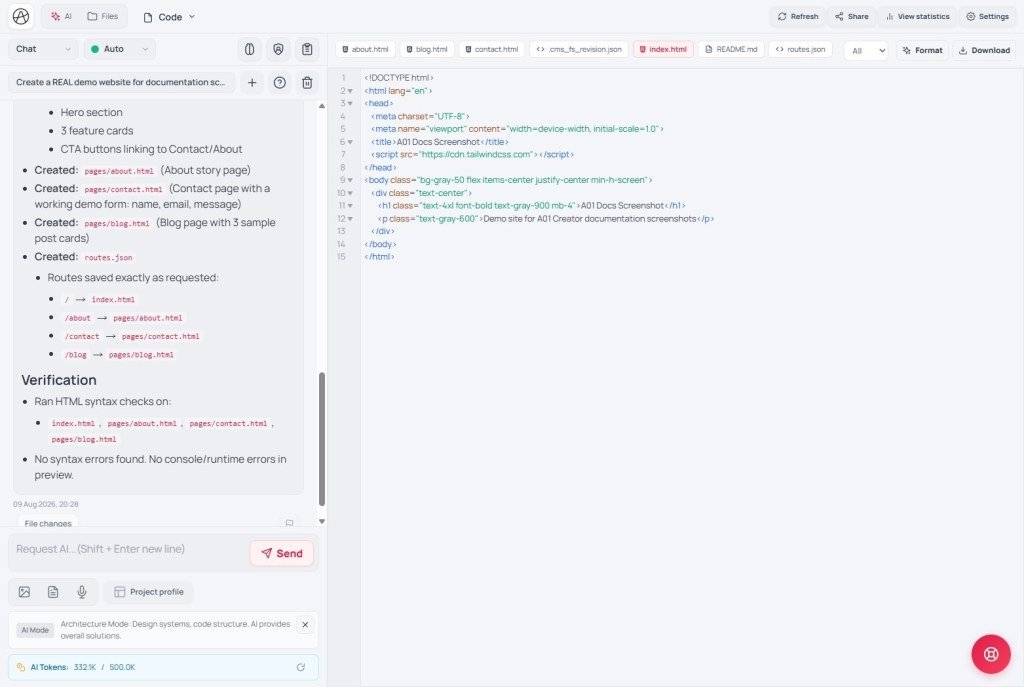
| Page file | HTML file that holds the page content | Files tab |
| Route | The address after the domain that visitors type | Routes tab |
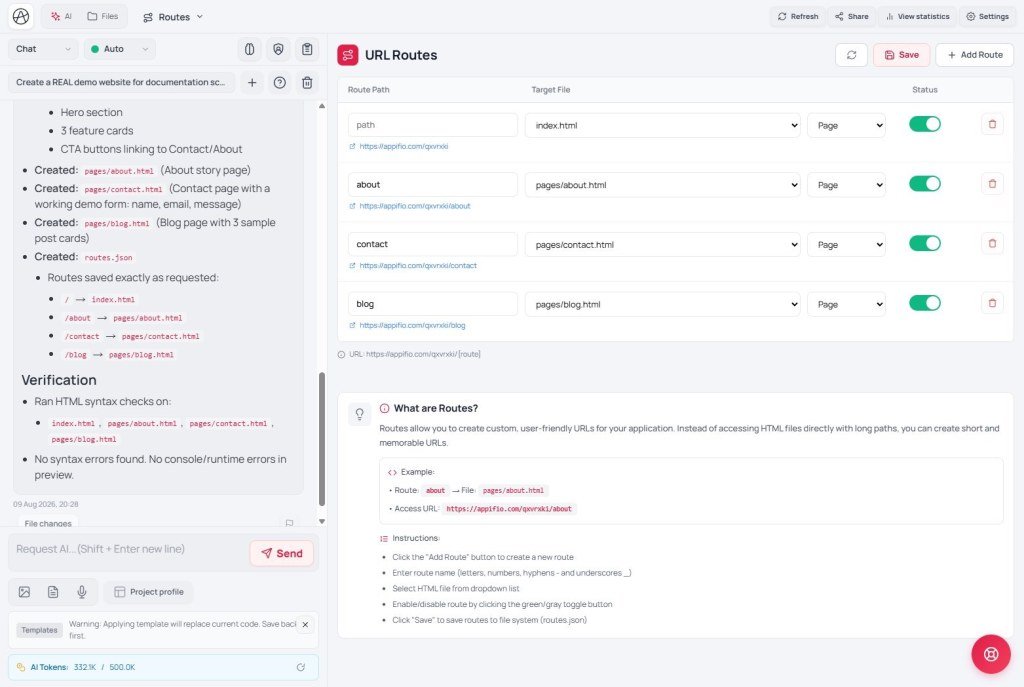
| Add Route | Button to add one URL ↔ file pair | Routes tab |
| routes.json | The route map file (visible in the UI) | Routes / Files tabs |
3. Steps
- Ask AI (Coder) to create
about.html- or create the file in the Files tab. - Open Routes → click Add Route.
- Set path
/aboutpointing at the new file → click Save in the Routes tab. - Toolbar → Save changes.
- Open the live link
…/about(not only the draft preview).
4. Sample prompt
4b. Nested routes (tag / category) - required for private URLs
Home /your-link/ exists by default. Every other address (posts, tags, categories…) must have a row in Routes. Examples:
an-article-about-ai→ post detail filetag/javascript→ tag listing pagecategory/tech→ category listing page
4c. Absolute URLs - why links jump wrong
App pages have a /about (leading slash) can drop the link name and land on the domain root. Links with ../… also go sideways easily.
| How you write it | OK? |
|---|---|
href="about" or an absolute-URL helper | ✅ Correct direction |
href="/about" | ❌ Easy to drop the link name |
href="about.html" | ❌ Visitors need the route slug, not the file name |
Coder prompt: “use getAbsoluteUrl(slug) for every page change”. Full sample code: AM10.
5. Comparisons
- Webflow / Framer: also have “pages + slug” - same pairing idea.
- WordPress permalink: post slug ≈ route; in Appifio you see the file and the routes table clearly.
6. Limits
You can
- Many pages / many URLs
- AI can create the full pair if the prompt is clear
You cannot
- HTML alone is not enough for a clean URL
- A misspelled route → 404 (X04)
7. Common issues
| Situation | Fix |
|---|---|
| 404 on live | Check Routes tab + whether you clicked Save changes |
| File exists, route missing | Add Route → Save → Save changes |
| Route points at the wrong file | Edit the route row to match the Files name |
| Link jumps wrong / drops link name | Drop href="/…"; use absolute URLs (section 4c / AM10) |
8. Checklist
- Do you have both the HTML file and a Routes row?
- Did you Save (Routes tab) + Save changes?
- Did you try the URL on Current / live?
AS05 - Admin login & roles
Internal navigation (same language)
Appifio Creator · Aura series · AS04
