
Appifio Creator · Lesson AS01 · Beginner · Aura series
Three layers: pages · data · admin
Opening lesson for the Aura series: separate Creator, Storage, CMS, and MCP with a shop metaphor - so you know where to go and what to do each day.
Learning goals: Explain Creator / Storage / CMS / MCP in plain language, how they differ, and when to use each layer.
Reading time: about 12 minutes
Prerequisites: You can open an app in Appifio Creator (lesson A01).
Previous lesson: A01 or F01 (Backend).
Next lesson: AS02 - Two data shapes: config sheet vs multi-row ledger.
Key UI labels:
1. Map: four “rooms” of the shop
You do not need the technical names. Remember: who edits the storefront, who enters the warehouse, who sits in the back office, and that the pro door only opens when needed.
2. Glossary
| Term | Plain meaning | Where in the UI |
|---|---|---|
| Creator | Design pages, ask AI, preview | View & edit tab, AI chat |
| Aura Storage | Warehouse for forms, posts, orders, page files | Backend tab |
| Aura CMS | Content admin panel - no need to open Creator every day | URL /your-link-name/cms |
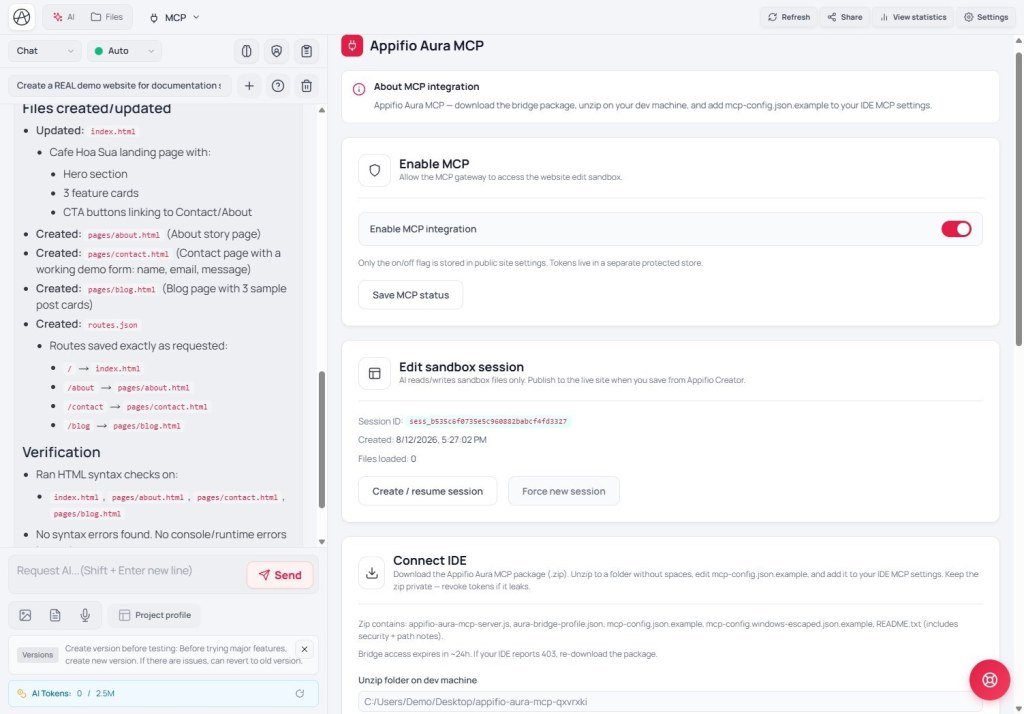
| Aura MCP | Bridge to edit the app from an external IDE (Cursor…) | MCP tab |
| Save changes | Push the draft to the live visitor site | Creator toolbar |
| Current / Changes | Live build vs draft you are editing | Preview area |
3. Each layer with a shop example
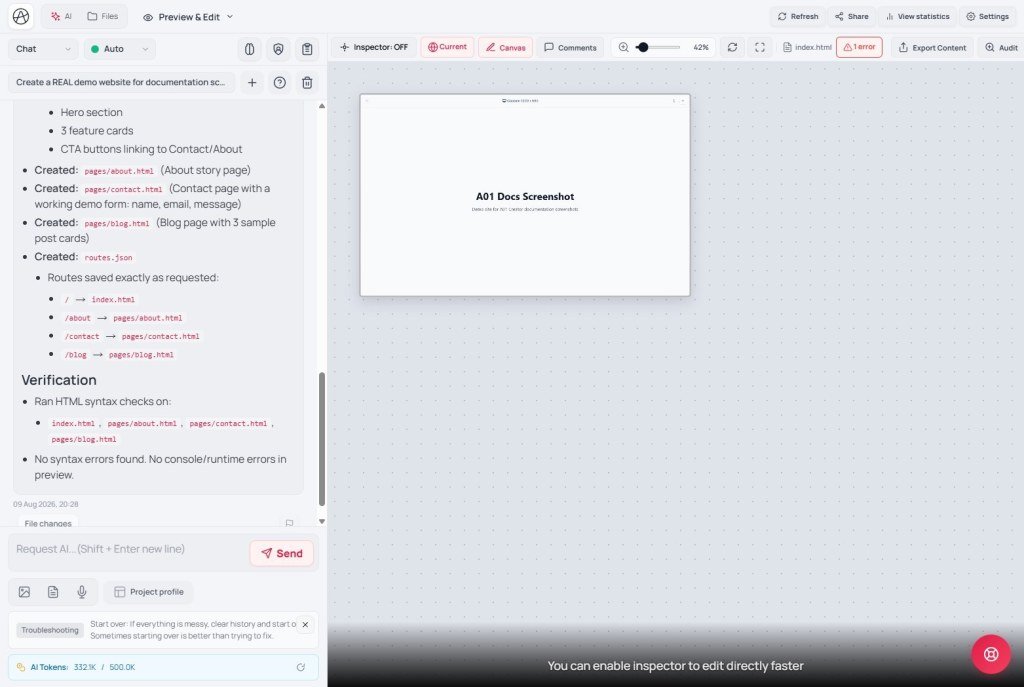
- Creator (storefront): Change a button color, edit “Buy now”, ask AI to add an About page. Work in View & edit. Visitors see nothing until you click Save changes.
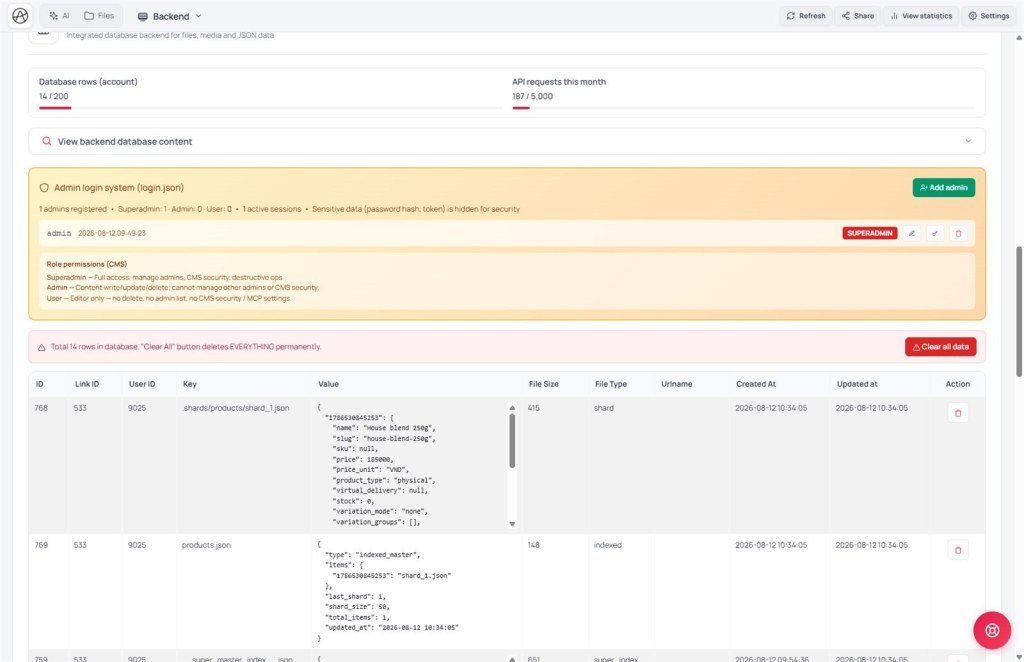
- Storage (warehouse): When a visitor submits a contact form, the ticket lives in the warehouse - not “on the page paper”. Inspect it under Backend → View backend database content.
- CMS (back office): Staff publish posts or change order status - open
/your-link-name/cms, no coding required. - MCP (pro door): Only when you (or a technician) want to edit in a familiar IDE. Not required for a shop owner who only publishes content.
4. A quick walk-through
- Open Creator → View & edit - this is the storefront.
- Open Backend - see API key, Easy/Advanced, and the data viewer (warehouse).
- In a new browser tab, try
https://…/your-link-name/cms- the back office (needs Advanced + a saved site). - Glance at MCP once - know where the pro door is; leave it off if you do not use an IDE.
- Remember Save changes on the top toolbar.
5. Aura Storage - two “bins” and who can do what
Inside Storage there are two separate bins (you do not need the tech names - remember the jobs):
| Bin | Holds | Everyday example |
|---|---|---|
| Data store (JSON) | Posts, contacts, orders, settings | Customer ledger / config sheet (AS02) |
| Page file store | HTML, images, CSS… | Files tab - files you see |
Site visitors (not logged into admin) usually can: read public data; submit a form by adding one row (AS03). They cannot edit/delete lists, change settings, change URL routes, or upload system images.
After admin login: create/edit content by role (AS05). Super admins do the riskiest jobs (accounts, hard delete…).
appifio_client - AM series); empty ledgers on first read are normal; every post with its own URL needs a route too (AS04); show dates with the built-in helper (AM08); do not invent a separate password file - admin auth already exists.6. Compared with other tools
- WordPress: wp-admin ≈ CMS; theme/editor ≈ Creator; database ≈ Storage - WordPress usually splits more into plugins.
- Shopify: Admin ≈ CMS; theme editor ≈ Creator; “orders/products warehouse” ≈ Storage.
- Bubble: editor + database tightly coupled; Appifio keeps storefront / warehouse / back office / IDE door separate.
7. Limits
You can
- Run a small shop/blog without renting a server
- Staff use CMS; owner uses Creator
- Outside pros only enter via MCP when allowed
Not / not yet
- Full CMS usually needs Backend Advanced
- MCP does not replace Creator for people who do not use an IDE
- Nothing “goes live by itself” when you only edit a draft or only edit in an IDE
8. Security (overview)
- Do not paste Backend API keys or MCP tokens into public chat groups.
- Give CMS accounts only to people who need them - AS05, AS11.
- Open the MCP door only when a trusted person uses an IDE.
9. Common issues
| Situation | Fix |
|---|---|
| You edited the page but visitors still see the old one | Click Save changes; check the Current view |
| Cannot open /cms | Check Backend Advanced + site saved (AS07, G01) |
| Mixing up CMS and Creator | Creator = design; CMS = daily posts / orders |
10. Tips
- Shop owners: learn Creator + CMS first; MCP later.
- Before asking AI to “build a shop”, say clearly: pages (Creator) + data (Storage) + admin (CMS).
- Read AS02 before telling AI to “save data” - pick the right sheet/ledger shape.
11. Self-check
- Can you sketch the 4 layers as a shop?
- Do you know which button puts UI live?
- Do you know when you need CMS and when you do not need MCP yet?
- Can you separate data store vs page files? Guests can add a form row but not edit the ledger?
Next lesson
AS02 - Two data shapes: config sheet vs multi-row ledger
Pick the right shape before asking AI - avoid “overwriting the whole contact list”.
Internal navigation (same language)
Appifio Creator · Aura series · AS01
