
Table of contents
Appifio Creator · Lesson AS05 · Intermediate · Aura series
Admin login
& site roles
& site roles
Who can do what: light editor, admin, super admin - in everyday jobs, without memorizing tech jargon.
Learning goals: Know the three roles; know where accounts are managed; never share the owner account.
Reading time: ~14 minutes · Previous: AS03, F03 · Next: AS06
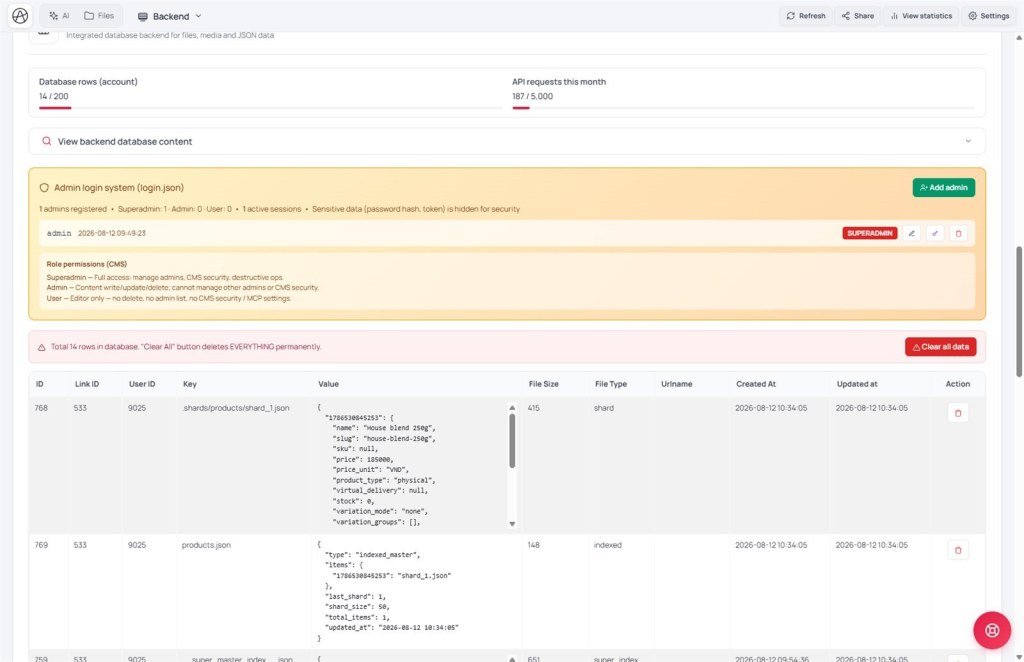
Backend Admin Management login.json Accounts /cms
1. Three-role map
Super admin - site owner: create/delete accounts, full rights
Admin - runs content & important data
User (light editor) - more limited editing (e.g. cannot permanently delete some things)
Site guest (not logged in) ≠ admin account
2. Glossary
| Term | Meaning | Where you see it |
|---|---|---|
| login.json | Where the system keeps the admin account list (do not hand-edit) | Backend tab · Admin Management |
| Still logged in as admin | Admin session still valid | Admin pages / CMS |
| Username | 3-50 characters: letters, digits, underscore, hyphen, period | Create-account / login form |
3. Day-to-day jobs by role (fuller matrix)
| Job | Guest | User | Admin | Super |
|---|---|---|---|---|
| Read public content | Yes* | Yes | Yes | Yes |
| Submit form (append 1 row) | Yes** | - | - | - |
| Publish / edit posts, upload images | No | Yes | Yes | Yes |
| Add routes | No | Yes | Yes | Yes |
| Delete rows / trash / remove routes | No | No | Yes | Yes |
| Edit CMS system settings | No | No | Yes | Yes |
| Permanently delete data files | No | No | No | Yes |
| Create / edit / delete admin accounts | No | No | List (limited) | Full |
| Change own password / profile | No | Yes | Yes | Yes |
* Guests may be filtered (published posts only) if content security is on - AS11.
** Contact / order forms: only when that content type allows guest append.
Admin sessions usually last about 24 hours, then you log in again. Method detail: AM06.
3b. Hard rules (do not get these wrong)
- Do not invent a separate “users / auth” file - use the built-in account system only (
login.jsonis system-managed). - Do not hand-edit / read
login.json, or ask AI to overwrite it. - Do not “hash passwords” on the page and compare them yourself - only log in through the standard form / API.
- The first account when nobody exists yet = super admin. Later accounts are created by a super admin.
- Too many wrong passwords → “Try again later” (like AS03) - wait, do not spam.
4. Practical steps
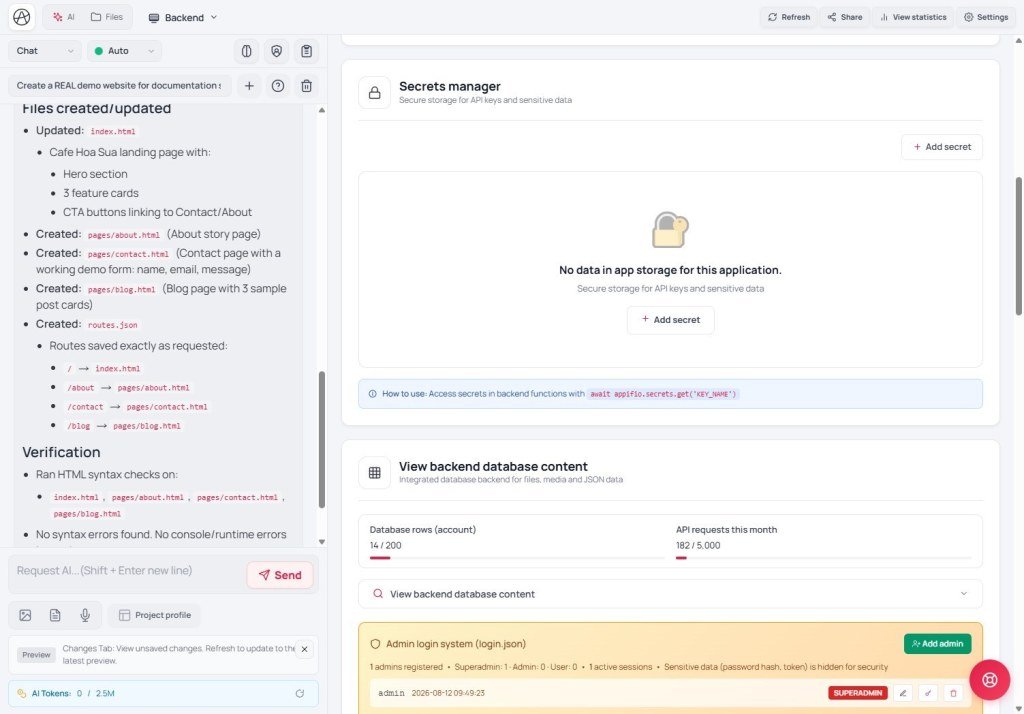
- Backend tab → Admin Management (related to
login.json) - follow the UI to create/manage accounts. - Or open CMS
/your-link-name/cms→ Accounts / users (if already set up - AS07). - Create an editor account with a lower role than the owner - never give staff the super-admin password.
- Remind the team: log out on shared computers when done.
5. Comparisons
- WordPress roles: Author / Editor / Admin - same layered-permission idea.
- Shopify staff: per-feature permissions - Appifio is simpler with a few roles.
6. Limits & security
You can
- Several people operating together
- Separate editor rights from owner rights
Do not / avoid
- Do not hand-edit login.json
- Do not share one owner account
- Passwords are protected by the system - do not ask AI to “print passwords on the page”.
- Usernames outside the valid 3-50 character set are rejected.
7. Common issues
| Situation | Fix |
|---|---|
| Button blocked / missing | Log in with a higher-permission account |
| Forgot owner password | Recovery via your Appifio account / support - no “bypass” |
8. Checklist
- Can you separate site guests from admin accounts?
- Does each staff member have their own account, not the owner password?
AS06 - Secrets & server functions
Internal navigation (same language)
Appifio Creator · Aura series · AS05
