
Appifio Creator · Lesson AS19 · Aura CMS + Storage
two declaration files · correct Prompt · no Easy
Know what the content manifest and UI contract each do - so you and AI stay aligned, and the Panel doesn’t break.
Important - Prompt & Skills
Backend = Advanced + CMS on. Creator → Prompt & Skills → Appifio prompt template:
- (Optional) Shared frame:
Appifio Storage - Shared Prompt Framework (Easy + Aura) - Required:
Appifio Aura Storage (Advanced) - Complete AI Guide - Required when using CMS:
Appifio Aura CMS + Storage - Complete AI Guide
Do not enable the Easy template. CMS does not run on Easy Storage.
Learning goals: Tell the two declaration files apart; know what AI may read/edit; use a safe AI ask flow.
Prerequisites: F01 Advanced · AS01 · AS07 · AS10 (content map)
Next: AS20 (real estate / fields) · AS21 (AI declares a type - merge both files)
1. Why no CMS + Easy?
Aura CMS needs sharded lists (readList / appendData / updateData), admin login, and two site declaration files. Easy is “one JSON ledger + overwrite” - not enough. Turning CMS on forces Backend Advanced.
JSON.parse + writeFile the whole ledger) → wrong. Always Aura + the declaration tables.2. What the two declaration files do
| File | Job | Who reads it? |
|---|---|---|
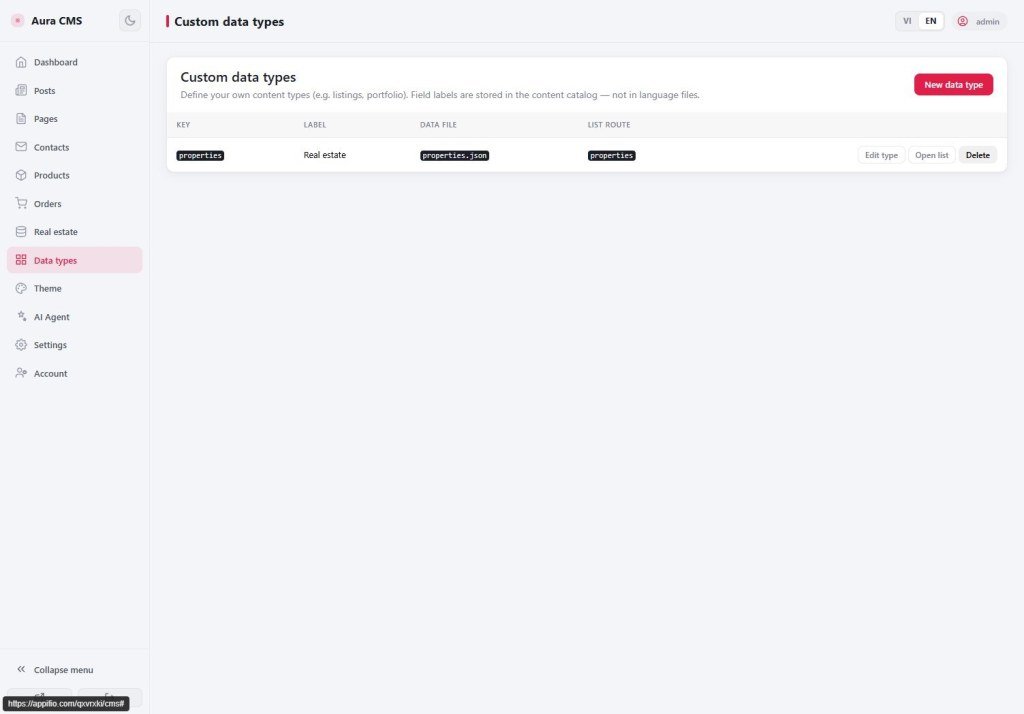
__cms_manifest__.jsonContent declaration table | Which content types · which fields · data file name (data_file) · routes · categories/tags. Source of truth for JSON file names. | Panel /cms (menu + forms) · public pages · AI |
__cms_ui_contract__.jsonUI contract | Which HTML pages · required hook ids (#post-list, #de-item-list…) · CSS/JS to link. Custom types add de_… keys. | AI when editing layout · CMS docs · (kept in sync with HTML pages) |
3. Public pages vs admin
| Surface | Allowed | Not allowed |
|---|---|---|
| Public pages | Read list/file · public form appendData (contact…) | writeFile / updateData / write HTML / addRoute |
Panel /cms | After login: CRUD posts, upload, routes, edit declarations (when saving a type) | Hand-edit system login files |
4. What AI may / may not change
| May | May not |
|---|---|
Public HTML/CSS/JS (blog, shop, properties/…) | Platform admin UI source under /cms |
Call Storage with the data_file from the declaration table | Invent file names; mix Easy APIs |
| Keep UI-contract hooks when restyling layout | Delete #post-list / #de-item-list… |
| Merge both declaration files when you ask clearly (AS21) or you Save a type on the Panel (AS20) | Overwrite the whole manifest/contract from scratch |
5. Built-in content types (reminder)
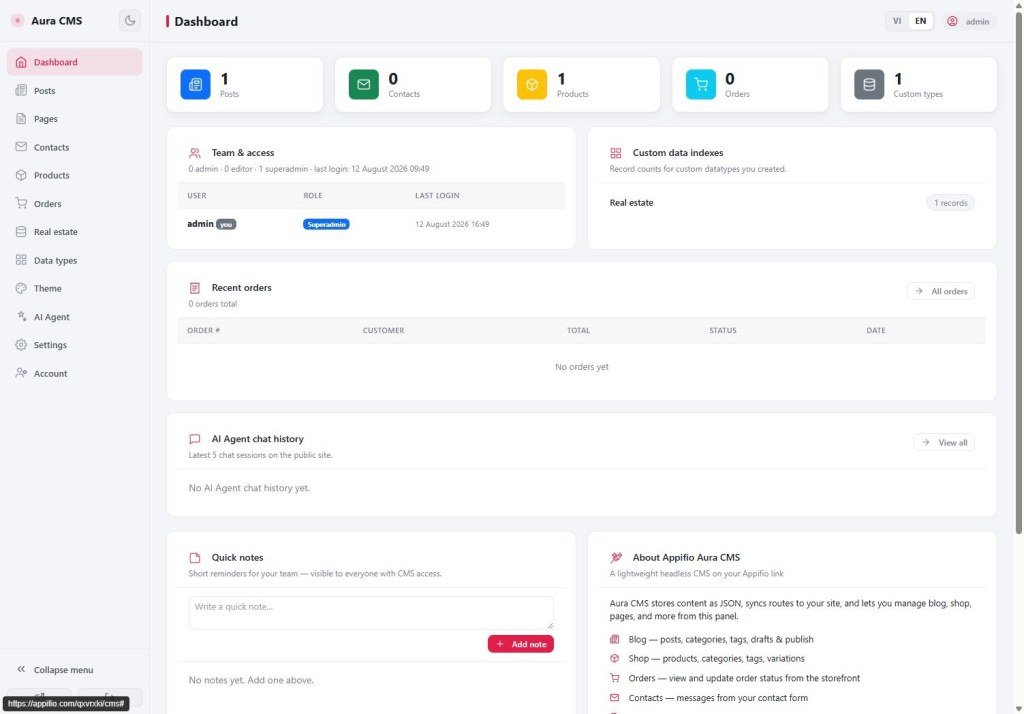
After CMS opens you usually get: posts, static pages, blog categories/tags, products, orders, contacts, site settings. File names come from the declaration table (e.g. posts are often blog-posts.json - don’t memorize an old shop-products name if the manifest says otherwise).
Public-page filters: built-in blog uses status === 'published' · custom types use publish_state === 'published'.
6. Two AI ask flows (pick one)
A - Recommended
- Panel → Custom data types → Save (AS20)
- Ask AI only to adjust HTML + filters
- AI reads the declaration table; doesn’t touch structure unless you ask
B - AI declares the type
- You ask clearly: create type + merge both files
- AI follows AS21 (schema like Panel)
- Open
/cmsand verify menu + form
7. Checklist before you ask AI
- Backend Advanced + CMS on + Save changes done
- Prompt: Aura Complete + CMS Complete - Easy off
- Opened
/cms, admin account exists (AS07) - New type: Panel (AS20) or AI merge (AS21)
- Remind AI: read
__cms_manifest__.json(+ contract when editing HTML) - Don’t ask AI to invent
users.json/ fake login
8. Common issues
| Situation | Fix |
|---|---|
AI writes JSON.parse + overwrites the whole ledger | Prompt is Easy or missing CMS guide - turn Easy off, re-enable Aura + CMS Complete |
| CMS has posts, site empty | Wrong data_file or filtering on status instead of publish_state (AS10) |
| Blog/shop gone after “creating a type” | AI overwrote the whole declaration file - restore an older version; next time merge only (AS21) |
| New-type Panel form broken / missing menu | Missing admin/field_ui or hidden taxonomy entity - redo per AS20/AS21 |
Next steps
AS20 - Fields + real-estate example on the Panel
AS21 - When you ask AI to declare a type (merge both files like the Panel)
Internal navigation (same language)
Appifio Creator · AS19 · CMS + Aura
