
Table of contents
Appifio Creator · Lesson AS09 · Intermediate · Aura series · CMS
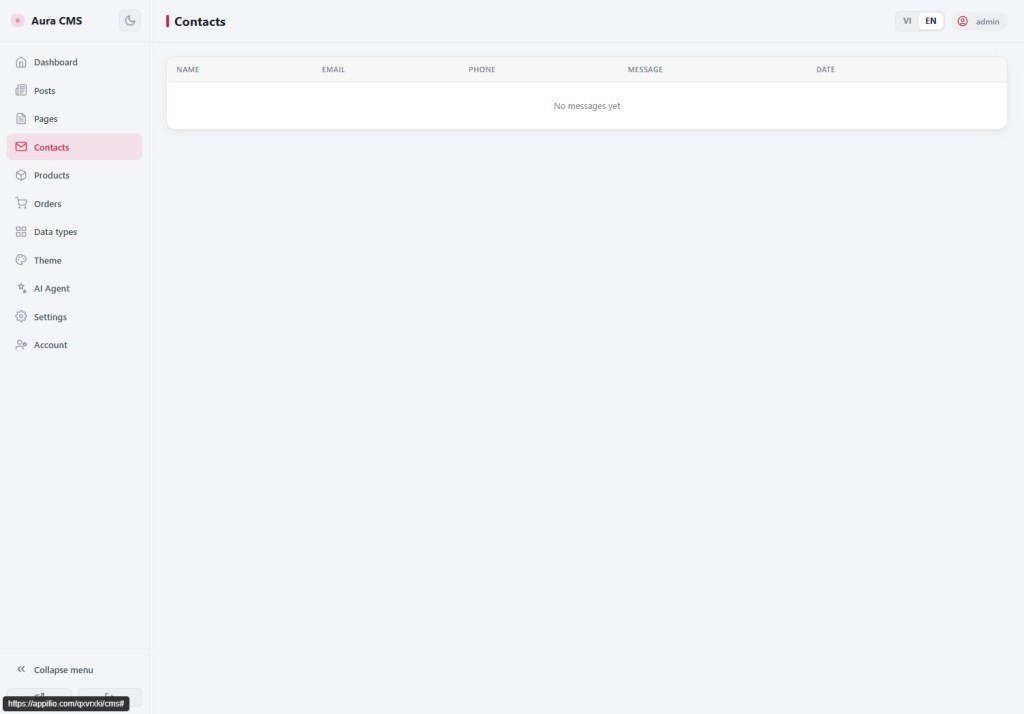
Contacts · Products · Orders
small-shop end-to-end
small-shop end-to-end
Visitors submit contact forms or place orders on the site → you change status in CMS - one operations loop with no code.
Learning goals: Read Contact tickets; manage Products; update Orders in the CMS UI.
Previous: AS03, AS08 · Next: AS10 · ~12 minutes
Contacts Products Orders
1. Small-shop loop

Web (Creator): catalog + order / contact forms
→ Data store (Storage)
→ CMS: Contacts / Products / Orders
→ You change order status (e.g. Processing → Delivered)
2. Glossary
| Term | Meaning | Where you see it |
|---|---|---|
| Contacts | Tickets visitors send from a form | CMS nav |
| Products | Items sold on the site | CMS nav |
| Orders | Purchase / booking tickets from visitors | CMS nav |
3. Steps
- Contacts: open the list → read new tickets → mark handled with the UI button/status.
- Products: add/edit name, price, image (CMS form) → check the shop page on the web.
- Orders: when a visitor orders on the web → open the order → change status → Save on the CMS form.
- If the site has no form/shop yet: ask AI in Creator (AS03 + a shop prompt), then return to CMS to manage records.
4. Comparisons
- Shopify Orders: same job of changing order status.
- Airtable inbox: Contacts is like a ticket inbox.
5. Limits & security
You can
- Small shop / pre-order
You can’t
- A full marketplace like Shopee
- Only trusted staff should open CMS to see orders / contacts (personal data).
6. Common issues
| Situation | Fix |
|---|---|
| Form submitted but CMS empty | AS10 + check Backend; correct data ledger name? |
| Status change does not save | Click Save on the form; does the account have enough permission? |
7. Checklist
- Can you open Contacts / Products / Orders?
- Have you tried changing one order’s status?
AS10 - Content map (avoid empty pages)
Internal navigation (same language)
Appifio Creator · Aura series · AS09
