
Appifio Creator · Lesson X11 · Troubleshooting
forgot superadmin
Can’t open /{url}/cms - first-time setup, wrong password, or expired session. Password reset goes through the platform APIs, not by “editing login.json” yourself.
Goal: Tell first-time setup apart from normal login; use the right role (T07); reset passwords via the platform - don’t invent shortcuts.
Before: G01, T07, T04 · After: X12
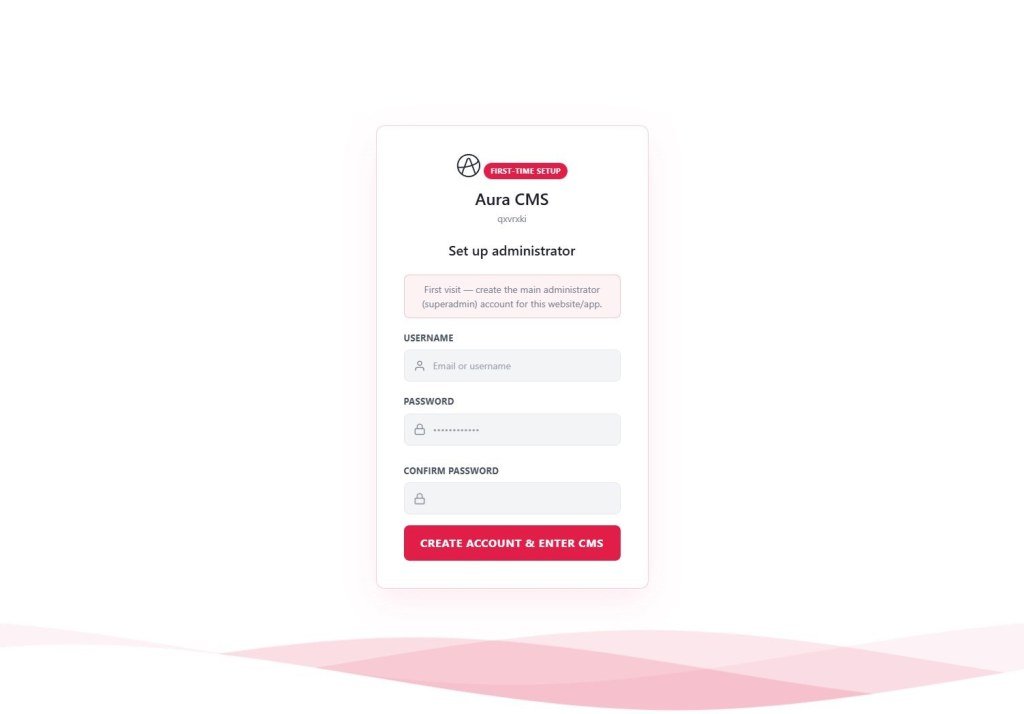
UI: /{url}/cms · first-time superadmin setup form · Username · Password · Confirm · sign in · Backend · Add admin
1. Diagnosis map
https://site/{url}/cmslogin.json (T04) · don’t ask AI to writeFile a reset2. Related roles (T07)
| Role | Aura CMS login | Manage admins |
|---|---|---|
| superadmin | First setup user; full Aura CMS power | Register / delete admins · change password |
| admin | Content CRUD · routes · upload | Cannot delete superadmin |
| user | Limited content editing | Cannot manage accounts |
| guest | Cannot enter /cms | - |
3. Fix steps
- First time: Open
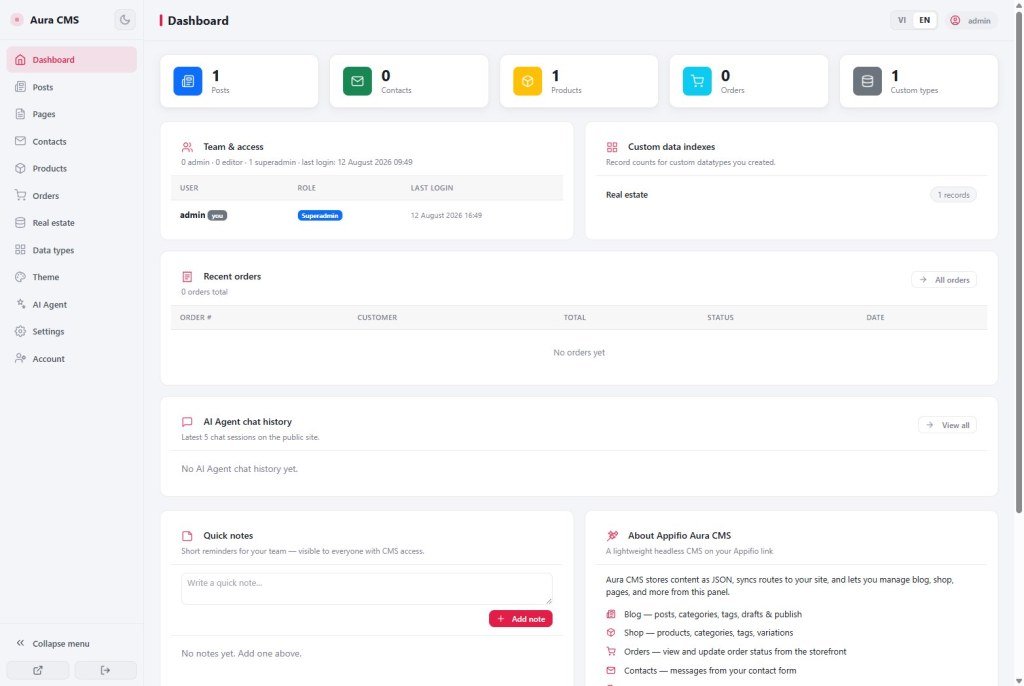
/{url}/cms→ fill Username (letters, numbers,_-.) · Password (minimum length per the form) · Confirm → create superadmin. - Forgot password - another superadmin still works: That admin signs in → Creator Backend tab → Add admin, or use the official change-password flow for the forgotten user.
- Session expired: Clearing local cache won’t help - sign in again; after Aura CMS login, the admin session is kept in the browser and refreshed after login.
- 404 /cms: Confirm Aura CMS is enabled (G01); the
cmsroute exists; you ran Save changes after bootstrap. - AI suggests “reset by writeFile on login.json”: Refuse - that file is denied (T04); use the official auth APIs.
4. What you can / cannot · Security
login.json to read the password (plaintext isn’t there); paste passwords into an AI chat; invent a reset API that isn’t part of the platform.Platform reset: if you lose all admin access on a production link - open an Appifio support ticket with the link name / project id and verify account ownership. There is no automatic “Forgot password by email” on every Aura CMS setup - that depends on what your app/AI implemented.
5. Issues · Advice
| Situation | Fix |
|---|---|
| Setup form missing even though you’re “not logged in” | Admins already exist - use the login form, or reset via a living superadmin |
| Login OK but Aura CMS menu is empty | Missing CMS manifest or CMS not bootstrapped (G01/T05) |
| user role can’t delete a post | Correct per T07 - promote to admin or ask an admin to delete |
| Applied a template (X08) → old admins gone | Temporary project data wiped - set up superadmin again on /cms |
6. Checklist
- Do you know the URL is
/{url}/cms(not a custom /admin unless your app added one)? - Are you avoiding read/edit of login.json?
- Do you have a backup superadmin or a Backend reset runbook?
Next: X12 - CDN library not loading
Internal navigation (same language)
Appifio Creator · User guide · X11
