
Appifio Creator · Lesson X02 · Troubleshooting
after AI
AI says it’s done but the iframe still looks old - a ~60-second checklist before you write another prompt.
Learning goals: Confirm you’re viewing Changes, Diff is applied, preview has reloaded - don’t confuse it with the live site.
Reading time: ~7 minutes · Previous: A03, K02 · Next: X03
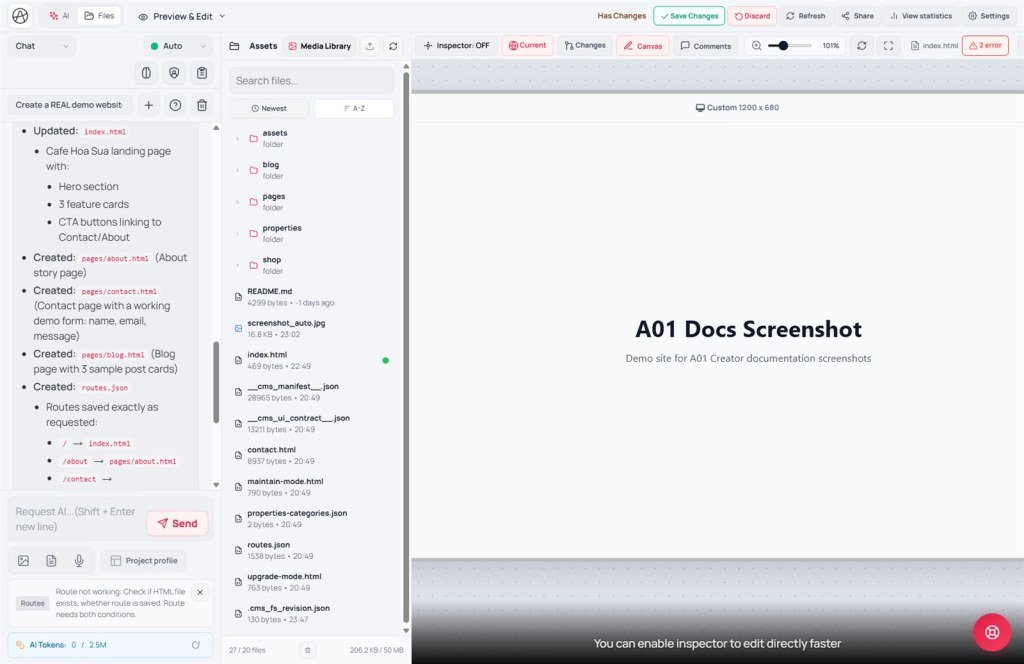
UI labels: Current · Changes · Reload · Unpublished draft · Compare changes: · Apply changes · Discard · Save changes
1. Diagnosis flow
2. Glossary
| Term | Meaning | Where you see it |
|---|---|---|
| Changes | Preview of the unpublished draft on the virtual disk | Left side of preview toolbar |
| Current | Published / live version on the server | Next to Changes |
| Diff | Line compare before accepting AI file writes | Compare changes: |
| Check draft files | Confirm files landed on the draft (refresh the Files tab if the list is stale) | Files tab |
3. Fix steps (exact labels)
- Wait until AI finishes (no typing indicator) - don’t reload mid-stream.
- Click Changes on the preview toolbar (not Current).
- Open Compare changes: → ✓ each file or Apply changes → Close.
- Click Reload on the preview toolbar (reloads the draft iframe).
- Compare Changes vs Current - only Changes should differ after AI.
- Files tab: confirm the files AI claimed to edit exist on the draft.
- No Unpublished draft badge → ask AI to “list files written”; check Diff wasn’t all ✗.
- Custom domain blocking the iframe → X05 before concluding “preview is broken.”
4. Compare · Can / Cannot
Vite/Webflow hot-reload: sometimes caches an old build - Creator splits draft/live clearly; the usual mix-up is viewing Current. Lovable/v0: preview often auto-updates - Appifio requires Diff + deliberately selecting Changes.
5. Symptom table
| Symptom | Fix |
|---|---|
| AI done, preview identical | Changes + finish Diff + Reload |
| Diff open forever, not applied | ✓ files or Apply changes |
| Draft exists but iframe blank | Reload; check active version (E01) |
| File in Files, preview unchanged | Iframe cache - Reload; try Canvas/Mobile |
| Just clicked Discard | Draft gone - Clone/Checkpoint (T10) if needed |
6. Tips · Checklist
- Golden rule: Changes → Diff done → Reload - then prompt again.
- Compare Changes vs Current before publish - avoid saving an unreviewed draft.
- Always check the Changes button before reporting a preview bug?
- Know that Diff without Apply changes means files aren’t on the draft yet?
- Tried Reload after AI finished?
Next lesson
Internal navigation (same language)
Appifio Creator · User guide · X02
