
Appifio Creator · Lesson X10 · Troubleshooting
/ free plan · BETA
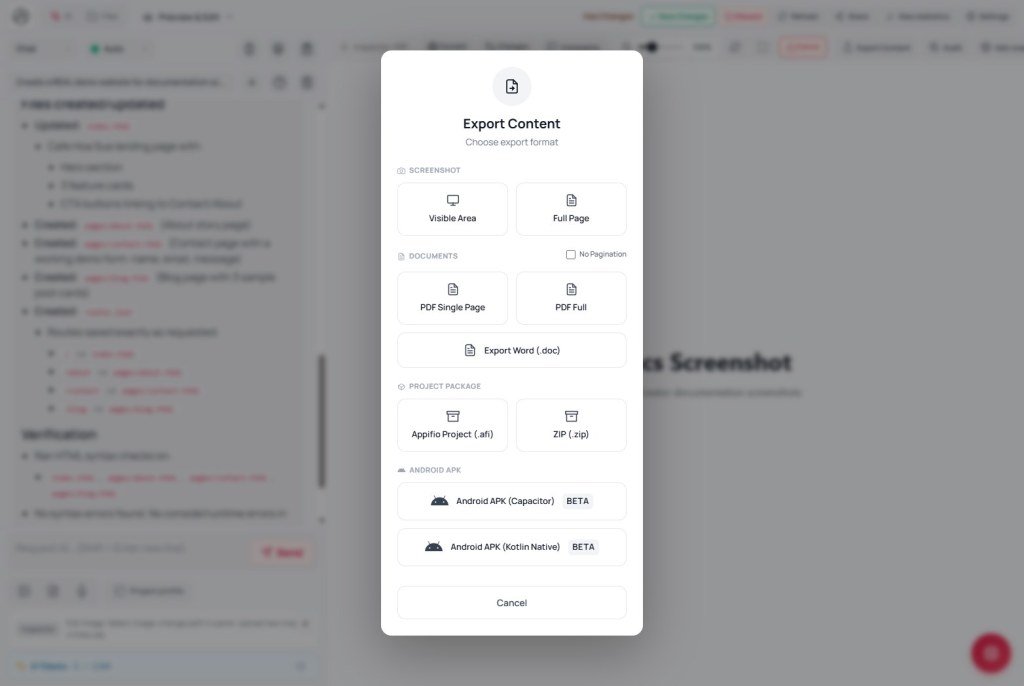
APK export is BETA and resource-heavy. Free plans may block it entirely; a failed build usually means simplify the app or check Project profile (App name).
Goal: Read each UI message correctly; pick alternatives (PWA, Android Mock); know when you need a plan upgrade.
Before: T09, E04, H03, K11 · After: X11
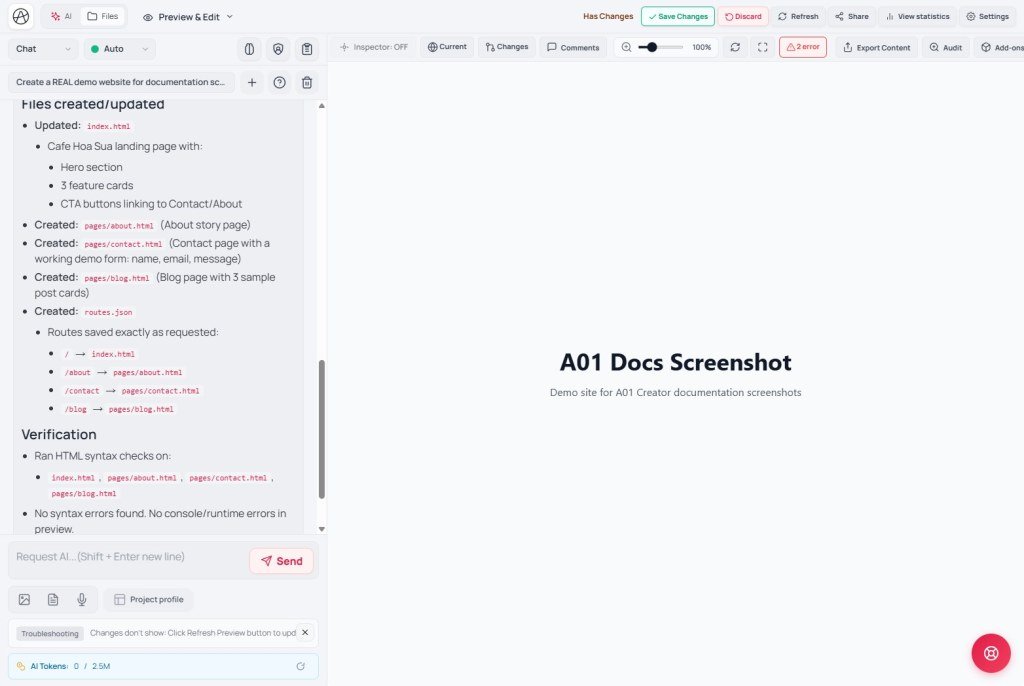
UI: Export · Build APK · Building APK... · Build failed · Project profile · App name · Android Mock
1. Read the UI messages correctly
| Message | Meaning | Action |
|---|---|---|
| Building APK... | Job running on the server | Wait; don’t spam Export |
| Build failed | Pipeline error (config, size, app name…) | Check logs if shown; simplify; try a small Capacitor template |
| Heavy tasks are not available on the free plan. Please upgrade. | Plan does not allow APK builds | Upgrade or skip APK - use PWA / web link |
| Preview not found | No valid preview yet | Open View & edit → Save changes first |
BETA: APK is not a Google Play-reviewed release - internal sideload only. Don’t promise customers “an app on the Store” from one Export click.
2. Alternatives map
3. Capacitor vs Kotlin - pick the right template
| Template | Best for | Build risk |
|---|---|---|
| Capacitor (WebView) | Existing HTML/CSS/JS site; biolink; landing | Lower - wraps the web app you already have |
| Kotlin native samples | Complex native demos; Android plugins | Higher - easier to fail if the BETA stack drifts |
- Open Project profile → fill App name (launcher label; avoid odd characters / leaving it blank).
- Trim heavy assets (4K video, extra CDN libraries) - turn some off under Libraries.
- Versions tab → Clone → try the build on a simpler copy.
- Export APK once → wait for Building APK... to finish → download if it succeeds.
4. Comparison · Limits
- Expo EAS Build: also queued + plan-gated - “Heavy tasks…” is the same kind of plan limit.
- Flutter release: needs keystore + store review - Appifio BETA does not replace the Store process.
You can: sideload an internal APK (when plan + build succeed). You cannot: guarantee Play Store; run many parallel build jobs; build APK on free if the UI blocks it.
5. Issues · Advice
| Situation | Fix |
|---|---|
| Spam Export → many failed jobs | Wait for one job; Clone if state is bad |
| Kotlin sample fails repeatedly | Switch to a Capacitor template; keep the site web-first |
| Client wants “a Store app” | Explain BETA + a separate Store process (E04) |
6. Checklist
- Did you distinguish “Heavy tasks…” from “Build failed”?
- Is App name filled in Project profile?
- Do you have a PWA / Android Mock plan if APK isn’t available?
Next: X11 - CMS cannot log in
Internal navigation (same language)
Appifio Creator · User guide · X10
