
Appifio Creator · Lesson X07 · Troubleshooting
→ data breaks
Contacts/products/blog lists “vanish,” shrink, or corrupt shards - usually writeFile writing the whole array instead of indexed CRUD.
Learning goals: Spot Diff with writeFile('contacts.json', [...]); migrate to appendData/readList/updateData; recover with Clone/Checkpoint.
Reading time: ~12 minutes · Previous: T03, F05 · Next: X08
UI labels: Compare changes: · Versions · Create new (Clone) · Backend · View backend database content · Save changes · Discard
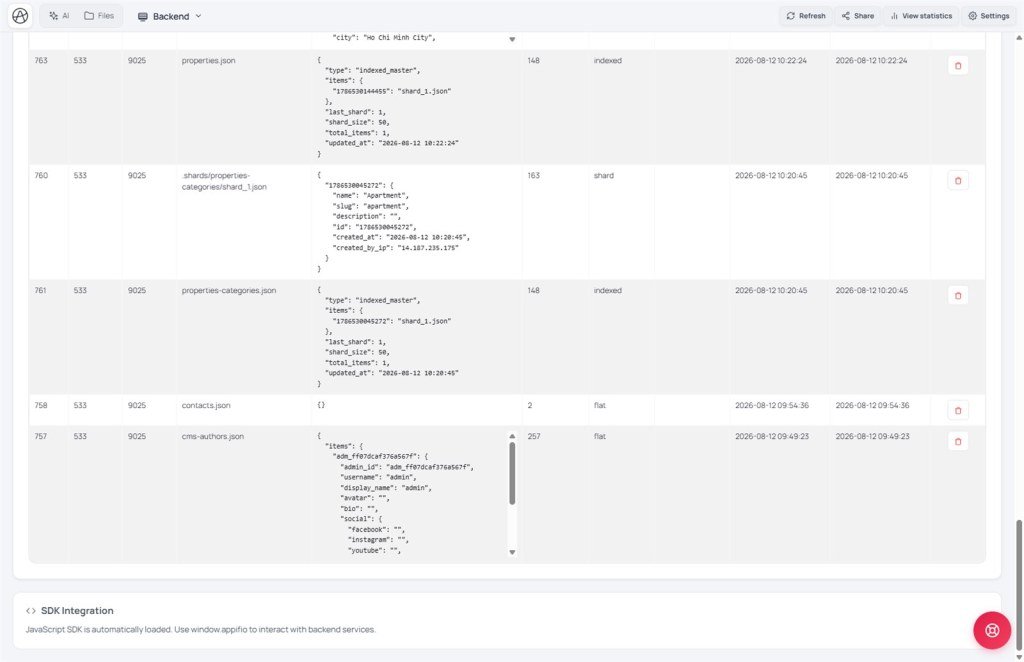
writeFile on an indexed list (contacts, products, orders…) can overwrite / break sharding - data may be unrecoverable if you already Save changes without a Clone.1. Spot & fix flow
2. Glossary (Flat vs Indexed - T03)
| Type | Use when | Correct API |
|---|---|---|
| Flat | One config object (settings) | readFile / writeFile |
| Indexed / CRUD list | contacts, products, blog posts, orders… | appendData · readList · updateData · readFile(file,id) |
| writeFile on a list | Wrong - overwrites master + breaks shards | Always ✗ in Diff |
3. Rescue & migrate steps
- Emergency: if not published yet → Discard or ✗ the writeFile Diff.
- Already published → Versions tab → pick a Clone/Checkpoint from before the break (T10).
- Create new (Clone) before any large migrate.
- Mode Coder / Architecture: “Move contacts/products to indexed; ban writeFile on lists; use appendData/readList/updateData.”
- Open Compare changes: - ✗ if you see
writeFile('contacts.json', [...])or the same for products/orders. - Preview Changes → test submit → Backend → View backend database content.
- Aura CMS on: follow
data_filein the manifest (T05) - don’t invent file names. - OK → Save changes.
4. Compare · Can / Cannot
One browser memory cell holding the whole list: same mistake as writeFile-on-list - breaks at scale. Airtable/Notion DB: always record-oriented ≈ indexed Aura Storage.
5. Security
Guests may appendData only when policy allows - never give guests writeFile/updateData (K05/T07). Guest writeFile on a list = broken data and a security hole.
6. Symptom table
| Symptom | Fix |
|---|---|
| List “vanishes” after a few hundred rows | Suspect writeFile - migrate indexed; restore Clone |
| Diff shows writeFile([...]) | ✗ reject - re-prompt for appendData |
| Only one object left instead of a list | File overwritten as flat - Clone + migrate |
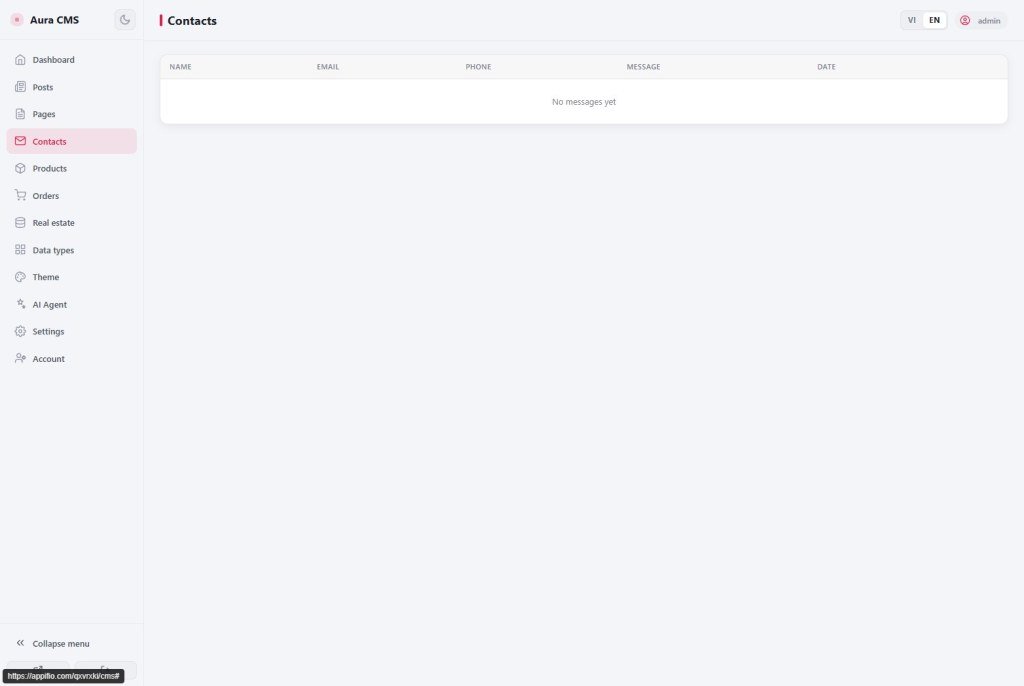
| Aura CMS panel empty though form works | Wrong data_file / writeFile on the wrong manifest file |
| Already clicked Save changes, with no backup | Older Clone if any; no magic fix - contact support |
7. Tips · Checklist
- Standing prompt for every project: “Indexed for every list; Flat only for settings.”
- Review Diff like a PR - one writeFile-on-list line = ✗ immediately.
- Before a large CMS prompt: Clone + (optional) Export .afi.
- Can you tell Flat vs Indexed (T03)?
- Know to ✗ writeFile on contacts/products in Diff?
- Clone before letting AI migrate a list?
Next lesson
Internal navigation (same language)
Appifio Creator · User guide · X07
