
Table of contents
Appifio Creator · Lesson T09 · Technical
View space:
Standard · Canvas · Mobile · Android Mock
Standard · Canvas · Mobile · Android Mock
Four ways to look at the same preview - mix them up and you get “Canvas vanished” or “I can’t see breakpoints.”
Goal: Define each control against the DOM; know Canvas ↔ Android Mock conflicts; Desktop/Tablet/Mobile breakpoints.
Time: 12-14 min · Before: C01, C02, H03 · After: T10
UI: View & edit tab · Current/Changes · Standard · Canvas · Mobile · Android Mock · Add breakpoint
1. Which mode?
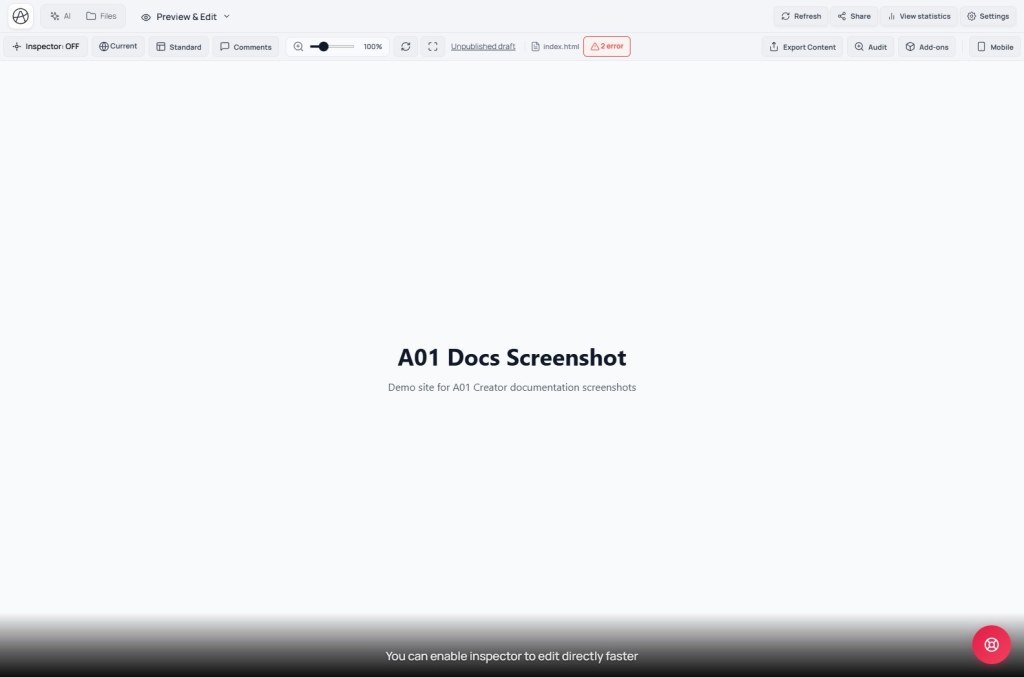
Quick single full-frame view? → Standard (tooltip: normal preview)
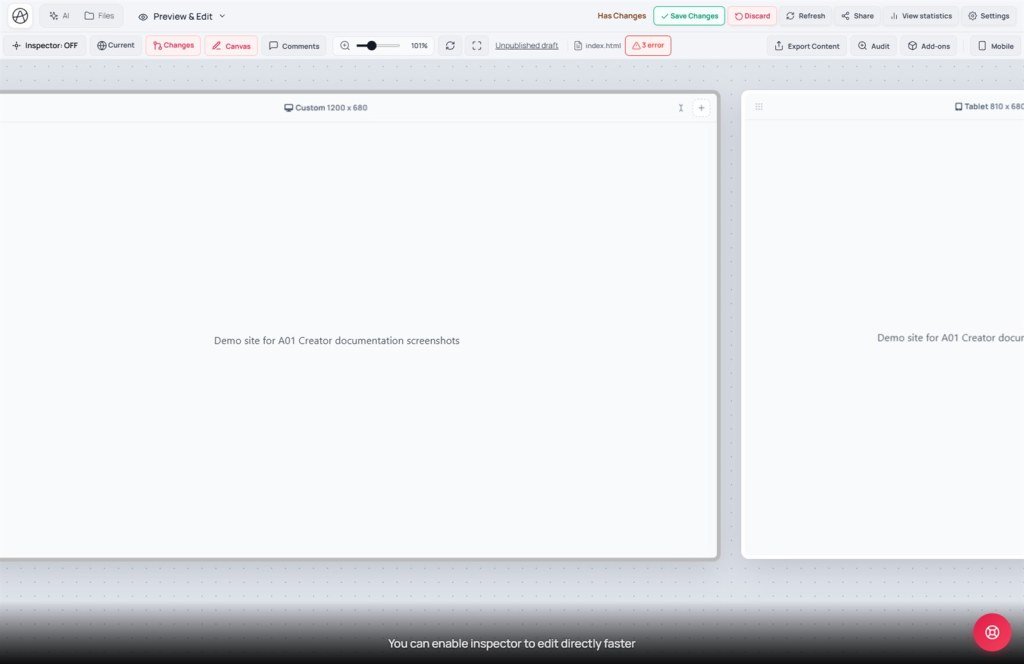
Compare Desktop + Tablet + Phone side by side? → Canvas
→ artboards Desktop · 1200 · tablet 810 · Mobile 390
Just shrink the web viewport? → Mobile (right toolbar)
Android-style control-bar layout? → Android Mock
Mock ON → Canvas usually off / falls back to Standard
Mock ≠ real APK (X10) - UI QA only
2. Four-mode comparison
| Label | What it does | Not |
|---|---|---|
| Standard | Single iframe + zoom ~0.3-2/3× | Multiple artboards |
| Canvas | Pan/zoom workspace; Ctrl+wheel; multiple BPs | Android emulator |
| Mobile | Narrow mobile viewport on the right toolbar | Canvas artboard |
| Android Mock | Android control-bar mock frame | Installable APK |
3. Extra glossary
| Label | Meaning |
|---|---|
| View space | View & edit tab + Standard/Canvas modes |
| Add (breakpoint) | Modal for custom width 320-1920px |
| Reload | Refresh the iframe - does not change view mode |
4. Practice steps
- "View & edit" tab → pick "Changes" (or Current to compare with live).
- Click "Canvas" - tooltip guides enabling the canvas workspace while on Standard.
- BP bar: Desktop / Tablet / Mobile; or "Add" a custom width (e.g. 1440).
- Compare with the right-toolbar "Mobile" button - shrinks the frame only, no multi-artboard.
- Turn on "Android Mock" → Canvas may go off temporarily; turn Mock off → re-enable Canvas.
- After QA → return to Standard for fast Inspector edits (C02).
5. Platform comparisons · Limits
- Figma device frames / Webflow canvas: closest to Canvas.
- Chrome DevTools device toolbar: closest to the Mobile button.
- Android Emulator / APK: far from Mock - needs a build or a real device (X10).
You can: QA responsive layouts in Creator. You cannot: run Canvas + Mock at once; measure device GPU; test native push notifications.
6. Suggested responsive QA flow
- Edit CSS/layout on Standard + Inspector - fastest.
- Switch to Canvas - compare 1200 / 810 / 390 together.
- Turn on Mobile to try the hamburger menu alone.
- Client mobile demo: Android Mock (remind them it is not an APK).
- Screenshot from a Canvas artboard - not the whole panned workspace.
- Before Export APK (X10): QA Canvas Mobile at 390px.
7. Issues · Checklist
| Issue | Fix |
|---|---|
| Canvas disappeared suddenly | Turn off Android Mock / Mobile compact |
| Custom width error | Only 320-1920 (UI message) |
| Breakpoint doesn’t match CSS | Media queries in code must match artboard widths |
| Thinking Mock = App Store build | Explain Mock vs APK BETA (X10) |
- Can you tell Standard / Canvas / Mobile / Mock apart?
- Do you know Mock temporarily turns Canvas off?
- Do you pick the right mode before screenshotting for a client?
Next: T10 - Checkpoint vs History vs Versions
Internal navigation (same language)
Appifio Creator · User guide · T09
