How to create a link in bio in 15 minutes: prep content, build a fast biolink with AI or a template, publish, and attach your Instagram biolink.
People often ask how to create link in bio as if the hard part is picking a tool. The hard part is knowing what the bio must do today - then building. This guide shows a fast biolink inside a link in bio 15 minutes frame: live URL, pasted onto an Instagram biolink (and other channels if you use them), tap-tested on a phone. It is not a click-by-click UI walkthrough. Product details: biolink AI and biolink manual. Try now: /create-bio-link. Longer view: biolink marketing strategy.
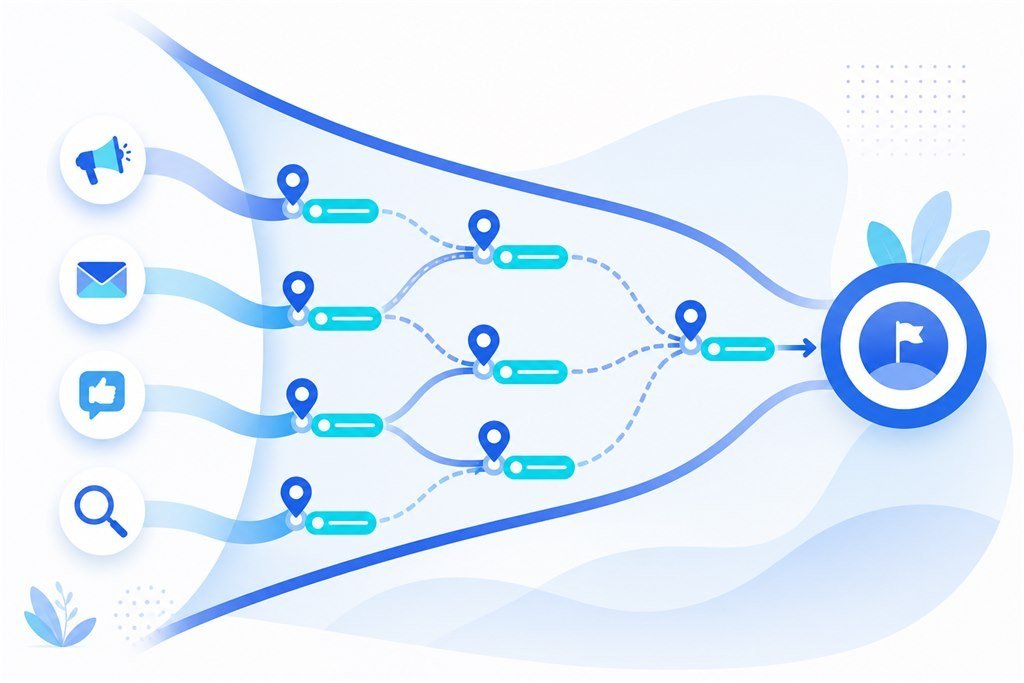
Why opening the tool first costs you the whole afternoon
If you have ever spent thirty minutes choosing a gradient and still do not know what the top button should say, you are not slow. You started building before you had a brief. The tool becomes a place to hide from decisions: colors are easy; “what is this bio selling this month?” is harder to answer honestly.
In real marketing, how to create link in bio means a short chain of decisions - not a design session. You are building a tiny storefront on social: someone arrives from a Reel, a Story, or a TikTok, looks around for a few seconds, then picks one action. If that storefront does not know what it sells today, every interface tweak is decoration.
How to create link in bio - minutes 0 - 3: write the brief before the tool
For the first three minutes, do not open Appifio, Linktree, or any builder. Open notes. Write five lines - short enough that “I did not have time to prepare” is not an excuse:
- One sentence on who you help to do what (value prop, not a fluffy slogan).
- One primary CTA for this month - only one.
- Two to four secondary links you truly need; everything else stays off.
- Clean avatar and banner that match the person/brand already on social.
- Exact handles (no typos, no retired accounts).
Missing any of the five? Stop and gather them. It feels slower, but this is where a fast biolink actually happens: you are fast because you are not guessing mid-build. Many creators skip this step, then blame the tool for being “hard.” The tool is waiting for business answers.
With those five lines, also pick one voice for the bio. Direct selling, portfolio, or lead magnet - each voice needs a different CTA and button order. The page should not shout all three at once. Pushing a digital product? Top button is signup or buy; portfolio drops lower. Hunting brand deals? Primary CTA is media kit or contact. Decide which URLs will not ship this round: old collabs, expired promos, “update later” lines. What you leave off is also a marketing decision.
Fast biolink (minutes 3 - 8): AI or template - pick by speed to the right offer
Only after the brief exists should you open a tool. The question is not “is AI better than manual?” It is: which path gets you a hub that matches today’s offer faster? This is the build step in how to create link in bio - the brief owns content; the tool only renders it.
AI fits when you have intent but want a usable section frame, then you refine CTAs and proof. Templates or manual builds fit when you already know each block: short hero, primary button, form, catalog, social. Technology debates at this stage only waste time. The job of a link in bio 15 minutes sprint is a correctly aimed page - not winning an AI argument.
Once the frame exists, replace every fake string and stock image. Name buttons by actions people understand (“Get the size chart”, “Book a consult”) - never “Link 1” or “See more.” Suggested order: primary CTA → form or chat if you capture leads → catalog or bestsellers → social and secondary links. Delete dead links before publish. If the bio’s job is selling, skim biolink for sales so the primary button does not become a vanity link.
Instagram biolink and other channels (minutes 8 - 12): publish is not enough until it is pasted
Many people stop at Publish on desktop and call it finished. For customers, the bio only “exists” when they can tap it from the app. Copy the URL, open Instagram / TikTok / YouTube on your phone, paste into the bio field, save, then tap-test from another account or guest mode. Forgetting one channel means traffic still hits the old link - and you will think “the new bio is not working” while customers never saw it.
If one hub serves multiple platforms, still measure campaigns separately with short links; for layout ideas by channel, see Instagram / TikTok / YouTube layouts. Keep the long-term hub stable; keep campaign measurement flexible. Drop the live URL in team chat so collaborators stop asking which link is current.
For most creators, the Instagram biolink is where viewers tap most after Reels and Stories. Prioritize tap-tests inside the Instagram app first, then TikTok or YouTube. One dead URL on Instagram is enough to wreck a fifteen-minute sprint.
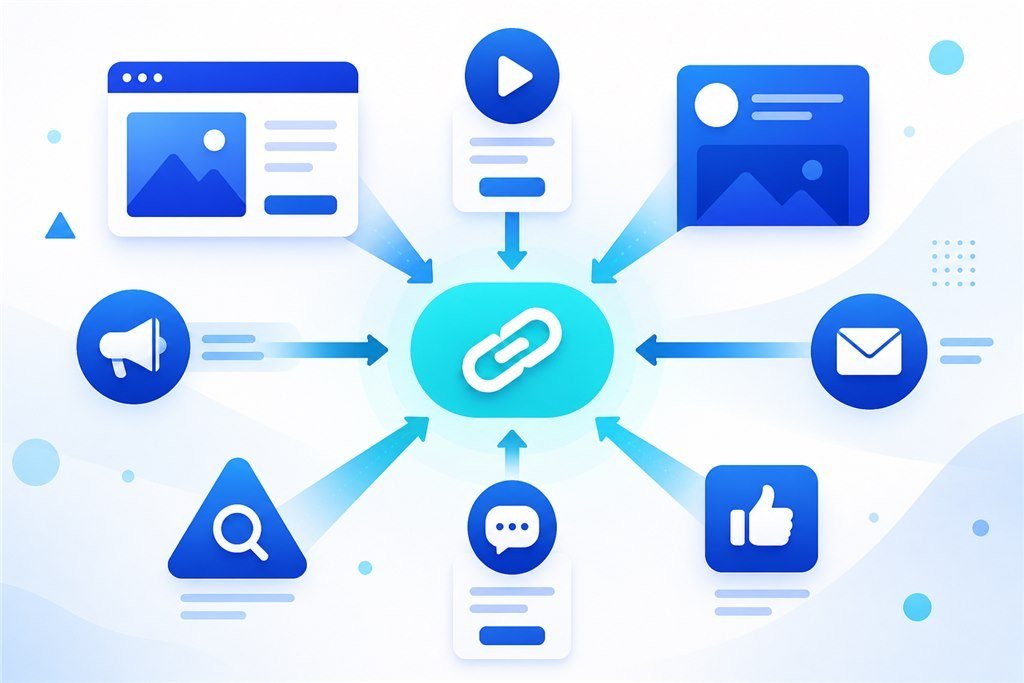
Link in bio 15 minutes - final minutes: mobile check and minimum measurement
Open the bio on real 4G. Are images heavy? Are buttons easy to tap with a thumb? Does the form submit? If you sell, run the short checklist from the sales article linked above. If ads are live or imminent, attach UTM or a pixel now - do not leave it for “next week.” Late measurement usually means the first two weeks of paid traffic teach you nothing.
Before you leave the desk, note the publish date and the primary CTA in use. Two weeks later, compare button clicks: is the primary CTA winning? If not, change copy or order before adding new buttons. A link in bio 15 minutes sprint ends when a review date sits on the calendar - not when you feel “good enough.”
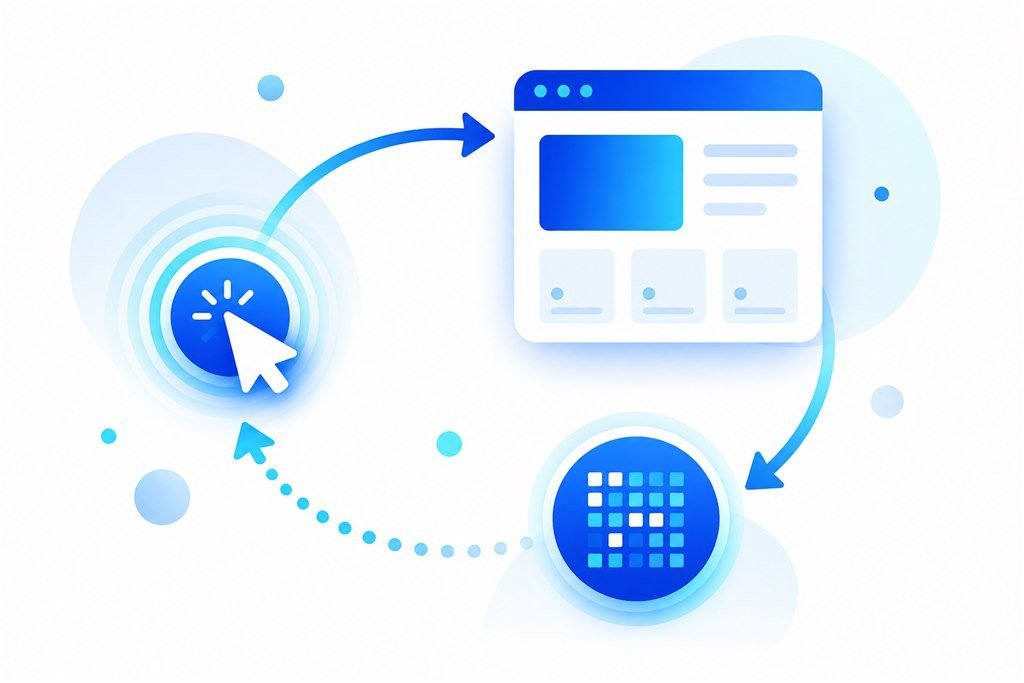
After fifteen minutes: week one so the bio does not die young
Days 1 - 2: answer leads and DMs inside the SLA you promised on the page. Days 3 - 7: fix one friction point - button copy, image, or form - only one. End of week: hide or delete links that drift from the offer. If you need title, meta, and OG next, continue with the 2026 biolink SEO checklist. That is hour-two work; do not let SEO block having a hub today.
Creators get stuck wanting a bio as perfect as a big brand on day one. The fifteen-minute goal is a correctly aimed pipe. Polish comes from iteration on data. Put a twenty-minute calendar block seven days out titled “bio review.” Without a review date, the bio becomes a forgotten page after one campaign. Looking at the full loop, sustainable how to create link in bio is not “done once” - it is brief → publish → measure → light weekly edits.
Printable checklist - copy into notes
- One-line value prop + one primary CTA.
- At most four secondary links (fewer is fine).
- Image and display name consistent with the brand on social.
- Publish, then paste the bio on every channel you use.
- Mobile and form test on 4G.
- Record publish date + a review date seven days out.
Week-two operations: keep the rhythm, do not redesign from scratch
Each week protect thirty to forty-five minutes: read clicks and leads, set one hypothesis, change exactly one thing. Who owns the CTA, who owns ads URLs, who follows up leads - write it down, even if one person wears every hat. Before scaling ads, QA again inside the Instagram app and agree on a conversion definition. Only add a landing when the offer truly needs a deeper page. When collabs or agencies join, hand them a UTM template; do not let every person invent naming.
Even without ads, watch organic: which videos pull people to tap the bio. Content hours are not free. At month-end, archive CTAs you ran - this month’s memory becomes next month’s brief.
First ninety days: from a living hub to a scale decision
Days 1 - 14: lock one offer, one CTA, one destination URL, one minimum measurement method. Do not open a CMS, five landings, or five pixels. The goal is a clean pipe and a team that can read numbers. If leads arrive and nobody replies inside the promised window, fix sales process before you fix layout - tools cannot rescue dead follow-up.
Days 15 - 45: run small traffic, warm organic or light paid. Change only one variable per week: headline, button, form, or source. Log what changed. Compare a seven-day window with the previous seven days, not with “how this week felt.” If clicks rise and leads do not, do not raise budget - fix the destination or the offer. If leads rise and revenue does not, the issue is sales script, price, or fulfillment.
Days 46 - 90: scale only what is proven. A second campaign landing only when the second offer is truly different. Multi-page only when customers repeat questions a hub cannot answer. Deeper catalog only when bestsellers are stable. “Completing the set” before day 90 usually creates maintenance debt. A chain of small experiments beats building a large website once and abandoning it.
At quarter end, hold a sixty-minute meeting: what to keep, what to cut, what to double. Save creatives, aliases, UTM, CTAs, and numbers. SMEs do not need a strategy department - they need a habit of writing things down.
Three operating mistakes more expensive than missing features
Mistake one: many people can edit the bio, nobody owns leads. Buttons thrash; the inbox dies. Fix it with one sheet row: name, responsibility, review date. Writing permissions once is cheaper than ten meetings about who may touch what.
Mistake two: measuring one layer, then optimizing another. Watching short-link clicks and concluding the landing is weak; or watching Ads Manager ROAS and concluding UTM is useless. Each layer answers one question. Clicks tell you whether the pipe was touched. UTM tells you the source. Pixels teach ads machines on real touchpoints. CRM conversions tell you whether leads became money. Meetings without a written question become taste debates.
Mistake three: mixing experiments with infrastructure. Changing a CTA this week is an experiment; changing naming rules mid-month breaks infrastructure. Primary pixel, brand domain, and UTM conventions are infrastructure - touch rarely, changelog always. Buttons, headlines, and catalog order are experiments - allowed to die after two weeks. Mixing the two makes teams reset process every month and never compound learning.
Preventing these three mistakes does not require a new tool. It requires a fixed thirty-to-forty-five-minute weekly block, a one-page sheet, and a habit of not changing five things in one day. A team of one to three can do this if they treat operations as part of the marketing product, not as chores after creative.
Four numbers are enough - skip the twenty-metric dashboard
Complex dashboards make teams avoid reading. For most SMEs and creators, four numbers cover it: (1) hub visits or bio clicks; (2) form-start or primary-CTA tap rate; (3) qualified leads or orders; (4) cost per lead or order if paid. If those four are invisible, do not generate a new layout - fix measurement first.
Add a few qualitative lines each week: what customers ask in DMs, which objections repeat, which creatives pull the right people. Qualitative explains quantitative. Without notes you only see mid-form drop-off and cannot tell whether price, shipping, or vague copy caused it.
On days with live ads: ten-minute skim. Each week: a thirty-to-forty-five-minute block. Each month: archive. Do not read in real time and kill a campaign after four hours - windows that short create noisy optimization, especially with a new pixel and a cold audience.
When an agency or collab joins, put the four numbers, conversion definition, and alias map into onboarding before they get publish rights. If they will not accept measurement before go-live, that is a weak-process signal - usually more expensive than moving one week slower yourselves.
Bio, landing, short link, pixel: connect in the right order
Practical order: correct hub and offer first → minimum measurement → small traffic → then expand. Bio is the multi-exit social door. Landing is the single-offer pipe. Short links are campaign addresses with click counts. Pixels teach ads machines on real touchpoints. UTM is the source label inside your systems. Cut any layer without a job; do not turn everything on “to complete the set.”
One person wearing every hat should still write roles on paper. When you scale, split by layer: hub merchandising, ads URLs, lead follow-up, reading numbers. Dual hats are fine; ambiguity is not. A one-page go-live sheet: CTA matches offer, real proof, mobile QA, UTM, pixel, lead SLA, and a plan to close the campaign when it expires.
Organic is not free. Hours writing Reels, answering DMs, and editing the bio are costs. Measure organic with the same discipline as paid; the main difference is cash budget. If organic bio taps do not become leads, do not blame the algorithm before you inspect CTA and follow-up.
Before large ads, keep a definition of done: one-sentence offer, one CTA, real proof, measurable, mobile-OK, someone owning leads. Missing one of the six means it is not scale time. That discipline is usually cheaper than new creative every week - and matches using Appifio as marketing infrastructure, not a pile of disconnected tools.
In short
How to create link in bio in fifteen minutes does not start with a gradient. It starts with a brief: one value sentence, one CTA, a few secondary links, clean images, correct handles. Then build the frame, publish, paste onto social, and mobile-test. A fast biolink wins on prep; a link in bio 15 minutes sprint is done when the URL is live and a review date exists; an Instagram biolink must be tap-tested in the real app. Deep SEO and long landings are hour two. Start at /create-bio-link.
FAQ
Is fifteen minutes enough for a serious sales bio?
Enough to aim the hub and publish. Seriousness comes from offer, proof, follow-up, and measurement in the following days - not from another hour of color tweaks.
If I already have a link list, do I still need AI?
Manual can be very fast. AI helps when you want structure richer than a plain button list. Choose by the outcome you need today, not by trend.
Do I need a custom domain in the first fifteen minutes?
No. Publish first; attach a domain when brand or SEO needs it. Do not let DNS block launch day.
After the bio is live, do I still need a landing?
When one offer needs a deep page or ads demand longer storytelling - yes. In the learning stage, a bio is often enough.
How do I know the fifteen-minute sprint succeeded?
URL is live on social, primary CTA is clear, tap-test works on a phone, and you know which day you will review metrics.