Compare Appifio vs Linktree and when a Linktree alternative with AI biolink makes sense — domain, forms, backend, and a migration checklist.
Choosing a Linktree alternative is not a beauty contest between tools. It is a decision about when a plain button list is enough - and when you need a biolink that can grow into forms, catalog, and a website. This fair Appifio vs Linktree frame helps creators and SMEs run an honest AI biolink compare against button lists, plus a practical link in bio tool comparison before migration. Try a hub at /create-bio-link. Strategy context: biolink marketing strategy 2026.

Two directions: plain buttons vs a hub that can expand
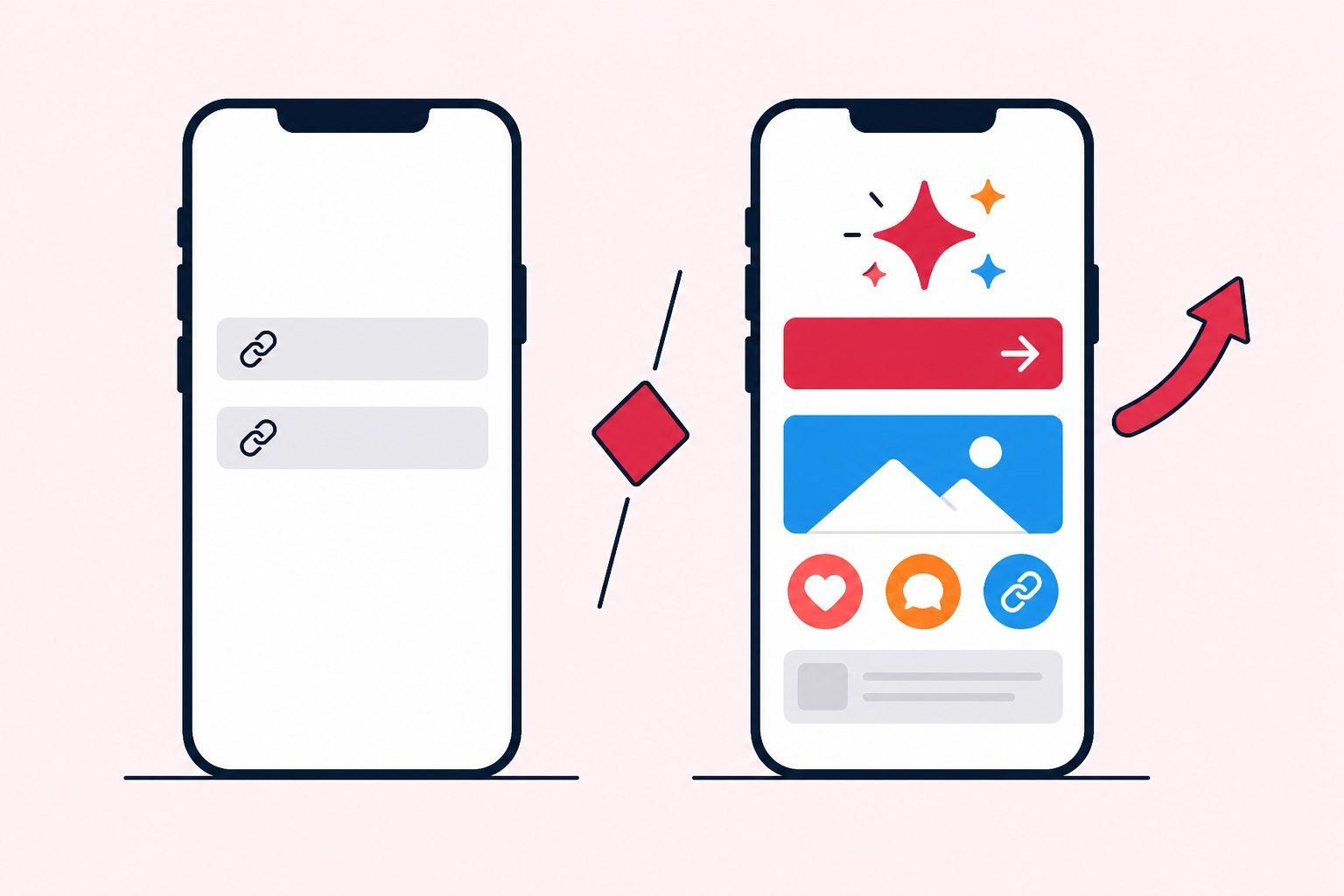
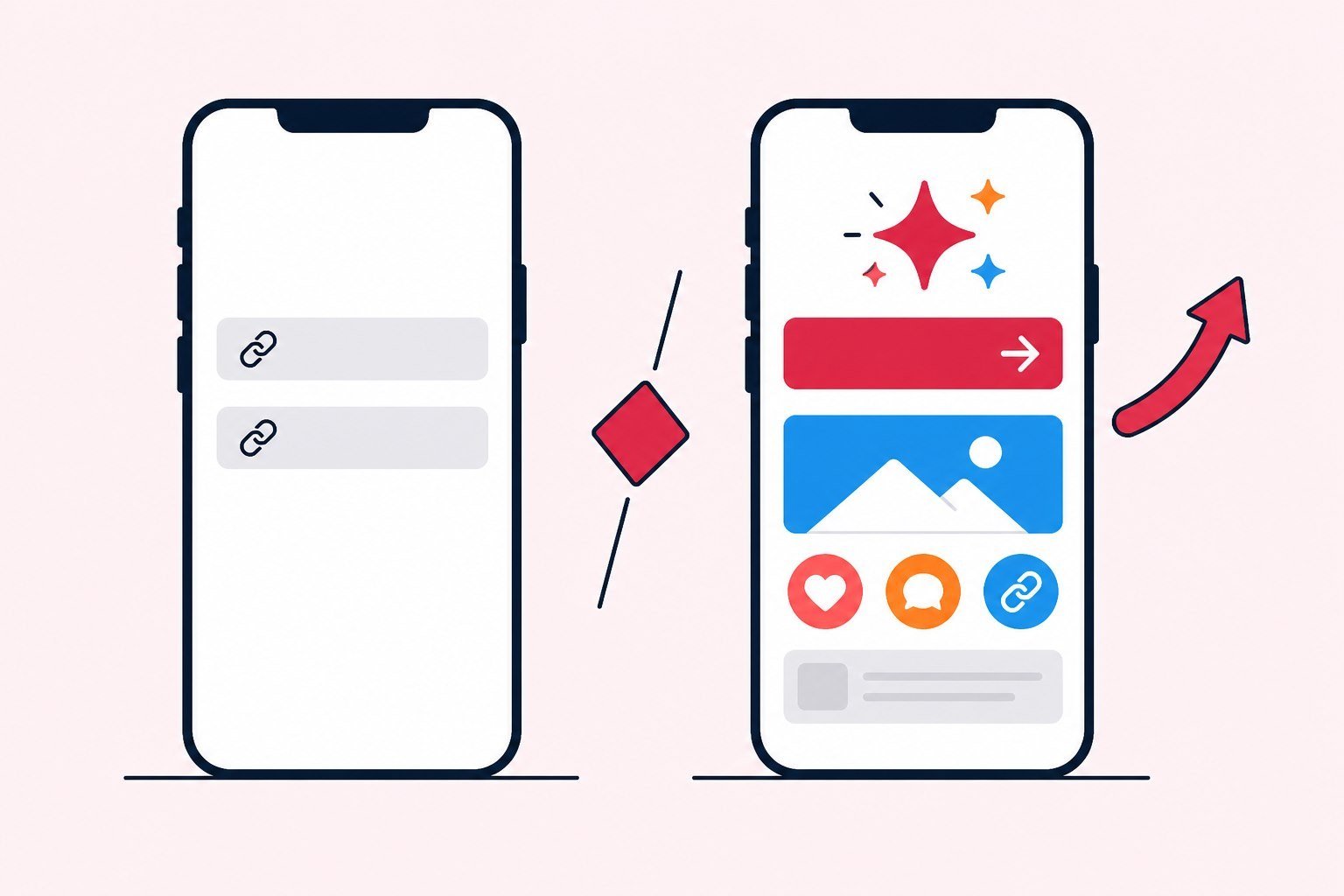
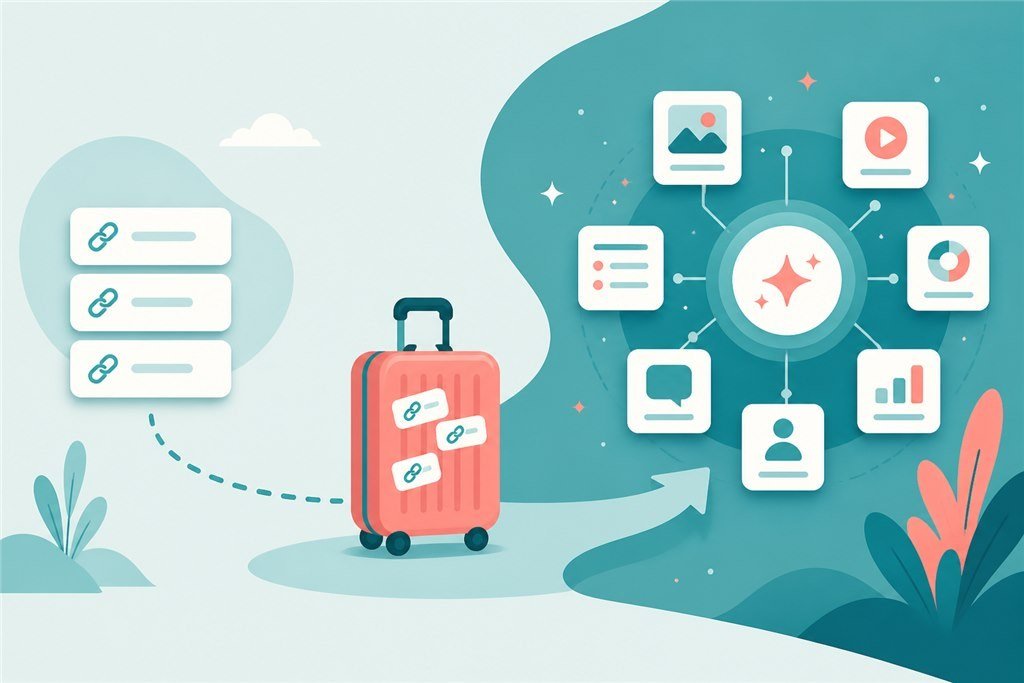
Plain button tools optimize for speed: a list of CTAs, fast edits, easy onboarding. Limits appear when you need a richer page - structured forms, product showcase, storytelling, or a path into an AI website or landing inside the same system. Appifio aims at an ecosystem: biolink, Creator websites, short links, and measurement - not only a wall of buttons.
If this year’s goal is only “somewhere to paste five links,” a button tool may be enough. If the goal is selling, capturing leads, measuring ads, and possibly opening a site, evaluate early so you are not forced into a rushed migration while scaling. That is when a Linktree alternative becomes an operations decision, not a trend chase.
Also weigh ops cost. Two disconnected tools mean two logins, two billing lines, and two places where UTM drifts. An ecosystem reduces glue work for small teams. Read Appifio vs Linktree through funnel need, not through pretty landing screenshots.
That reading also protects budget conversations. A cheaper monthly fee is not cheaper if the team spends half a day every week syncing two hubs, two naming systems, and two places where campaign CTAs drift out of sync.
Core needs compared - an AI biolink compare by use case
| Need | Plain button tools (Linktree-style) | Appifio AI / hub direction |
|---|---|---|
| Fast CTA lists | Very strong | Yes |
| Forms / leads on the hub | Plan-dependent / limited | Sales and richer-hub oriented |
| Catalog / showcase | Basic | Fits small shops |
| Expand to AI website / landing | Usually another tool | Same Creator system |
| Short links + tracking | Depends on stack | Inside the Appifio ecosystem |
The table is need-oriented product direction, not an engineering spec sheet. Plan details live on pricing and subscription Pages. Use this as a link in bio tool comparison frame for internal meetings - not a detailed price table.
An AI biolink compare against plain buttons only matters after you lock a selling or lead-capture use case. If the hub is still a vanity link wall, do not argue about AI.

Domain, branding, and SSL for a serious Linktree alternative
A custom domain makes a bio look more professional in ads and when someone shares it in chat. Correct SSL is a minimum trust condition. DNS and SSL attachment live on the DNS/SSL Page - this Blog only stresses the point: serious brands should leave generic default URLs as early as practical.
Bio SEO still needs title, Open Graph, and useful content - see the 2026 link-in-bio SEO checklist. Tools do not replace useful content. If you pick a Linktree alternative only “to have a domain” without fixing title and share images, previews stay weak.
A simple brand test: remove the default tool logo from your mental picture, look at the URL and preview - would a stranger trust this as your page? If it still feels temporary, branding is unfinished even if the skin looks polished.

Appifio vs Linktree when forms, catalog, and backend matter
Move beyond buttons when DMs no longer scale; when leads must enter CRM cleanly; when products need a showcase on the hub; when ads need an AI landing or website; when short links and pixels should live in one operating process. That is where an ecosystem has an advantage. If you are happy with five buttons and an inbox, do not switch for FOMO.
Reference Pages: biolink AI and biolink manual. Sales angle: biolink for sales. Fast sprint: create a link in bio in fifteen minutes.
Honest comparison: plain button tools win on learning speed and simplicity. Ecosystems win when you have hit the ceiling of “only buttons left.” Appifio vs Linktree is not “who wins forever” - it is “who wins for your funnel stage.”
Pricing and limits - a fair comparison frame
Price comparisons must include limits: number of links, custom domain, removing tool branding, forms, and team seats. Do not stare at the monthly fee and ignore opportunity cost when the tool cannot support an ads funnel. Commercial numbers belong on pricing landings - this article keeps the decision frame.
Also weigh hours. Two disconnected tools cost hours syncing message and measurement. One system reduces glue work, but asks you to learn forms, landings, and short links when you truly need them. A link in bio tool comparison without a “hours cost” column often picks the wrong winner.
Put a rough hours estimate next to each option for thirty days: setup, weekly edits, measurement cleanup, and agency handoff. The number does not need to be perfect. It needs to stop the team from comparing sticker price alone.
When to choose Appifio vs Linktree - and when buttons still win
Keep a Linktree-style tool when the hub is ultra-simple, the team does not need forms or a website, and measurement stays light. Choose Appifio when you need a richer biolink, AI website or landing, short links and tracking in one direction, or a serious plan to sell from social.
There is no absolute winner. There is a winner by stage. Social business-card stage: buttons are enough. Ads funnel plus leads plus owned site stage: ecosystem usually beats one pretty skin. That is how you read the comparison without drowning in a forty-row feature matrix.
If you are weighing a Linktree alternative, ask three cheap questions: what is this month’s primary offer? Where does a lead go after the tap? In three months, will you need a deeper page than a hub? Those three questions cost less than switching tools because a competitor uses something else.
Migration checklist from Linktree (strategy, not UI)
- Export or write down the current link list and priority order.
- Lock the new primary CTA - do not copy a pile of dead links.
- Build the Appifio bio (AI or manual) with real proof.
- Attach a domain if you have one; test on mobile.
- Update the URL on every social channel in one time window.
- Keep a temporary redirect on the old tool if available, then turn it off when traffic stabilizes.
- Attach UTM and pixels before large ads.
Migration is a cleanup project, not a mirror copy. Many creators carry fifteen “temporary” links from last year into a new tool - then wonder why the hub still feels noisy. Try Biolink AI →
Weekly rhythm after you switch
Thirty to forty-five minutes each week: confirm bio URLs match across channels, primary CTA still matches the offer, clicks and leads look sane, Open Graph previews still look right. Write who may edit the hub, who publishes ads URLs, and who follows up leads. Before scale: mobile QA plus pixel and UTM. Connect a landing or Creator site only when the offer needs a deeper page.
If the week has no paid: still watch organic taps into the new hub. Migration is not finished on URL-change day - it is finished when the alias/UTM sheet is clean and lead SLA is running. Archive old-link → new-link maps at month-end.
An AI biolink compare against the old button list only counts if you measure after migrate. Switching tools without measurement only switches skins.
First ninety days after migration
Days one to fourteen: one offer, one CTA, one new URL, one measurement method. Do not open five landings “to use the whole Appifio set.” The goal is a living hub and a team that can read numbers. If leads arrive and nobody replies on time, fix sales process before layout.
Days fifteen to forty-five: small traffic. Change only one variable per week - title, button, form, or source. Clicks up and leads flat means fix page or offer. Leads up and revenue flat means inspect price, sales script, or fulfillment.
Days forty-six to ninety: scale only what is proven. Add a landing when a second offer is truly different. Add a deeper catalog when bestsellers are already stable. At quarter end: keep, kill, or strengthen. That is how a link in bio tool comparison becomes a number-backed decision instead of a taste debate.
Three migration mistakes that cost more than missing features
Mistake one: copying the entire dead link list. New tool, old hub. Fix it by locking this month’s offer before you build.
Mistake two: updating the URL on one channel and forgetting others. TikTok is new; YouTube is still old. Fix it with a multi-platform checklist in one sitting.
Mistake three: scaling ads on migration day. Pixel untested, UTM unclean, mobile un-QA’d. Fix it with a written definition of done before large ads: one-sentence offer, one CTA, real proof, measurable, mobile-OK, someone owning leads.
Preventing these three mistakes takes a fixed calendar block, a one-page sheet, and a rule against changing five things in one day. A team of one to three can run migration as an operations project - not a late-night skin swap.
Hidden cost of running two systems in parallel too long
Short parallel windows during migration are sensible. Long parallel windows are usually more expensive than they look: two places to edit CTAs, two places to attach UTM, two mobile test surfaces, and two answers to “which link is primary?” when an agency joins. Measurement fragments; messaging drifts across channels; teams argue with two dashboards.
If you are weighing a Linktree alternative but are not ready to turn the old tool off, set a deadline - for example fourteen days of temporary redirect, then cut. Without a deadline, temporary becomes permanent. Put the cut date on the calendar the same way you put an ads go-live date.
At this stage, Appifio vs Linktree is no longer a feature table - it is an ops-cost table. Teams of one or two especially need one primary hub. Keep a second tool only when a legal contract or already-printed QR still forces it.
Creators, small shops, agencies - three different decision frames
New creators usually win on speed. Five buttons are enough if you are not yet capturing structured leads. Switch when DMs clog or you need a form with an SLA. Small shops usually win when this month’s catalog and offer need to sit on the hub with ads measurement. Agencies usually win when they need short links, pixels, many properties, and clean handoffs - an ecosystem reduces glue between five tools.
An AI biolink compare against plain buttons is most useful for shops and agencies that already have a selling use case. Creators who only need a social business card can stay on buttons another quarter without apology. Do not force AI for FOMO.
Your link in bio tool comparison should write down today’s stage and the next three months. Today’s winner can lose next quarter if the funnel changed. Review quarterly with click and lead numbers - short, written - instead of debating skins.
When you do migrate: prioritize CTA and measurement before skin. An ugly hub that measures and gets answered still beats a beautiful hub with a dead inbox. Appifio and plain button tools both fail when follow-up has no owner.
Internal meeting checklist before switching: (1) this month’s offer in one sentence; (2) one primary CTA; (3) where the lead goes after the tap; (4) whether you need a form or catalog; (5) whether ads run in the next thirty days; (6) who owns reply SLA. If items four and five are both yes, the Appifio vs Linktree frame leans ecosystem. If all six are “not yet,” staying on buttons another quarter is fine.
Finally, remember migration is a messaging project before it is a tools project. Changing the URL without changing how you sell only changes the address - customers still get lost in a wall of links.
If the team still argues about skins after writing those six answers, pause the tool decision. Revisit offer clarity first. A fair comparison assumes you already know what the hub is supposed to do this month.
In short
Pick a Linktree alternative when plain buttons no longer cover leads, catalog, or an AI website path. Read the choice through funnel stage and plan limits, migrate selectively, and measure before large ads. Start a hub at /create-bio-link.
FAQ
Can I move links from Linktree to Appifio?
Yes - prepare the link list, CTA priority, images, and brand, then rebuild selectively. Migration is a cleanup chance, not a blind copy.
Is Appifio’s free plan enough for a new creator?
Usually enough to learn and publish a first hub. When you need domain, forms, or more team capacity, check plans on Pages or pricing.
Do I lose followers when I change the bio URL?
Followers are not lost because the link changed. Risk comes from forgetting to update a platform or shipping a broken new URL - reduce that with a checklist and tests.
Does Appifio replace a full website?
Biolink solves the hub; Creator solves website or landing. You can adopt each layer when needed - not all on day one.
Should I run two tools in parallel?
Short term during migration is fine. Long term, keep one primary hub to avoid fragmented measurement and messaging.