Why add Facebook Pixel and Meta Pixel Appifio to biolink and short link funnels — retargeting, a pre-ads checklist, and UTM pairing for ads tracking.
Facebook Pixel biolink tracking belongs on the real social touchpoint before you scale ads - not as a “install once and forget” chore. This article explains why Meta Pixel Appifio belongs on bios and short-link destinations, how retarget stages work, what to check before spend, and how to read results with UTM - including pixel short link destinations inside an ads tracking funnel. Setup detail: pixel tracking Page. Try: /tracking-pixels. Funnel context: short links in marketing funnels.

Why pixels belong on bios and short-link destinations
Many teams pixel only the “main” website, then send ads to a bio or short link - a measurement hole. People who touch the social hub or shortened URL but never reach the corporate site are still valuable audiences. Without a pixel at the real touchpoint, you lose PageViews and events, and retargeting stays thin. Placement must match where traffic actually arrives.
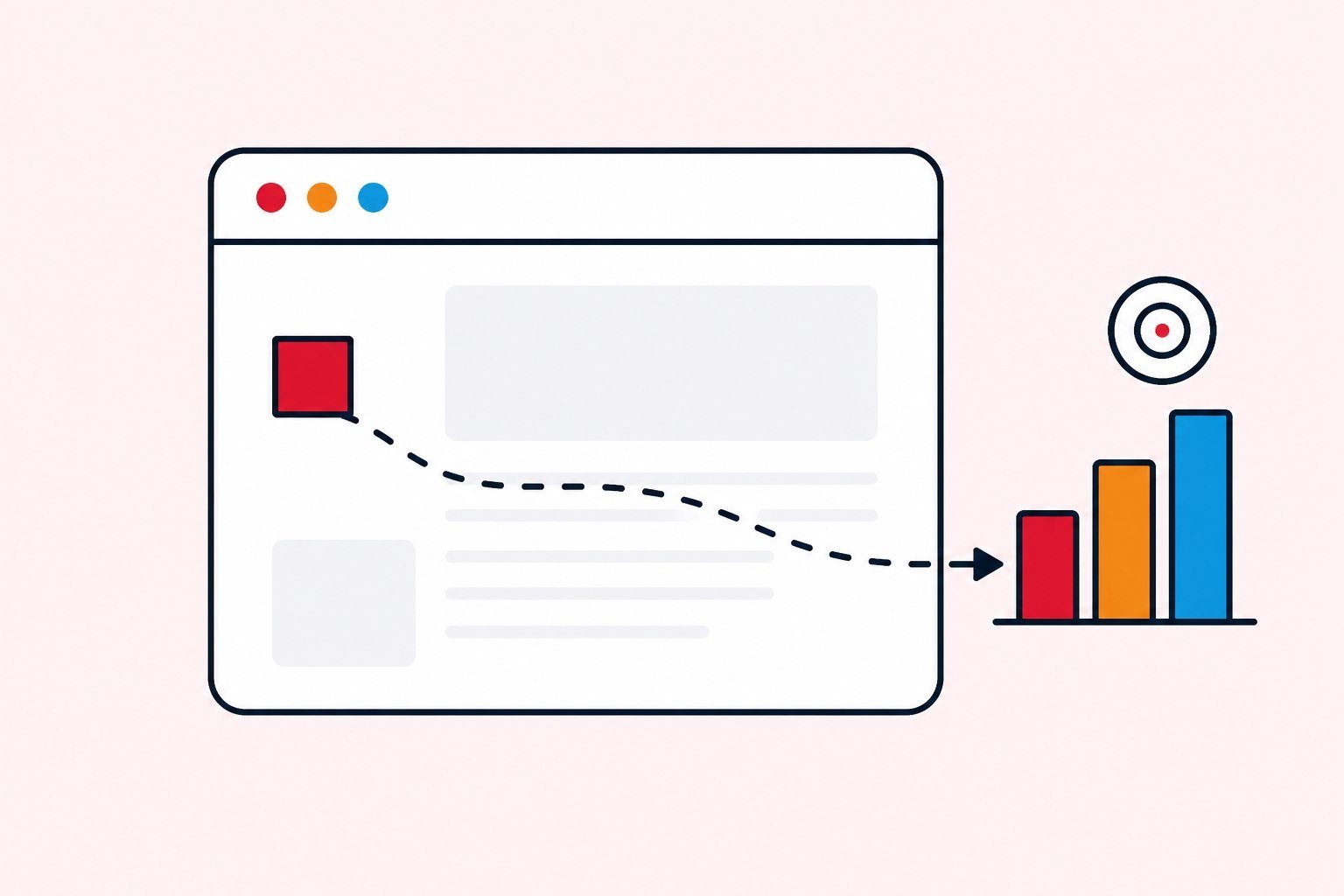
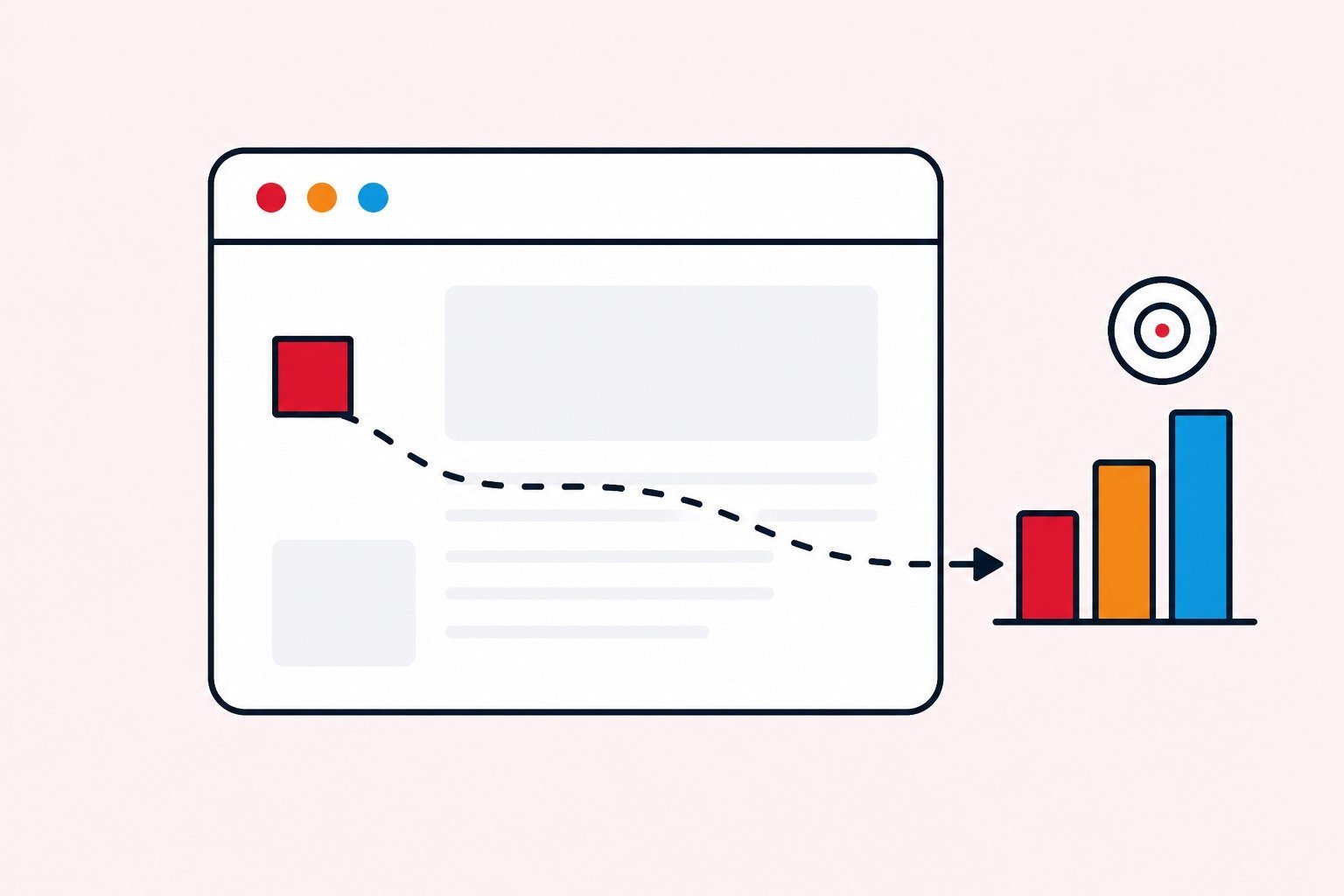
Short links usually redirect; the important measurement point is still the destination page (biolink or landing) where the pixel runs. Short links handle operations and click stats; pixels handle ads learning. Different layers - see also short links and UTM. A pixel short link in practice means the pixel on the destination after redirect, not a tag “stuck on the alias.”
Sales biolinks especially need pixels when they are the primary conversion door from social or ads. Use case: biolink for sales. If your media plan says “traffic to bio,” your tracking plan must say the same sentence. Misaligned plans create beautiful Ads Manager charts that do not match CRM. Meta Pixel Appifio on the correct property is the ads machine’s learning condition - not a vanity checkbox. That is the spine of an ads tracking funnel.
Write the destination URL into the media brief before creative is approved. If the brief still says “website” while ads will land on a bio, tracking will be wrong before the first dollar is spent.

Retarget stages: bio view → form start → conversion
Layer one: people who viewed the bio or landing (PageView). Layer two: people who started a form but did not finish. Layer three: converters (Lead or Purchase depending on events). Retargeting should match the layer: remind the offer for layer one, reduce friction for layer two, thank or cross-sell for layer three. Dumping everyone who ever visited into one creative usually wastes spend.
Retarget windows depend on decision cycles: short for flash sales; longer for B2B services. Do not copy a 180-day window for every industry just because it is a default. Also suppress converters from cold prospecting when appropriate. Teaching the algorithm to re-acquire people who already bought is an expensive hobby. Correct events after Facebook Pixel biolink setup are what make these layers possible.
In practice, layer one on a biolink is often the largest and cheapest warm pool. Do not ignore it because “they have not purchased yet.” Many orders come from people who viewed the hub twice before committing.
Facebook Pixel biolink checklist before you raise ads budget
- You locked the real destination URL receiving traffic (bio or landing).
- Pixel or base code is on that property.
- Key events match campaign goals (Lead, Purchase, and so on).
- Events were tested with the platform’s tools before raising budget.
- UTM and short links are ready for internal source reading.
- Someone will read numbers in the first 48 - 72 hours.
Scale when the measurement stack is stable - not because a creative “feels fine” to the naked eye. This checklist is the definition of done before paid can claim the pixel is “finished.” Meta Pixel Appifio on the correct property matters more on day one than collecting many secondary events.

Pixel short link vs biolink vs website - different jobs
Short links: click stats on the published URL. Biolink or website: on-page pixel and conversions. Analytics or CRM: UTM and lead quality. Each layer answers a different question. Collapsing them into one score is how meetings turn into endless arguments.
Short-link configuration lives on what-is-shortlink and settings Pages. Pixel biolink placement and a pixel short link destination do not replace alias clicks. Meta Pixel Appifio belongs to ads learning; UTM belongs to internal explanation.
Practical rule: media plan names the destination URL → tracking plan puts the pixel on that URL → sheet records pixel ID and owner. Those three lines cost less than ten meetings about why Ads Manager does not match CRM.

Reading an ads tracking funnel with UTM and pixels together
UTM tells you campaign and source inside your systems. Pixels help the platform bid and build audiences. When Ads Manager ROAS disagrees with CRM reality, use UTM to reconcile - do not kill a campaign because one dashboard looked scary. Conversion definitions must be shared between ads and sales.
Write the definitions down: what counts as a lead, when purchase is counted, how refunds are handled. Fuzzy definitions create fake optimization. After you place Facebook Pixel biolink tracking, you still need UTM - the layers do not replace each other. Source reading detail: measure ads with short links and UTM.
When the bio is the main door, biolink pixel plus UTM on campaign buttons is the minimum stack. When ads pour into a landing through a short link, remember pixel short link means pixel on the landing after redirect.
Common tracking mistakes and how to prevent them
- Pixel on domain A while ads send traffic to domain B.
- Multiple overlapping pixels with no notes.
- Duplicate or spammy events confusing machine learning.
- Forgetting to retest after a bio template change.
- Watching only short-link clicks and ignoring lead quality.
Prevent with a sheet: property → pixel ID → owner → last test date. After every bio template change, retest the hub pixel. After every destination change, retest the new URL. A light weekly audit costs less than discovering a hole after budget is burned.
Wrong placement is more expensive than no placement: the ads machine learns the wrong audience, and you optimize on poisoned signal.
If your sheet has more than one primary pixel for the same property without a written reason, stop and clean before the next flight. Ambiguous ownership is how tags multiply.
What to expect: ROAS, custom audiences, lookalikes
After correct placement, expect cheaper warm retarget than cold; lookalikes built from quality leads; internal reports you can explain with UTM. “Having a pixel” is not the result. No pixel means no learning; wrong pixel means toxic learning.
Do not expect ROAS to jump on day one of a new pixel. Cold audiences and thin event history need time. Read a sensible window; do not kill a campaign after four hours. Creative and offer still matter - pixels do not rescue a weak offer.
Treat expectations as part of the ads tracking funnel brief: what learning window, which stage audiences, which conversion definition. Written expectations stop panic optimizations during week one.
Weekly rhythm once the pixel is live
Thirty to forty-five minutes each week: confirm events still fire, reconcile Ads Manager with CRM or UTM, retire dead audiences, and retest after bio or landing edits. Write who may add tags, who publishes ads, and who reads CRM. Before scale: test events with platform tools on mobile.
If the week has no paid: keep the hub pixel clean - organic audiences still help when paid returns. Archive pixel IDs and properties at month-end. Connect short links and UTM only when each layer has a job - do not turn everything on “to be complete.”
Meta Pixel Appifio on the correct property plus a living sheet beats attaching five pixels “just in case.”
First ninety days: from a clean touchpoint to scale
Days one to fourteen: one destination URL, one primary pixel, one conversion event, one UTM reading method. Do not attach five pixels and ten secondary events. The goal is a clean touchpoint and a team that can read numbers. If leads arrive and nobody replies on time, fix sales process before events.
Days fifteen to forty-five: small traffic. Change only one variable per week - creative, audience, or landing - and keep a changelog. Clicks up and leads flat means fix page or offer. Leads up and revenue flat means inspect price, sales script, or fulfillment. Read retarget by stage; do not dump one giant audience.
Days forty-six to ninety: scale only what is proven. Add secondary events when process is stable. Add lookalikes when you have enough quality leads. At quarter end: keep, kill, or double. That is how you run biolink and short-link destination pixels as infrastructure - not as a one-time checkbox.
If ninety days of clean tracking still produce weak revenue, inspect offer and follow-up before inventing more events. Facebook Pixel biolink placement is infrastructure; it cannot invent demand that creative and sales process never created.
Three pixel mistakes that cost more than missing features
Mistake one: tagging a site that does not receive traffic. Ads send people to the bio; the pixel sits on the “about the company” page. Fix it by aligning media plan and tracking plan.
Mistake two: measuring one layer, then optimizing another. Watching short-link clicks and declaring the landing dead, or watching ROAS and declaring UTM useless. Each layer answers one question.
Mistake three: mixing experiments with infrastructure. Changing creative this week is fine. Changing the primary pixel ID mid-month breaks machine learning. Primary pixel or base is infrastructure - touch rarely, changelog always. Secondary events and experimental audiences may die after two weeks.
Preventing these three mistakes takes a fixed calendar block, a one-page sheet, and a rule against changing five things in one day. A team of one to three can treat measurement as the product.
New pixels and cold audiences - set the right time expectations
A pixel freshly placed on a bio or landing does not have rich event history. Ads machines learn slower than on a long-running main website. Do not compare week-one ROAS on a new pixel with a stable week on the old channel and declare the pixel useless. Give a sensible learning window, keep budget small, and read retarget stages instead of one total number.
If you place Facebook Pixel biolink tracking for the first time during a huge flash sale, noise risk is high: thin events, constantly changing creatives, teams optimizing by feel. Separate a measurement-stable week from the sale week. Clean learning is cheaper than “attach and burn.”
Meta Pixel Appifio on the correct property accumulates events from organic and paid. When paid pauses, do not remove the pixel - organic audiences still warm the next flight. Only audit spare tags and spammy events.
Agencies and multiple brands - who may touch the pixel
Multiple brands or agencies on one account easily produce overlapping pixels, duplicate events, or accidental removals. Required sheet: brand, property URL, pixel ID, who may add tags, last test date, and which ad account uses it. Agency onboarding is not only Ads Manager access - it must include a tracking map.
If an agency refuses to test events before go-live, that is a weak-process signal - more expensive than moving one week slower yourselves. Biolink pixels and pixel short link destinations must sit on the handoff checklist beside aliases and UTM.
When an agency contract ends: audit who still has access, which events are leftover, which audiences to keep. The pixel is brand infrastructure, not “the agency’s property.” Write that into internal agreements before you scale.
Before every large ads flight, answer six questions quickly: Does the destination URL match the media plan? Is the pixel still firing on that URL? Was the primary event tested? Are UTM and short links on the sheet? Are lead and purchase definitions shared? Who reads numbers in the first forty-eight hours? Missing one answer means do not raise budget. That discipline is cheaper than new creative every week.
Correct placement is necessary. Sufficient condition is a team that can read Ads Manager with UTM and CRM - without treating Ads Manager as the only source of truth. That closes the ads tracking funnel loop.
Print those six questions onto the weekly ops sheet. Teams that answer them out loud before scaling make fewer expensive surprises than teams that “feel ready” after looking at one creative preview.
In short
Facebook Pixel biolink tracking belongs on the real touchpoint: the bio or landing that receives traffic, not only a “main” site. Test before scale, write conversion definitions, read with UTM, audit weekly. Configuration: pixel Page; CTA: /tracking-pixels.
FAQ
How many pixels does a small brand need?
Usually one primary pixel or base for the main property is enough. Add pixels when brands or agencies are truly separate - avoid attaching extras “just in case.”
Do pixels slow a bio or short-link destination?
A light script is usually acceptable; avoid piling unused tags. Audit periodically.
Do I need a pixel if I only run organic?
Not required, but useful if ads are coming soon or you want audiences ready. UTM still belongs on sized organic campaigns.
Can short links replace pixels?
No. Short links measure URL touches; pixels serve ads learning and audiences.
Which events should I prioritize first?
Start with PageView plus the primary conversion event (Lead or Purchase). Add complex events when process is stable.