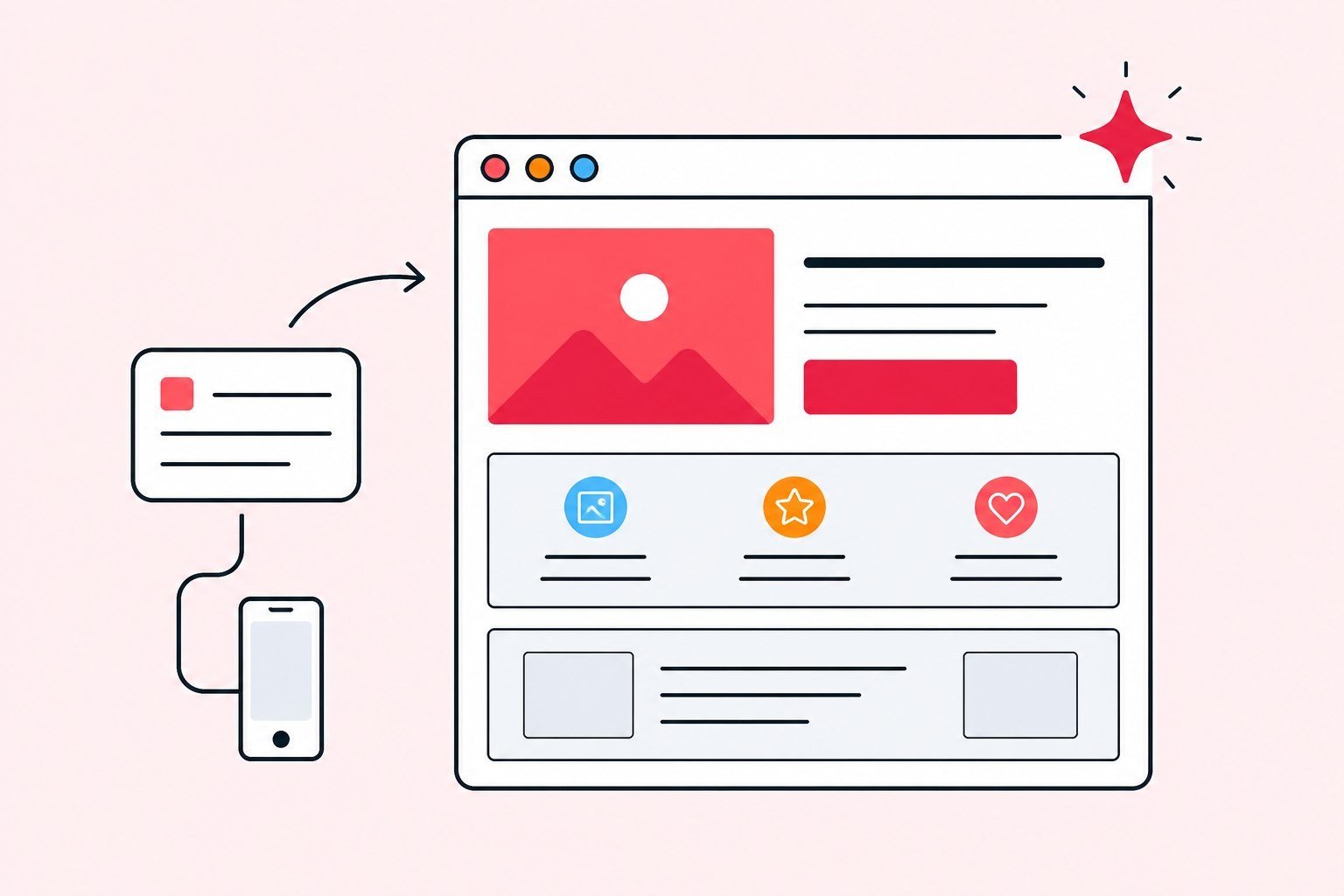
Product pillar on the AI website builder with Appifio Creator: write a prompt website, let AI draft the layout, then publish AI website pages — from idea to a live page, one page or many.
An AI website builder is not “chat out a page and walk away.” On Appifio it sits with biolinks, landings, short links, and measurement - so creators and SMEs can go from an idea to a real page without stitching five tools together. This product pillar shows how Appifio Creator takes a prompt website brief, drafts a layout, and helps you publish AI website pages once the offer is clear. UI details live on Pages. Try it at /create-website. For “when AI is the right bet,” see why build a website with AI.
What an AI website builder is on Appifio - and how it differs from a fixed landing template
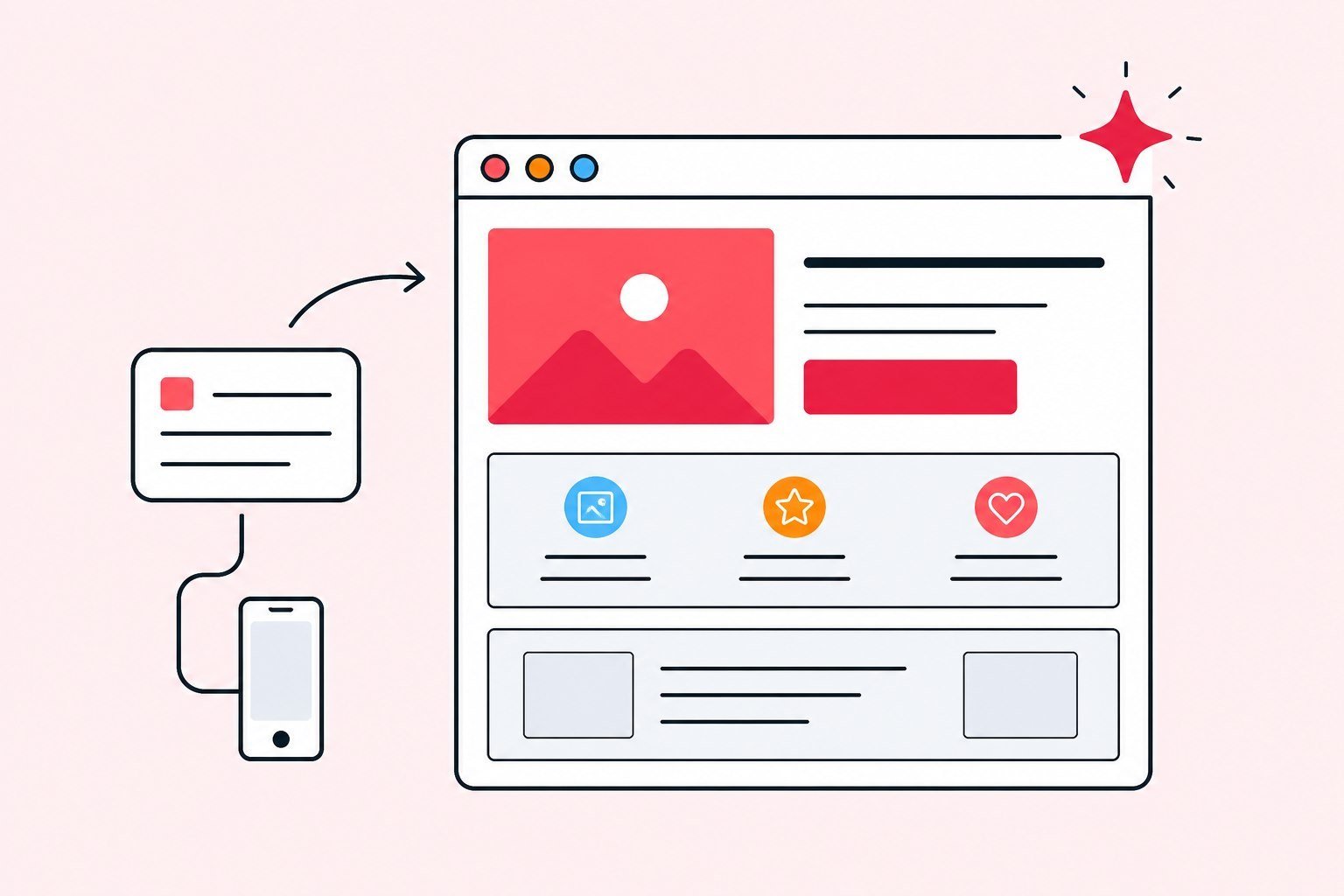
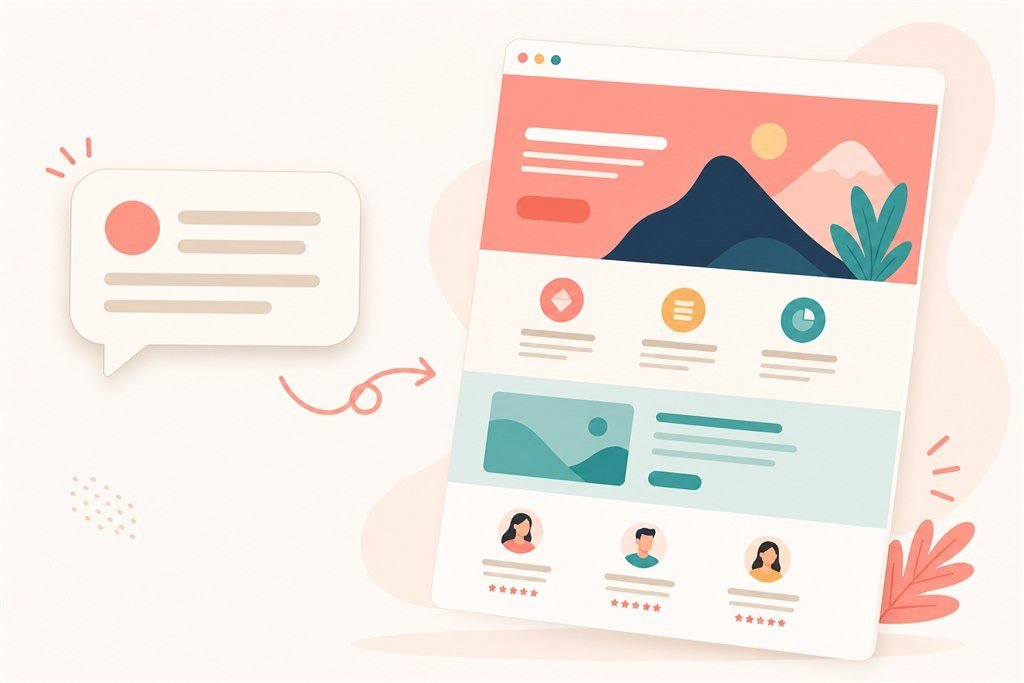
A fixed landing template gives you one locked frame: swap copy, swap images, ship. That works when the offer is simple and you do not need to grow past it. An AI website builder (Website AI Wizard with Appifio Creator) takes a description of the idea, brand colors, and page type - then drafts a usable marketing structure: opening, benefits, proof, form, and a clear call to action. You keep editing in Creator instead of living inside one rigid mold.
The real difference is not “AI vs no AI.” It is whether you are stuck on one frozen page. On the same Appifio stack you can add pages, attach a light form, or connect a bio + short-link + measurement funnel when you are ready to spend more. This pillar tells that operating story - it is not a click-by-click UI tour.
If you have ever hired a site and waited week after week just to change one CTA line, you already know why editing speed matters. Marketing moves in campaign weeks. A slow tool costs the window you just missed.
From idea to a live page: four practical steps
Step one - say the idea out loud on paper. Write a short marketing brief: who you help, what hurts them, what you promise, and what they should do next on the page. The clearer that brief, the fewer rounds your prompt website needs. Do not write “make a pretty sales site.” Write “page for a nail salon that needs bookings this week; owners fear clients who DM and disappear; promise confirmation within two hours; primary action is leave a phone number.”
Step two - let AI draft the frame. Treat the layout like a sketch: add proof if it is missing, rewrite a vague CTA, shorten an oversized form. First drafts rarely sell. Use them to decide faster.
Step three - refine in Creator. Replace stock photos, fix spelling, check the phone layout, connect a form or chat if you collect leads. This is when the page starts to feel real instead of like a demo.
Step four - publish AI website output and put the URL where customers actually arrive: ads, bio, email, short links. Publishing without distributing the link means the page only lives on your laptop. Plenty of teams “finish the site” on desktop and forget to update TikTok - traffic keeps flowing to the old destination.
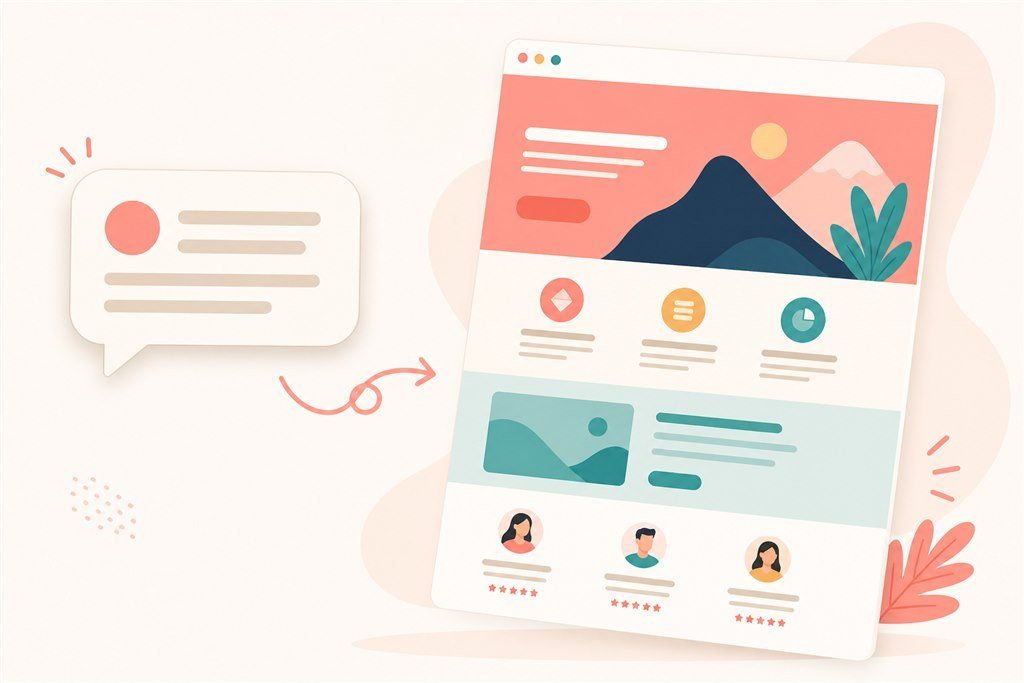
Prompt website writing: how to avoid pages that look polished but say nothing
Weak prompts are vague. AI then returns a flashy opening, empty benefits, and a form with no job. Stronger prompts stack four layers: audience, problem, promise, next action. Example: “Landing for a livestream selling course aimed at fashion shop owners; they fear spending on ads without closing sales; promise a seven-day checklist plus a Q&A session; CTA is a form to book a slot.”
Add a few useful constraints: tone (friendly or formal), colors near the brand, whether industry jargon is allowed. If you run ads, say the page serves one offer - do not ask AI to cram five products into one landing. For deeper prompt craft, see marketing prompts for AI landing pages.
After each generate, ask three questions: can a visitor tell what you sell in five seconds? Is the primary button obvious? Is there believable proof - reviews, numbers, a short case? Those three questions are cheaper than regenerating because it “doesn’t look pretty yet.”
One language tip: tell the model you want plain, natural English - not stiff corporate filler. Otherwise you get lines like “optimize the conversion experience” that sound technical and still fail with shop owners.
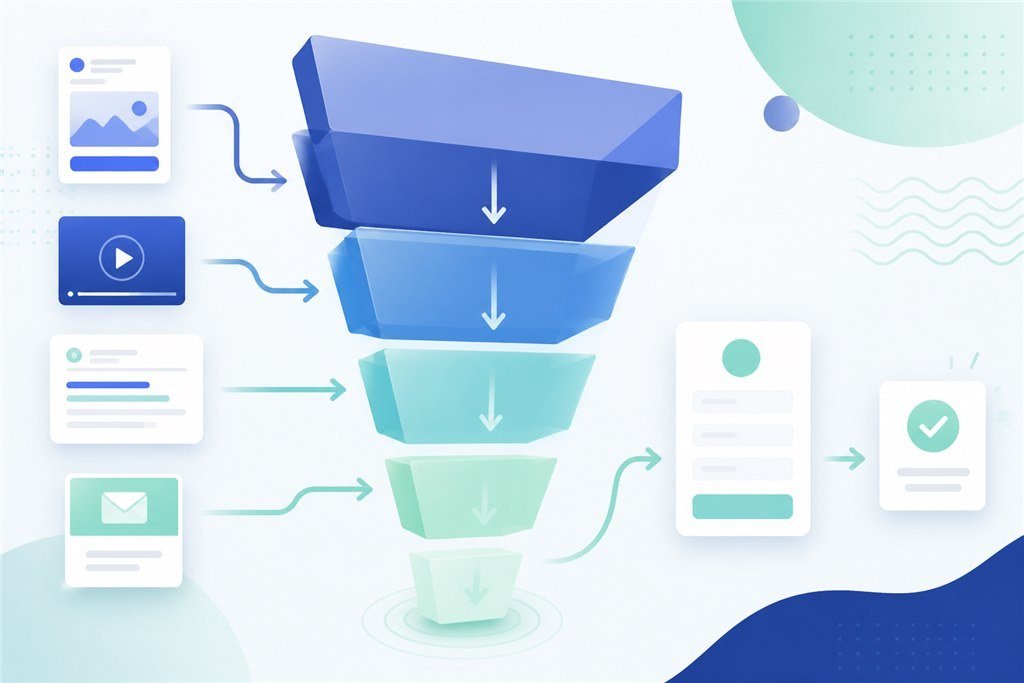
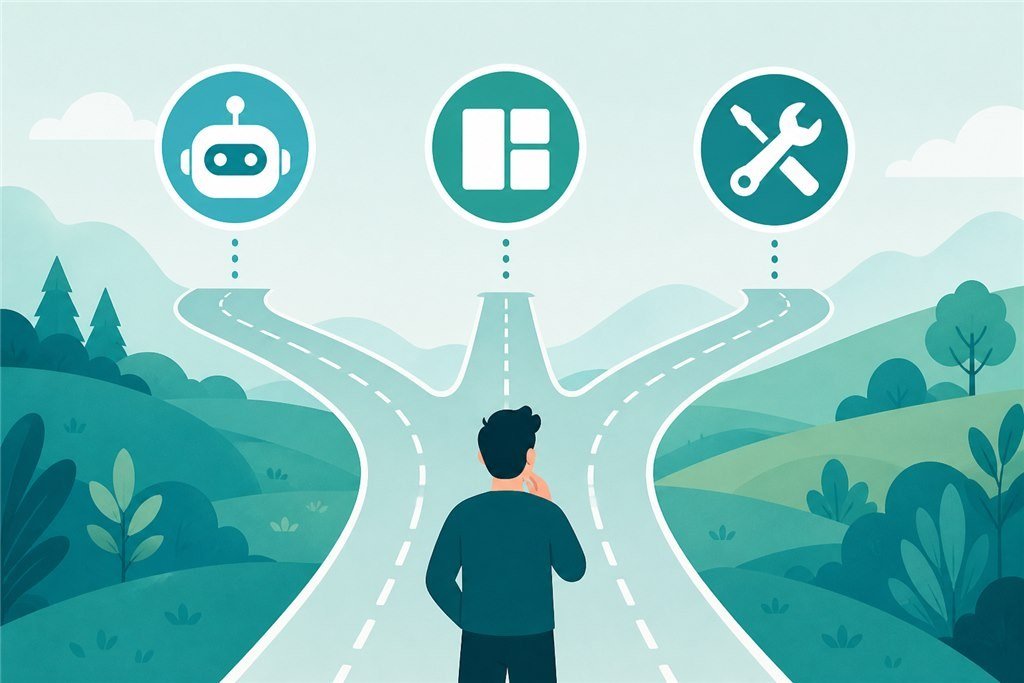
When one AI page is enough - and when you need more pages or a CMS
One page is enough when the offer is clear, visitors arrive from ads or warm social, and you need to learn whether anything converts. More pages help when the brand needs services, about, a long FAQ, or a blog. A CMS helps when content changes often and several people edit together.
A common mistake: building a “complete website” before one offer wins. Cost is not only build time - it is maintenance, message drift, and scattered measurement. A series of small pages, each with one job, usually beats one big site shipped once and abandoned.
Practical rule: if seven out of ten customer questions are the same and a single page plus a form can answer them, stay on one page. If each customer needs ten minutes of deep reading before they trust you, then add pages. Do not expand because a competitor’s menu looks long.
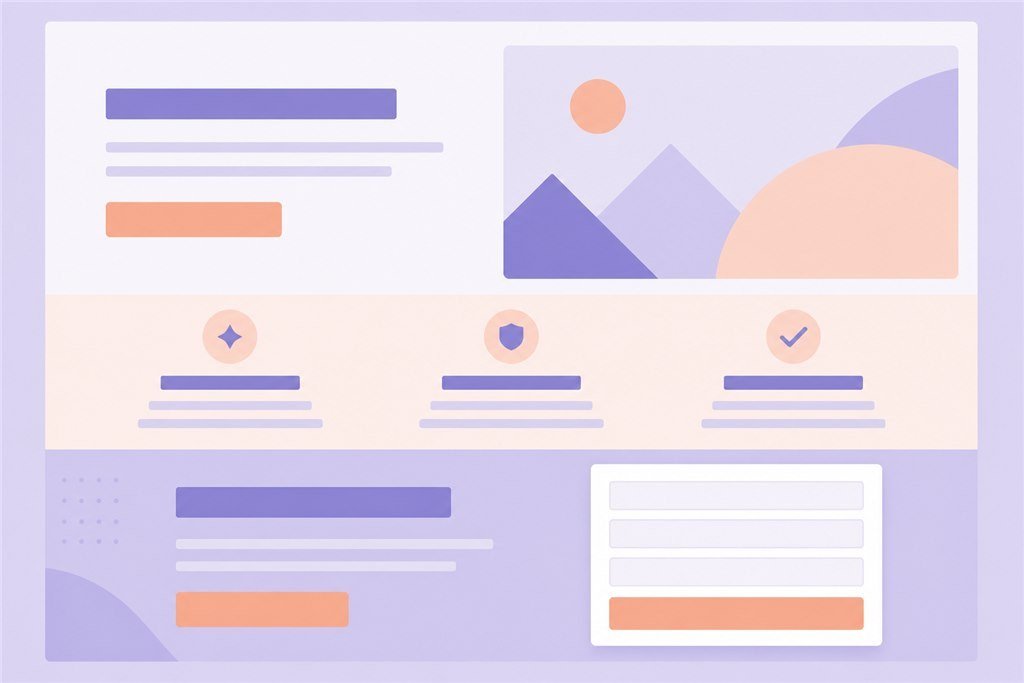
Publish AI website pages: what to finish before you send traffic
Before you raise ad spend, walk this checklist:
- Offer and primary button match the creative already running.
- Form or chat submits on a real phone on cellular data.
- Images are light enough; type is readable on a small screen.
- You have minimum measurement (UTM or pixel) if you are paying for clicks.
- Someone answers leads inside the response time promised on the page.
Miss the last item and a pretty page only fills a dead inbox. Publish AI website work is the technical step; calling people back is the business step. Attach a custom domain when brand or SEO needs it - do not let DNS delay launch day if you only need a live URL today.
After go-live, send the link to someone outside the team. They will catch what your eyes skipped: a button clipped on mobile, a missing required field, or a CTA that promises one thing while the page says another.
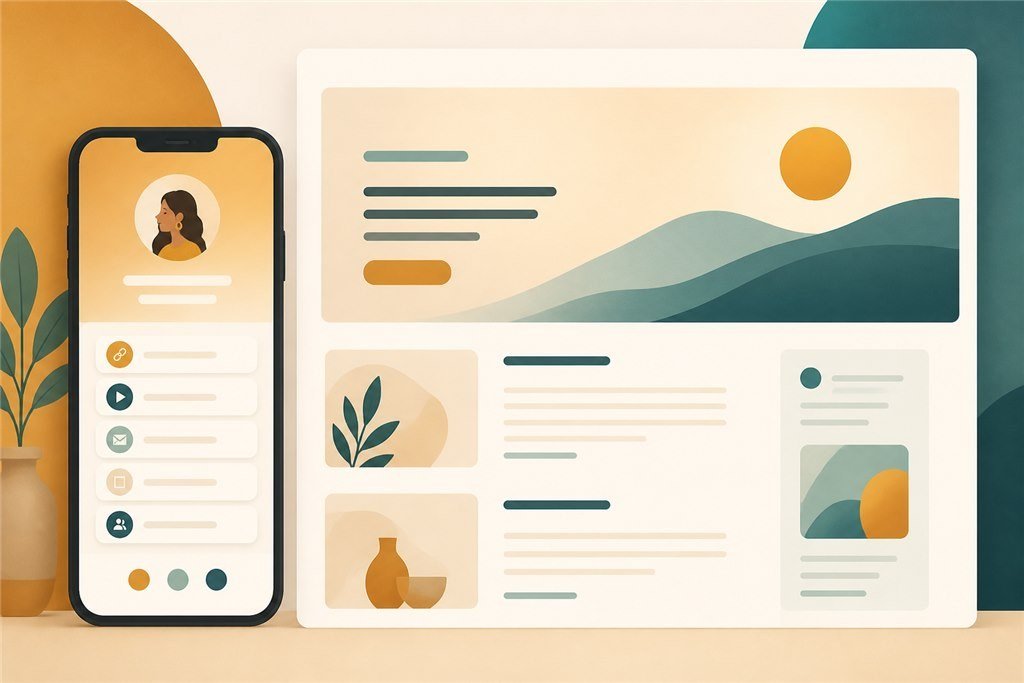
Connecting an AI website builder with biolinks and short links
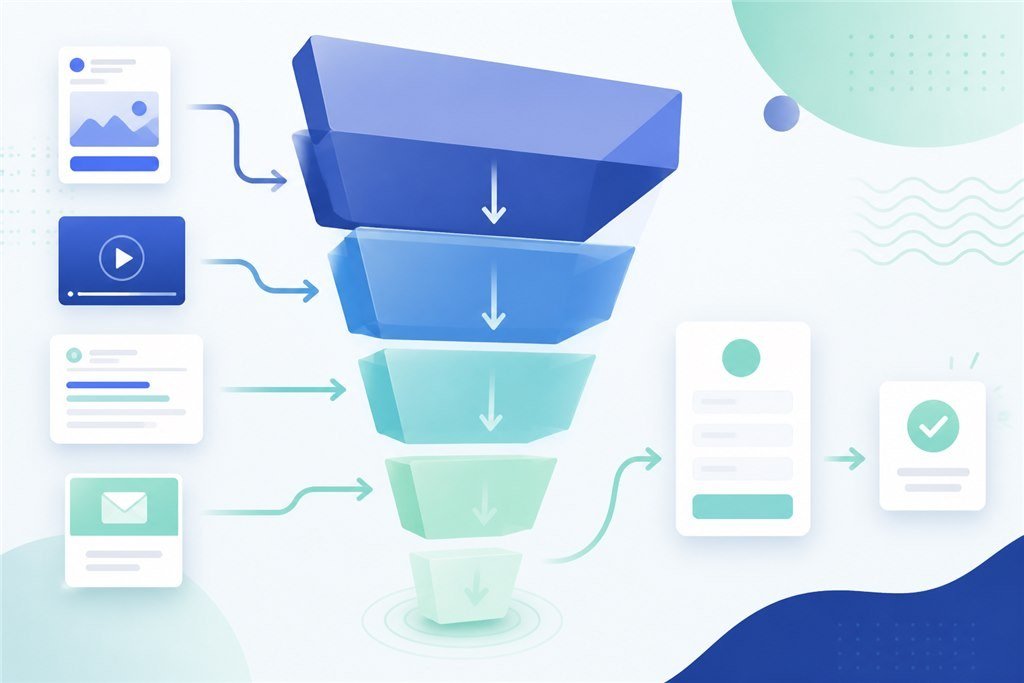
Bio is the multi-exit door on Instagram or TikTok. An AI landing is a single-offer pipe. A short link is the campaign address with click stats. Those three layers do not replace each other. When creative changes the offer, change the short-link destination or a bio button - you do not always rebuild the whole site.
Small teams should write down which URL is long-term and which URL is only for this month. Mixed links scramble reports and make collaborators paste the wrong address. For long-term bio strategy see biolink marketing strategy; for campaign measurement see short links in marketing funnels.
A clean pattern: keep a few stable bio buttons (contact, shop, content). For each major campaign, use a dedicated short link into that campaign’s AI landing. You keep a familiar hub and still measure each flight.
The first three months with Appifio Creator - learn before you expand
First two weeks: one offer, one page, one CTA, one measurement method. Do not open five landings “to cover every idea.” The goal is a clean path and a team that can read numbers.
Weeks three to six: send a little traffic - organic or light paid. Change only one thing per week: headline, button, form, or source. Write down what changed. If clicks rise and leads do not, fix the page or the offer before you raise spend. If leads rise and revenue does not, look at price, sales script, or fulfillment.
Weeks seven to twelve: scale only what is proven. Add pages when customers repeat questions one landing cannot hold. Deepen a catalog when bestsellers are already stable. At quarter end, take one hour: what to keep, what to cut, what to double down on.
SMEs and creators do not need a strategy department. They need a habit of writing briefs and numbers. Appifio Creator shortens build time; it does not replace the question “what are we selling this month?”
Three mistakes that make AI pages look finished but fail to sell
Mistake one: vague prompts, then blaming the model. AI mirrors how clear the brief is. Fix the brief before you regenerate a fifth time.
Mistake two: a pretty page with a fuzzy button and weak follow-up. People can click, but they do not know what they signed up for - or nobody calls back within a day or two.
Mistake three: measuring one layer and concluding about another. Watching short-link clicks and calling the landing “weak” while the form is broken on mobile. Each number answers one question - do not blend them in a vibes-only meeting.
A bonus mistake: changing five things in one day. You will not know which change helped. One change per week feels slow; it is how you learn something real.
Who should use an AI website builder first - and who should wait
Start early if you are a small shop, a local service, a creator selling courses or digital products, or an agency that needs campaign landings fast. The shared need is a clear-offer page in days, not months.
Slow down or combine with specialists when the product needs complex configuration, multi-step checkout, or heavy internal integrations. AI can still draft the “front of house” story; the back end may still need engineering.
If budget is tight, do not split money between a huge custom site and big ads before you have a page you can learn from. Get one measurable page live, then raise media spend.
One more practical note: write down your “definition of done” before the first ad dollar. Offer in one sentence, one primary button, real proof on the page, a working mobile form, a measurement tag, and a named person who answers leads. If any of those six is missing, you are still drafting - not launching. Teams that skip this list often blame the AI website builder when the real gap was follow-up or a fuzzy offer.
In short
An AI website builder on Appifio is a fast path from idea to a live page inside one funnel system. Write the prompt website like a plain marketing brief, refine in Appifio Creator, then publish AI website pages when the primary button, mobile experience, and measurement are solid. One focused page beats a “complete website” while you are still learning the market. Start at /create-website.
FAQ
Can an AI website builder replace hiring a web team?
For landings, small service pages, and campaign pages - often yes, enough to learn and sell. Complex logic or deep integrations may still need engineers; do not use AI to avoid stating requirements clearly.
Do I need to know how to code?
Not for a normal marketing flow. You need a clear brief, the ability to read basic numbers, and willingness to edit content.
Can I edit after publishing?
Yes. Treat the first version as a learning draft. Improve from weekly numbers; do not rebuild everything every time it “doesn’t feel pretty.”
Should I start with a bio or an AI website?
If customers live on Instagram/TikTok, bio is usually the front door. Bring in an AI website when you need a deeper single-offer page than a few bio buttons.
How is this different from “why build a website with AI”?
That article focuses on benefits and timing. This one is the product map: prompt → Creator → publish → connect the funnel.