
Table of contents
Appifio Creator · Lesson G02 · Intermediate
Manage Posts
& static Pages in Aura CMS
& static Pages in Aura CMS
Publish blog posts, organize categories/tags, and track static pages - without reopening Creator for every update.
Learning goals: Publish a complete post, understand Draft → Published → Trash, and know how Pages differ from Posts.
Reading time: about 12 minutes
Prerequisites: Signed into Aura CMS (G01).
Previous → next: G01 → G02 → G04 (Dynamic types when you need custom content)
1. Post lifecycle
Posts
Write new → Draft → edit/review → Published (or Private)
→ Published → "View post" on the live site
No longer needed → "→ Trash" → "Restore" or "Delete permanently"
"Empty trash" → permanently deletes everything in trash - no undo
2. Glossary (3 columns)
| Term | Meaning | Where in the UI |
|---|---|---|
| Draft / Published / Private | Three post statuses - only Published has a public URL | Publish block when writing |
| Write new post | Opens the CMS blog editor | Nav "Posts" |
| → Trash | Soft delete - restorable | Actions on each post |
| Pages | HTML created in Creator - CMS lists them; doesn’t compose new ones | Nav "Pages" |
| Categories / Tags | Two ways to classify posts | Subnav next to Posts |
3. Publish a new post
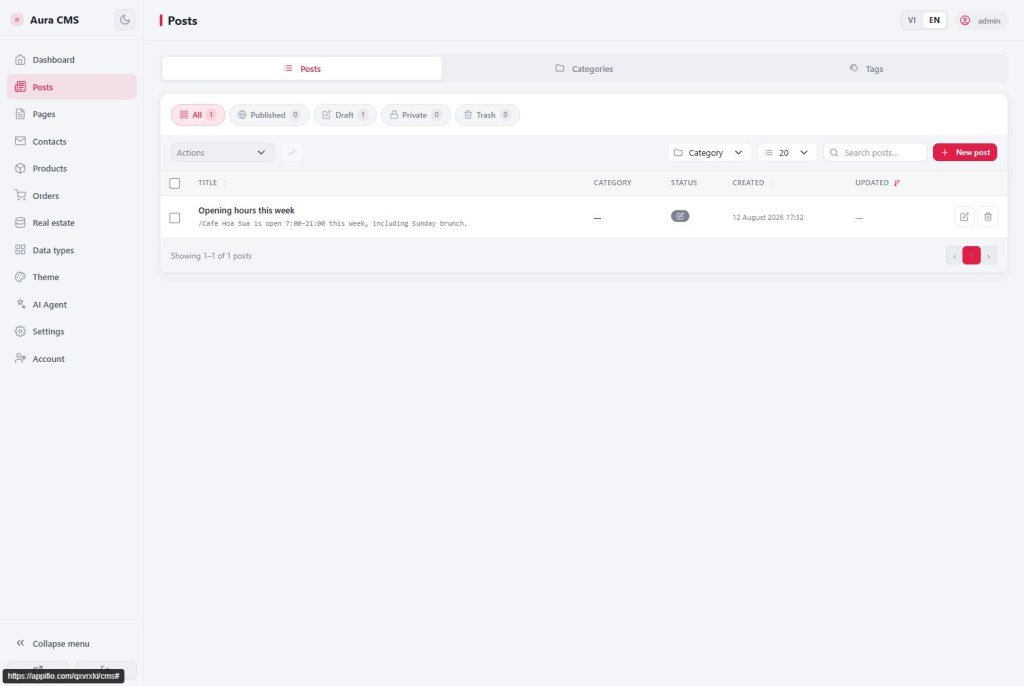
- Open nav "Posts" → tab "Posts" (subnav also has "Categories", "Tags").
- Click "Write new post". Fill Content (editor), Short description (excerpt), Featured image, assign Categories/Tags (type a tag name and press Enter).
- Pick status: keep Draft if unfinished, or switch to Published when ready; use Private for internal-only.
- Click "Save changes" in the Publish block.
- Verify with "View post" / "View on web" so the route and layout look right.
Example: Write “July promo” → leave as Draft → colleague reviews → switch to Published → Save changes → open View on web. If you only save Draft, visitors won’t see it yet.
3b. Categories, Tags & Trash
- Subnav Categories: create a few groups (News, Guides…) before writing many posts - easier than reassigning later.
- Subnav Tags: flexible labels (e.g. “sale”, “video”) - type the name and press Enter in the post form.
- Done with a post → → Trash (still Restore). Only when sure → Delete permanently or Empty trash (no undo).
4. Static Pages
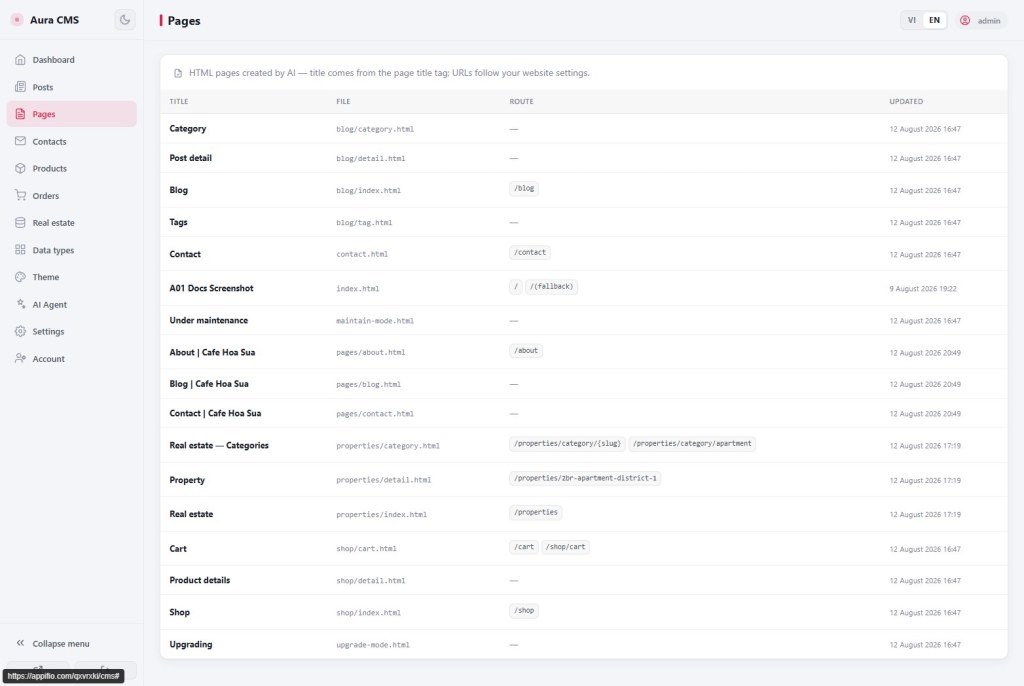
Unlike Posts (written in CMS), the "Pages" tab only lists HTML files created by AI in Creator - title from
