
Appifio Creator · Lesson AM11 · System files & Aura CMS
call the API with the right names · right permissions
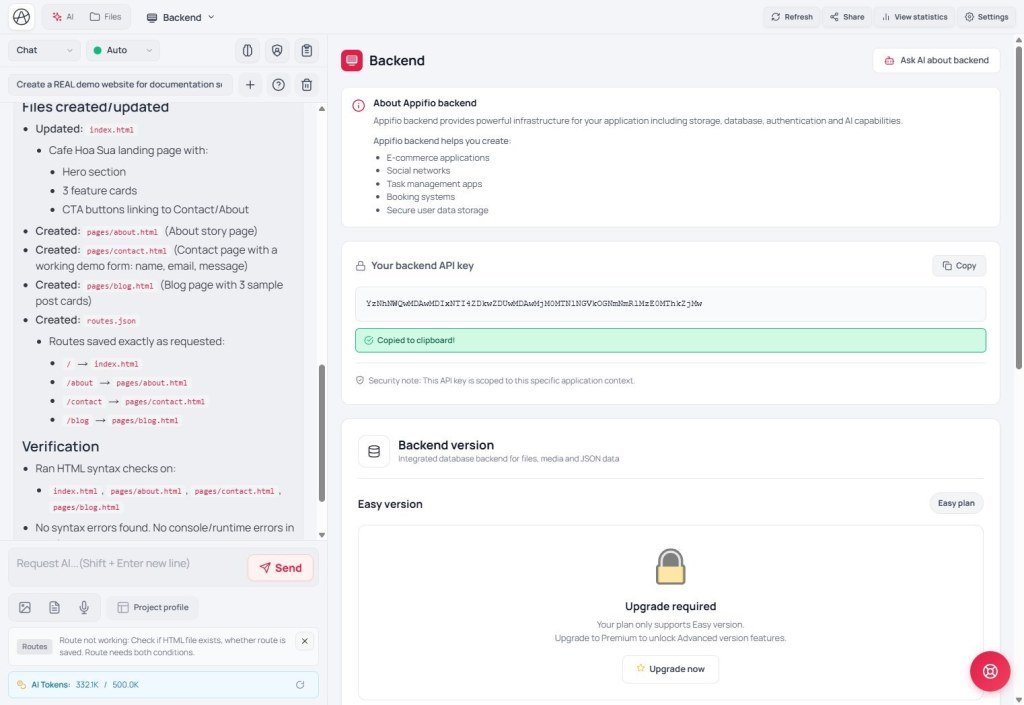
The API-facing side of Aura CMS - not internal Panel methods. Know which files you can read, which JSON name each entity maps to, and that 403/null is correct when security enforce is on.
Learning goals: Do not call the wrong system file; read the manifest for data_file; understand security enforce - no workarounds.
Panel UI / security settings: series AS10 (CMS manifest) · AS11 (security UI).
Previous: AM10 · Next: AM12 (worked examples)
1. System files - backend policy
The backend enforces security - do not call these by arbitrary file name:
| File | Policy | Read | Write |
|---|---|---|---|
login.json | deny | ❌ 403 | ❌ - auth API only (AM06) |
__super_master_index__.json | deny | ❌ 403 | ❌ backend-managed |
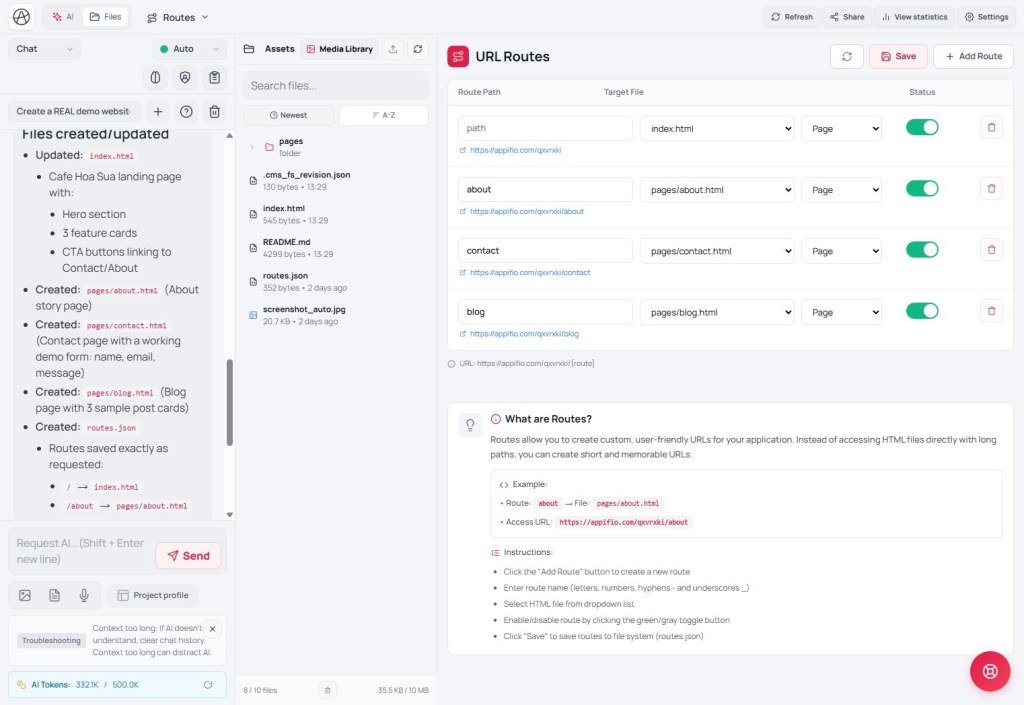
routes.json | route_api | ✅ | ❌ writeFile - use addRoute/removeRoute (AM05) |
cms-settings.json | admin_settings | ✅ public can read contact bits | admin/superadmin via writeFile |
.shards/* | shard | ❌ 403 | ❌ - only readList/readFile(id) |
readFile('login.json') · do NOT invent a separate auth.json · do NOT writeFsFile('routes.json') · do NOT appendData into a system file.2. Entity → data_file (CMS on)
__cms_manifest__.json defines JSON file names - read the manifest first, do not guess (blog.json is wrong; CMS uses blog-posts.json).
| Entity | data_file | Public write? |
|---|---|---|
| posts | blog-posts.json | - (admin) |
| products | shop-products.json | - |
| orders | shop-orders.json | appendData checkout |
| contacts | contacts.json | appendData form |
| pages | pages.json | - |
| categories | blog-categories.json | - |
| tags | blog-tags.json | - |
Sample code
readList public blogawait window.waitForAppStorage()
const res = await appifio_client.appifio_readList('blog-posts.json',
['id','title','slug','excerpt','status','published_at'])
let posts = res.data?.content || []
posts = posts.filter(p => p.status === 'published')appendData contact form (public)await appifio_client.appifio_appendData('contacts.json', {
name: 'Alex Nguyen', email: 'a@example.com', message: 'Hello'
})addRouteawait appifio_client.validateAdminSession()
const created = await appifio_client.appifio_appendData('blog-posts.json', {
title: 'Title', slug: 'title', content: '…
', status: 'draft'
})
const id = created.data?.id
await appifio_client.appifio_updateData('blog-posts.json', id, { status: 'published' })
await appifio_client.appifio_addRoute('title', 'blog/detail.html', 'post')
readFile cms-settings · readFsFile HTMLconst settings = await appifio_client.appifio_readFile('cms-settings.json')
// settings.data.content → site_mode, contact_form, display_formats…
const html = await appifio_client.appifio_readFsFile('blog/detail.html') // AM04__cms_ui_contract__.json - DOM hooks (#post-list, class acms-*). When you edit HTML layout, keep the ids/classes in the contract so CMS scripts keep working.
3. Custom data types
New entities are declared in Panel → Custom data types → CMS updates the manifest. After the user saves, re-read __cms_manifest__.json for entities.{key}.data_file.
type | Widget |
|---|---|
| string, text, html | text / textarea |
| number, boolean, url, image | number / toggle / url / image |
| enum | select - values in fields.*.enum |
id, slug, publish_state, created_at, updated_at. A custom status field is not the same as publish_state - public filters usually use publish_state === 'published'.4. Security enforce (optional)
Site owners can enable this in the Panel (see AS11). When on, the backend tightens permissions - keep writing code as in AM02; if you hit 403 or content: null, that is correct behavior, not something to work around.
| Default | When enforce is on | |
|---|---|---|
appendData public | No token needed | Some entities → 403 |
readList guest | As requested fields | Filters rows + hides fields |
| Logged-in admin | By role | Full read/write (except append disabled) |
| Append mode | Guest | Admin token |
|---|---|---|
| public | ✅ | ✅ |
| admin | ❌ 403 | ✅ |
| disabled | ❌ 403 | ❌ 403 |
Checklist before calling the API:
- System file? → follow the policy table above
- Entity data? → correct
data_filefrom the manifest - Missing entity? → ask the user to declare a Custom type (Panel)
- HTML/assets? →
readFsFile/writeFsFile(AM04) - Auth? →
login/registerAdmin- never readlogin.json - Unexpected 403? → check AS11, do not switch to
writeFile
Internal navigation (same language)
Appifio Creator · Method series · AM11
