
Table of contents
Appifio Creator · Lesson AM05 · API REFERENCE §4 · 3 methods
URL routes
get · add · remove - full structure
get · add · remove - full structure
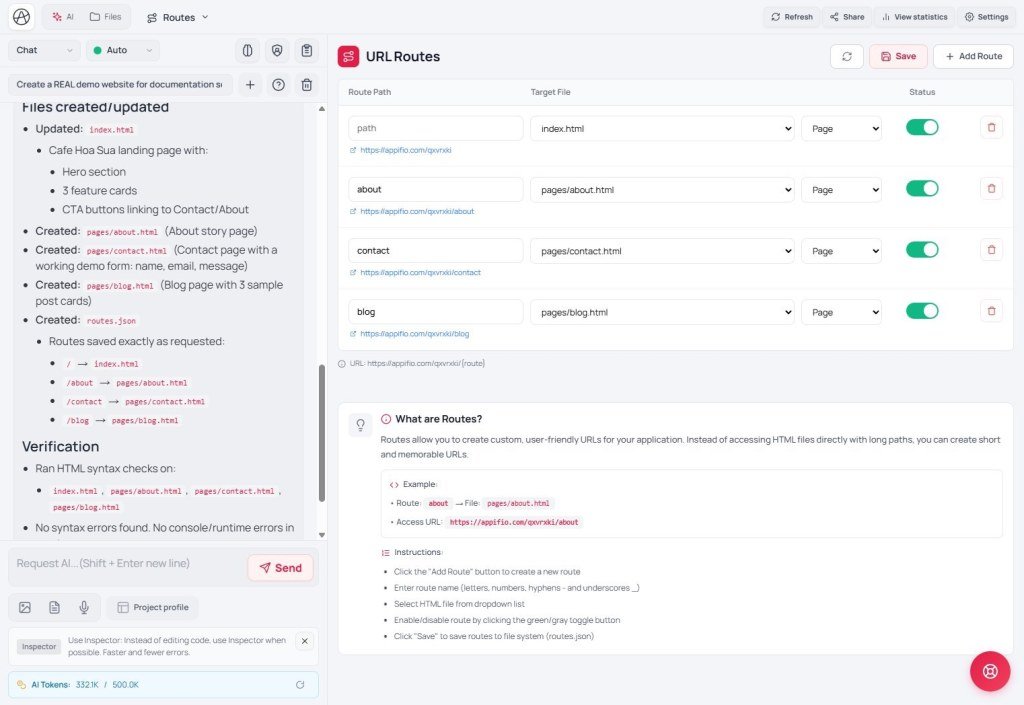
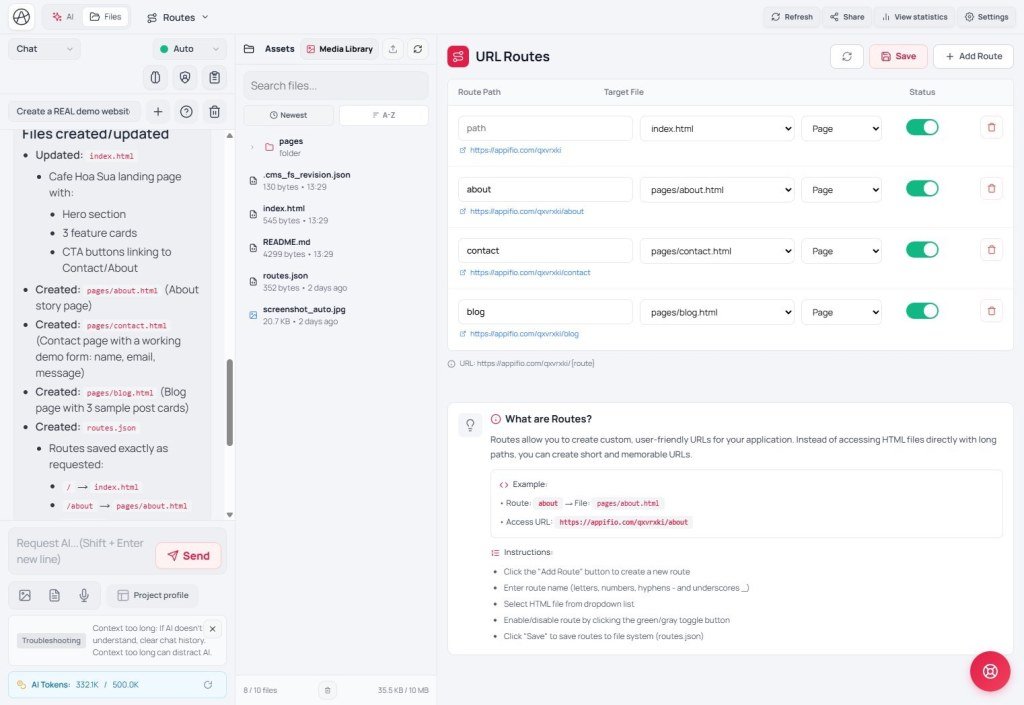
Map the address visitors type to an HTML file. UI: Routes tab · Add Route · file routes.json.
Read/edit the URL map with these three methods - do not
readFsFile('routes.json') and hand-edit it casually.appifio_getRoutes() · PublicWhat it does: Read the full route map.
const r = await appifio_client.appifio_getRoutes();
// r.data.routes = {
//   "about": { file: "about.html", type: "default", enabled: true },
//   ...
// }
// r.data.fallback - fallback page (if any)
Returns: { data: { routes: { [slug]: { file, type, enabled }, ... }, fallback } }
appifio_addRoute(slug, file, type?) · Admin+Parameters:
slug- URL segment (can nest:tag/javascript,category/tech)file- HTML path on the site (e.g.blog/detail.html) - file must exist (AM04)type- optional, default'default'(e.g.'blog','tag')
await appifio_client.appifio_addRoute('post-a', 'blog/detail.html', 'blog');
await appifio_client.appifio_addRoute('tag/javascript', 'blog/tag.html', 'tag');
Returns: { success: true }
appifio_removeRoute(slug) · Admin+ (role user blocked)await appifio_client.appifio_removeRoute('post-a');Returns: { success: true }. Note: Call this when you delete content that had its own URL (avoid dead links).
Combined example - publish post + URL
const slug = appifio_client.appifio_generateSlug(title); // AM08
const { data } = await appifio_client.appifio_appendData('blog.json', { title, slug, content });
await appifio_client.appifio_addRoute(slug, 'blog/detail.html', 'blog');
// When deleting the post:
await appifio_client.appifio_removeRoute(slug);
await appifio_client.appifio_updateData('blog.json', data.id, null);
§4 checklist: getRoutes · addRoute · removeRoute = 3/3
AM06 - Auth (§5 - all methods)
Internal navigation (same language)
Appifio Creator · Method series · AM05
