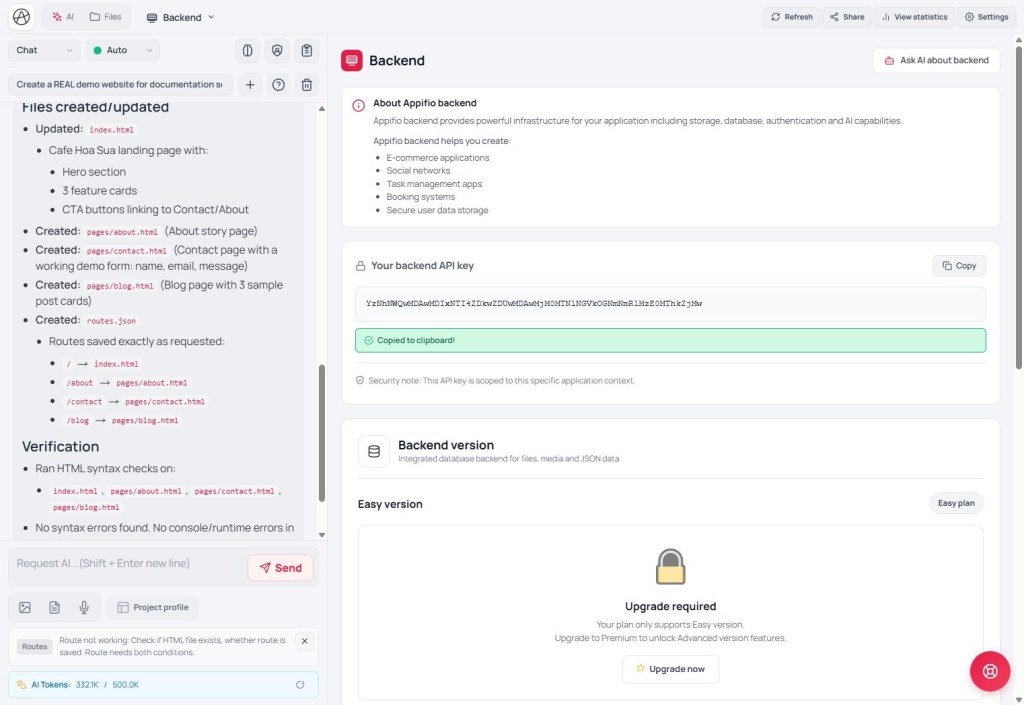
 Backend JSON storage
Appifio Creator · Lesson AM02 · API REFERENCE §1 · Method-by-method
Indexed multi-row ledgers
4 methods - full structure
Use for blogs, contacts, products, orders. Do not use writeFile to write individual list rows.
Learning goals: Know exact parameters and returns for each function; build form / list / edit / delete correctly.
Previous: AM01 · Next: AM03 · Remember: lists always live under data.content (not items).
Quick map
Add a row → appendData → get data.id
List rows → readList → data.content[]
One full row → readFile(file, id) → data.content object
Edit / delete (logged in) → updateData (object or null)
Method 1 / 4
appifio_readList(fileName, fields?)
What it does: Read many rows - lighter than loading the whole file.
Who can call: Public (visitors included). Note: CMS security settings may hide some rows/fields from guests.
Parameters:
fileName - ledger name, e.g. blog.json, contacts.jsonfields (optional) - column names to return, e.g. ['id','title','slug']. Omit / [] = every field.
How to call:
const res = await appifio_client.appifio_readList(
  'blog.json',
  ['id', 'title', 'slug', 'created_at']
);
Return value:
{ success, data: { content: [ { id, ...fields }, ... ] } }content is always an array. No data yet → [] (not a 404).- Common mistake: reading
data.items → always empty. Correct: data.content.
Method 2 / 4
appifio_readFile(fileName, id?) - with id (one row)
What it does: Read one full record from the ledger (detail page).
Who can call: Public
Parameters:
fileName - same ledger as the listid - row id (from readList or after appendData). With id = one item. Without id = flat / master style (see AM03).
How to call:
const res = await appifio_client.appifio_readFile('blog.json', '1778237139260');
const post = res.data?.content; // object or null
Return value:
{ success, data: { content: object | null } }
// JSON is already parsed - do NOT JSON.parse again- Id not found / filtered out →
content: null. - Typical flow: list gets
id → detail calls readFile(file, id).
Method 3 / 4
appifio_appendData(fileName, content)
What it does: Add one new row to the ledger (contact form, new post…).
Who can call: Public (default). CMS may tighten this so only admins can append some content types.
Parameters:
fileName - ledger namecontent - one object (not null, not an empty string, not an array).
How to call:
const res = await appifio_client.appifio_appendData('contacts.json', {
  name: 'Lan',
  email: 'lan@mail.com',
  message: 'Please send a quote'
});
const newId = res.data.id;
Return value:
{ success: true, data: { id: "1778237139260" } }- The server assigns
id, created_at, and creator IP - you do not invent the id. - First append: if the ledger does not exist yet, the system creates it - admins do not have to create it first.
- Too many submits → temporary pause (“Try again later”).
Method 4 / 4
appifio_updateData(fileName, id, content)
What it does: Edit one row (merge fields) or delete the row (content = null).
Who can call: Admin+ (logged in: user / admin / super admin)
Parameters:
fileName, id - ledger and row idcontent - object → overwrite only the fields present (merge). null → remove the item from the ledger.
How to call:
// Edit
await appifio_client.appifio_updateData('blog.json', id, { title: 'New title' });

// Delete one row (do NOT deleteFile the whole blog.json)
await appifio_client.appifio_updateData('blog.json', id, null);
Return value:
{ success: true, message: "Success" }- Role user: cannot delete with
null; cannot set some “trash” statuses. - Unknown id → “Item not found” style error.
Combined example - form + list
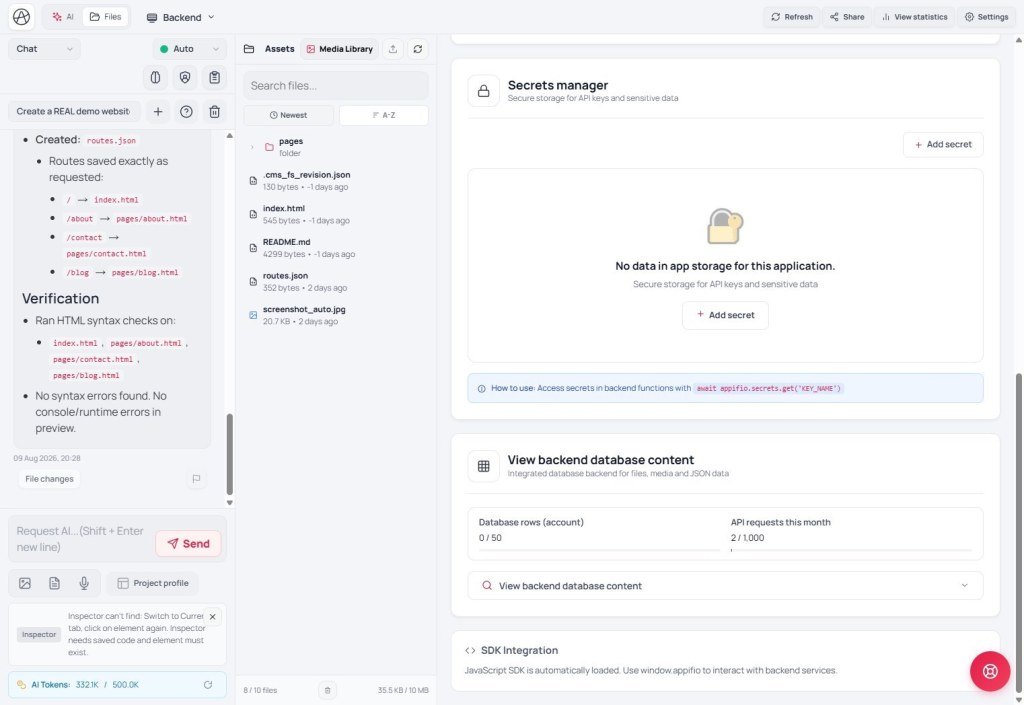 Database content panel
await appifio_client.appifio_appendData('contacts.json', { name, email, message });
const list = await appifio_client.appifio_readList('contacts.json', ['id','name','email','created_at']);
const rows = list.data?.content || [];
const one = await appifio_client.appifio_readFile('contacts.json', rows[0].id);
// one.data.content = detail objectChecklist
- List →
content; detail → readFile(file, id)? - Delete a row =
updateData(..., null), not deleteFile on the whole ledger?
AM03 - Flat files & lifecycle (all §2 methods)
Internal navigation (same language)
Appifio Creator · Method series · AM02 · 4/4 methods §1

