
- 1. Registration and login workflow
- Creating your account
- 2. Anti-bot onboarding verification
- Why is this step necessary?
- 3. How to re-verify if you skipped the survey
- 4. Technical security and safety protocols
- Login lockout mechanism
- Registration rate limiting
- Additional protection layers
- 5. Requirements for resource creation
Security First
Estimated reading time: 10 minutes | 95 views
A comprehensive guide to account verification, system operation, and security protocols designed to protect your resources.
1. Registration and login workflow
Appifio is designed to get you started as quickly as possible while maintaining top-tier security standards.
Creating your account
- Direct registration: Sign up with your Email and a secure Password (minimum 6 characters). Remember to check your inbox and click the activation link to verify your email.
- System login: You can log in using your email or via social accounts (Google, Facebook) for instant access. If you ever forget your password, use our password recovery tool.
2. Anti-bot onboarding verification
Upon your first login, you will encounter a short survey. This is a critical security layer that helps the system identify genuine users and unlock resource creation capabilities.
Why is this step necessary?
Only accounts with the "Verified" status are permitted to save data and create resources. This prevents automated bot attacks and ensures that platform resources remain available for real users.
3. How to re-verify if you skipped the survey
If you didn't complete the survey during your initial onboarding, you can access it at any time via these two methods:
4. Technical security and safety protocols
Appifio employs several automated security policies to safeguard your account and resources:
Login lockout mechanism
- Max attempts: Typically 5 failed attempts (system-dependent).
- Action: If the password is entered incorrectly too many times, your IP address will be temporarily locked.
- Duration: You must wait 30 to 60 minutes before you can attempt to log in again.
Registration rate limiting
- Purpose: Prevents mass account creation from a single device.
- Limit: A single IP address can only register a limited number of accounts within a 24-hour window.
- Duration: Exceeding this limit will block registration from that IP for 1 to 3 days.
Additional protection layers
- Email domain blacklisting: Temporary or "disposable" email services are automatically rejected during registration.
- Geographic blocking: The system can block access from specific regions known for high levels of cyber-attacks.
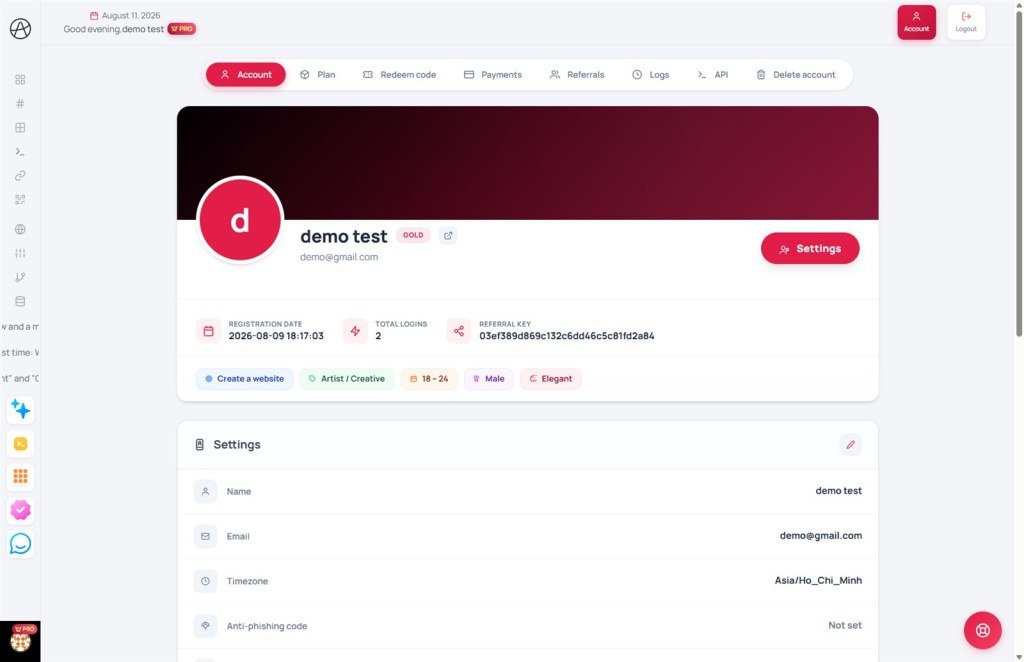
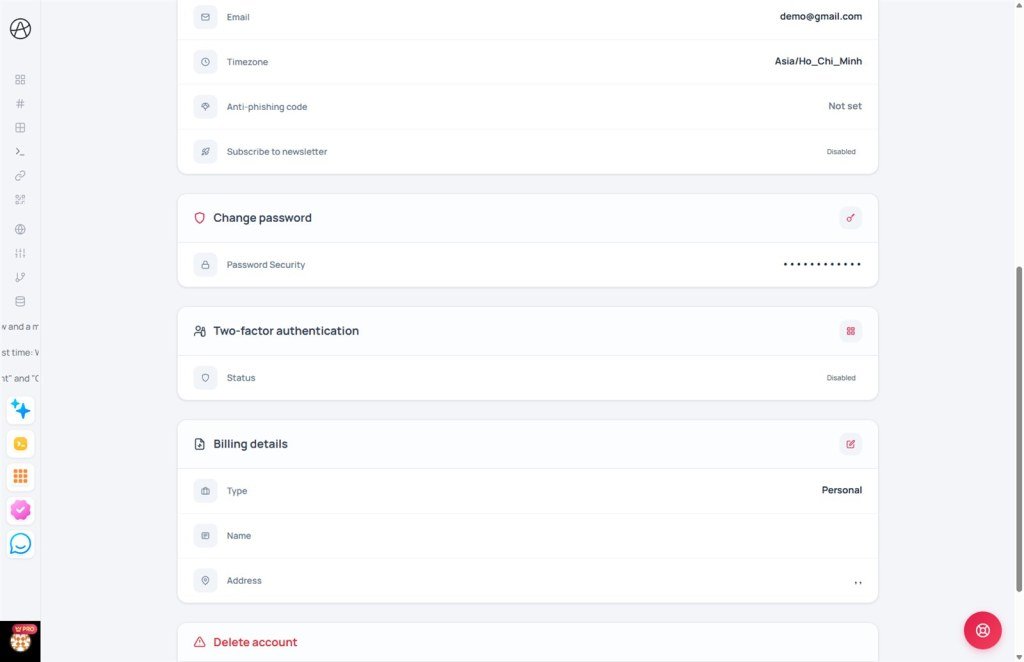
- Two-factor authentication (2FA): Users can enable OTP codes via authenticator apps for an extra layer of account security.
5. Requirements for resource creation
In summary, to successfully create links and websites, ensure the following:
- Your email is verified (either manually or via Social Login).
- You have completed the anti-bot onboarding survey.
- Your IP address is not currently blocked for policy violations.
- Your content adheres to our community guidelines.
© 2026 Appifio. All rights reserved. Documented by Security Operations.
