
Table of contents
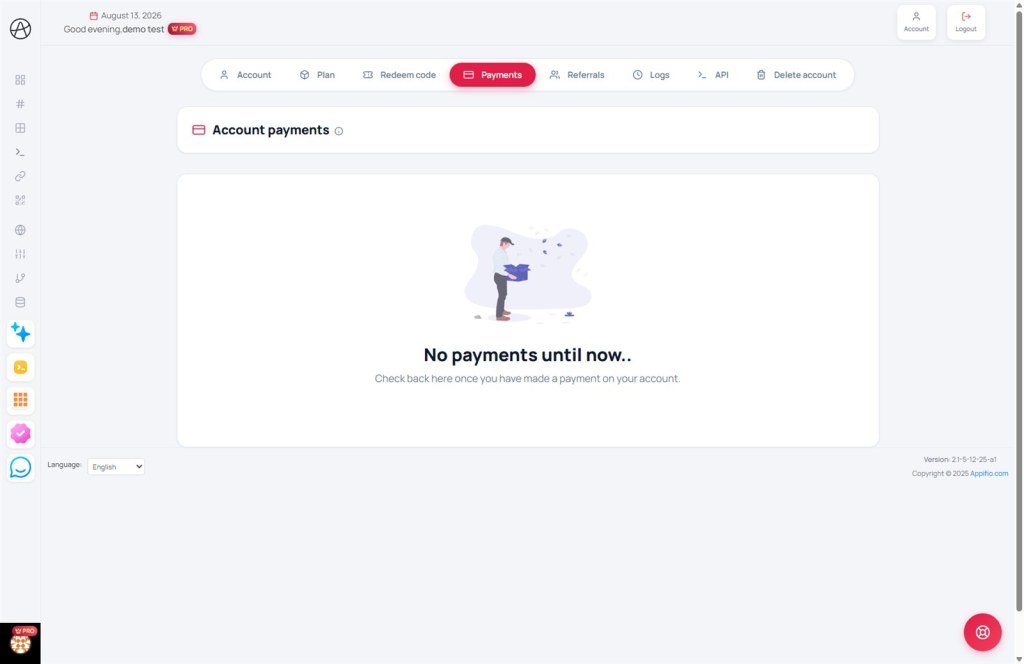
Financial Transparency
Estimated reading time: 6 minutes | 145 views
Billing & invoices guide
Track your transaction history, manage payment methods, and download official tax invoices.
1. Transaction history
All subscription upgrades and renewal transactions are recorded with full transparency on the Billing page.
Transaction details:
| Metric | Description |
|---|---|
| Transaction date | The exact timestamp when the payment was successfully processed. |
| Amount | The total cost charged (including applicable taxes). |
| Payment method | The service used for the transaction (Credit Card, PayPal, etc.). |
| Status | Current state of the transaction (e.g., Completed, Pending, or Refunded). |
2. Invoice management
The system automatically generates a professional invoice for every successful payment. From the billing dashboard, you can:
- View itemized transaction details online.
- Download official invoices in PDF format for accounting or tax purposes.
- Update your billing profile (Company Name, Tax ID) in account settings prior to payment to ensure accuracy.
3. Recurring billing & subscriptions
If you have an active recurring subscription, you can monitor your saved payment methods here. Keeping your card details up-to-date ensures uninterrupted service and prevents accidental expiration of your custom domains and premium features.
Pro tip: We recommend reviewing your billing information at least 7 days before your subscription renewal date to avoid payment failures.
© 2026 Appifio. All rights reserved. Documented by Finance Operations.
