
Remarketing & Data Analytics
Connect your website with leading advertising tools to track user behavior and optimize your marketing campaigns.
1. What is a Pixel?
A Pixel is a small snippet of code provided by advertising platforms like Facebook or Google. When integrated into your Appifio website or Biolink, it acts as an intelligent observer, sending data about customer actions back to those platforms.
Pixels vs. Internal Analytics:
- Statistics (Analytics): Internal data collected and displayed directly on your dashboard (clicks, devices, countries...).
- Pixels: Tools that send data to external platforms (Facebook, TikTok, etc.) to power advanced advertising and remarketing.
Using Pixels provides three core benefits:
- Retargeting: Show ads to people who have previously visited your site.
- Conversion measurement: Track exactly how many people clicked a button or filled a form after seeing an ad.
- Customer insights: Understand where your customers come from, which devices they use, and what content interests them most.
2. Supported Pixel types
Appifio supports native integration for nine major tracking platforms, eliminating the need for complex code modifications:
- Facebook Pixel: Track ad performance on Facebook and Instagram.
- Google Analytics: Deep-dive traffic analysis.
- Google Tag Manager: Centralized management for multiple tracking tags.
- TikTok Pixel: Optimize video ad campaigns on TikTok.
- LinkedIn Insight Tag: For professional B2B marketing campaigns.
- Twitter (X) Pixel: Track conversions from the X social platform.
- Pinterest Pixel: Ideal for fashion, beauty, and design industries.
- Quora & Snapchat Pixels: Expand your reach on specialized platforms.
3. How to set up a new Pixel
You can have your tracking system live in minutes:
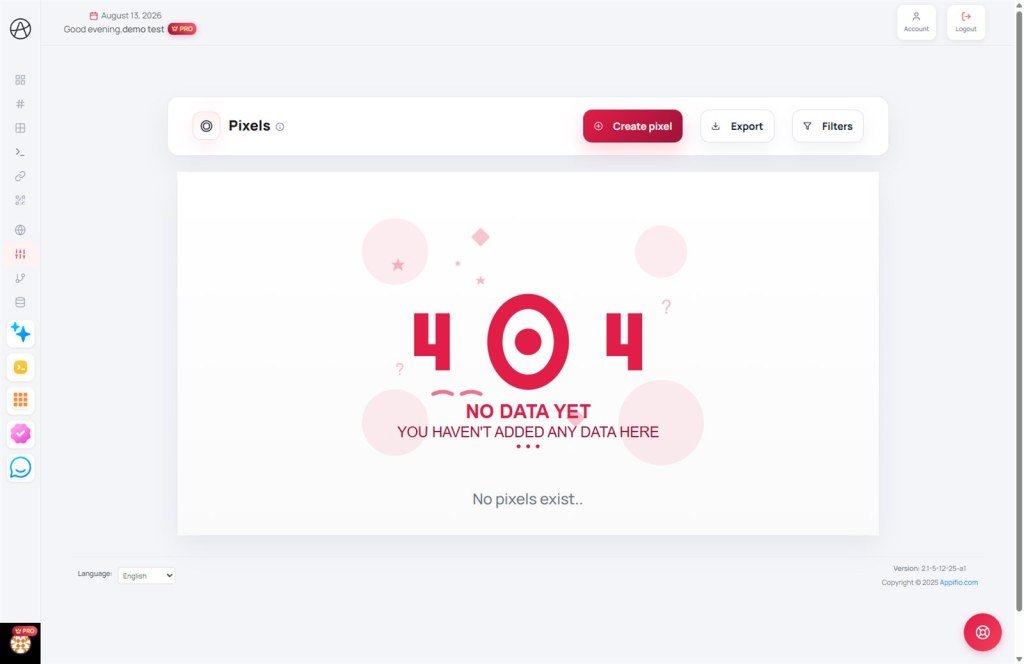
- Navigate to the Pixels section from the main menu.
- Click the Create Pixel button.
- Name your Pixel: Use a descriptive name (e.g., Facebook Pixel - Clothing Shop).
- Select Type: Choose the platform you want to connect.
- Enter Pixel ID: Paste the ID you retrieved from your ad manager.
- Click Create to save the configuration.
4. Management and optimization
Flexibly manage your tracking inventory:
- Editing: Update Pixel IDs or names if you change ad accounts.
- Project filtering: Use filters to view Pixels dedicated to specific brands or projects.
- Data export: Download your Pixel configurations as CSV/JSON for technical handovers or audits.
5. Critical warnings on Pixel deletion
Deleting a Pixel is a significant action that can disrupt your marketing efforts.
Immediate tracking termination
When you remove a Pixel from the system:
- Lost connection: All Biolinks, AI Websites, and shortlinks using that Pixel will immediately stop sending data to the ad platform.
- Links remain active: Deleting a Pixel does NOT delete the links themselves; they will continue to function without tracking.
- Advertising impact: Remarketing campaigns or conversion optimizations relying on this Pixel will stall or lack fresh data.
- Historical data: Data previously sent to the ad platform remains there, but Appifio cannot restore the connection once deleted.
6. Plan-based limits
The number of Pixels you can create is determined by your subscription plan:
- View your current usage versus your limit on the management page.
- Agencies managing multiple clients should consider upgrading to integrate a wider variety of tracking codes for different campaigns.
© 2026 Appifio Creator - Intelligent data-driven marketing solutions
