
Table of contents
Safety & Professionalism
Link naming rules and guidelines
A guide to selecting valid URL slugs and avoiding prohibited keywords for a secure ecosystem.
1. Why link naming rules matter
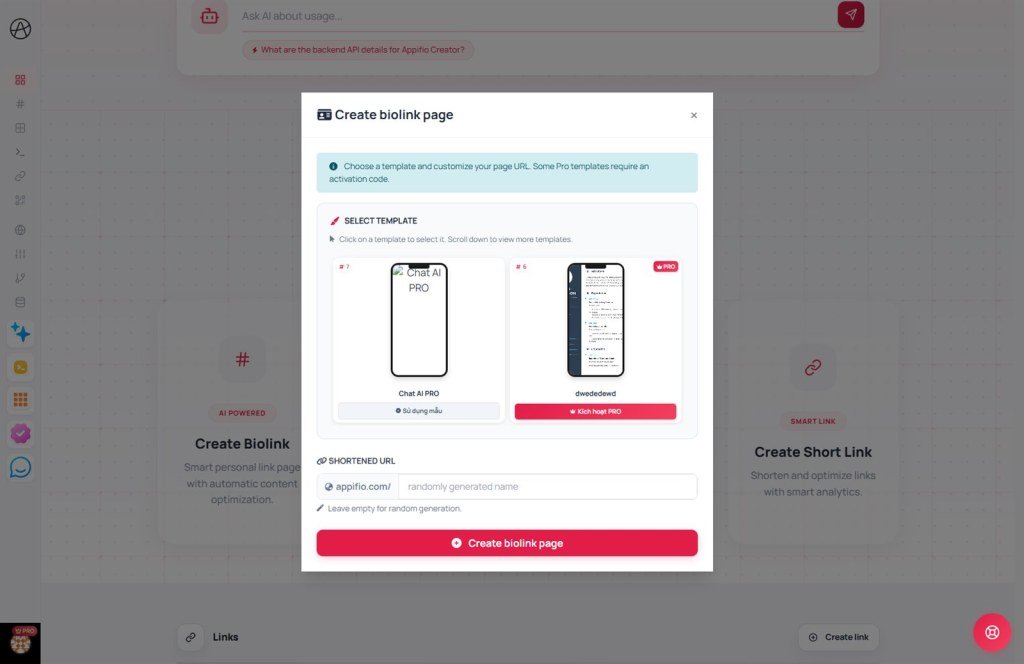
Choosing your custom path (e.g., appifio.com/your-name) isn't just about aesthetics; it impacts several critical areas:
- System stability: Preventing conflicts with default administrative and functional pages.
- Community safety: Blocking malicious, fraudulent, or sensitive content.
- Brand integrity: Protecting major brand names from impersonation and unauthorized use.
2. Prohibited keyword categories
Note: If you attempt to use these keywords, the system will display the error "This custom URL is not available."
System reserved words
These names are reserved for platform functionality and cannot be used for custom links:
admin,login,register,dashboardapi,settings,account,index,homestatus,auth,lost-password,resend-activation
Sensitive and unethical keywords
- Vulgar, offensive, or sexually explicit language.
- Terms related to fraud, gambling, or prohibited substances.
- Keywords associated with sensitive political topics or hate speech.
Brand impersonation
- Social media names:
facebook,instagram,tiktok,google. - Official platform identifiers:
appifio,appifio-official.
Blacklisted destinations
Beyond blocking specific slugs, the system also restricts destination URLs identified as harmful:
- Websites containing malware, viruses, or phishing attempts.
- Domains frequently reported for policy violations by the community.
- If you enter a blacklisted destination, the system will refuse to save the link to protect users.
3. Best practices for valid naming
Golden rule: Keep it short, memorable, and personalized.
Follow these suggestions for a professional digital presence:
- Use your personal name:
john-doe,tuan-designer. - Use your brand name:
my-coffee-shop,beauty-spa-london. - Use the purpose:
bio-link,contact-us,july-promo.
4. Technical tips and formatting
Standard formatting:
- Use only alphanumeric characters (a-z, 0-9).
- Use hyphens
-to separate words instead of spaces or underscores. - The system automatically converts everything to lowercase, so capitalization is not necessary.
Is your desired name already taken?
Don't worry! Try adding suffixes like -official, -global, or your birth year/founding year to your preferred name.
© 2026 Appifio Creator - Building a civilized and professional community
