
- 1. The role of the data center
- 2. Detailed data classification and structure
- Group 1: Lead capture and CRM
- Group 2: AI operations and sales assistance
- Group 3: Industry-specific solutions
- Group 4: Apps and document data
- 3. Managing records and permissions
- 4. Filtering data and exporting reports
- 5. Security and data deletion warnings
- Record deletion is permanent
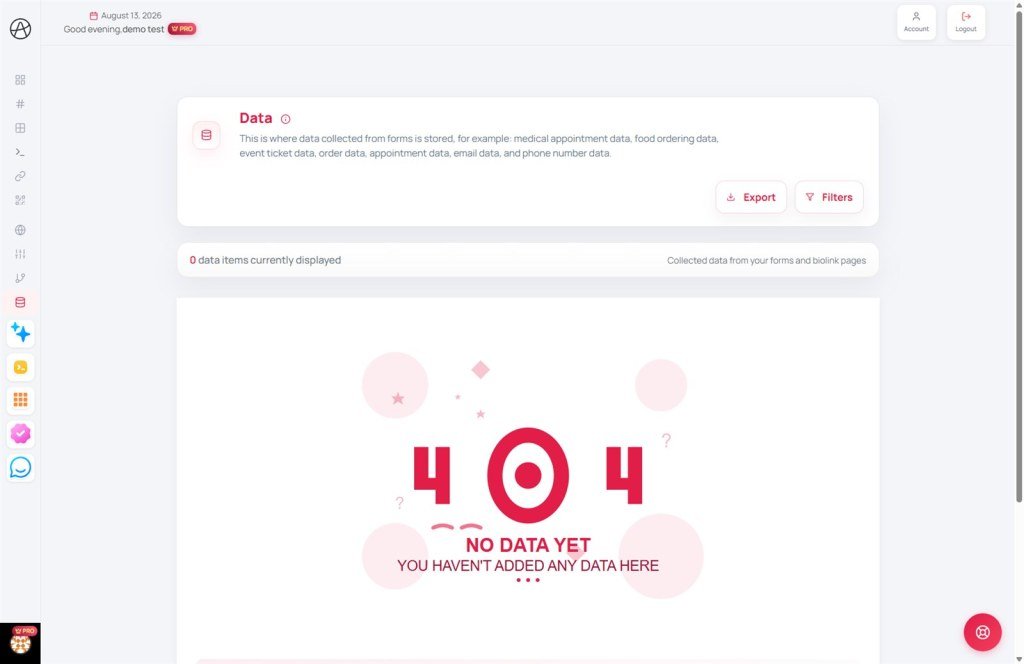
Comprehensive Data Administration
Leverage customer insights from your AI projects and manage your professional response workflow.
1. The role of the data center
The Data page is the "brain" that stores every interaction customers have with your AI-generated websites and apps. It's more than just storage; it's a tool for tracking business performance and managing basic Customer Relationship Management (CRM) processes.
2. Detailed data classification and structure
The system automatically recognizes and categorizes data to display the most relevant fields based on your business industry:
Group 1: Lead capture and CRM
- Email collector: Stores names and email addresses. Ideal for building newsletters or delivering lead magnets.
- Phone collector: Captures names and phone numbers. Supports recording specific services of interest and custom messages.
- Contact forms: Records details from your main contact page or custom forms, including subjects and message content.
- General appointments: Stores booking details for consultations, beauty services, or hourly sessions (includes date, time, and request details).
Group 2: AI operations and sales assistance
Data generated during intelligent AI interactions with your customers:
- AI Orders: Transactions closed directly by the AI assistant during automated consultations.
- AI Contact requests: Lead info left when the AI identifies a need for human-to-human expert consultation.
- AI Q&A logs: Full conversation histories between customers and AI, helping you optimize scripts and train your AI more effectively.
Group 3: Industry-specific solutions
- Medical & Health: Specialized flows for clinics including: Appointment IDs, clinic names, patient info, assigned doctors, time slots, and estimated costs.
- Food & Restaurant: Manage culinary orders with order IDs, restaurant names, service types (dine-in, takeout, delivery), guest counts, dish lists, and delivery fees.
- Events & Tickets: Stores ticket IDs, event names, locations, ticket types, quantities, and detailed seating info (section, row, seat).
- Wedding RSVP: Collects guest lists, attendance status, plus-one counts, and heartfelt messages for the couple.
- Education & Testing: Records student performance including scores, completion times, and detailed correct/incorrect answer breakdowns.
- Pet Shop management: Advanced records for pet profiles, vaccination schedules, medical histories, spa/grooming services, and owner information.
- Real Estate (Property): Collects property viewing requests, listing submissions, property types of interest, and budget ranges.
Group 4: Apps and document data
- Document Manager: Stores text documents, source code, downloads, and images organized by group and access permissions.
- Love Memory: Specialized data for anniversary pages, including milestones, events, gift lists, messages, and media galleries (photos/music).
3. Managing records and permissions
You have full control over all collected data:
- Detailed view: Each record is presented as an intuitive card, with distinct colors and icons for each data type.
- Delete records: Remove unnecessary or spam data to keep your list clean. Click the three dots on any data card and select "Delete."
- Source links: Every record includes a direct link back to the source website/app or the specific Project it belongs to.
4. Filtering data and exporting reports
Appifio provides powerful tools for processing large volumes of data:
- Multi-purpose filters: Quickly filter by resource type, specific project, or sort by the latest entries.
- CSV Export: Download full or filtered lists to your device for use with Excel or Google Sheets. This is the best way to analyze sales or manage your CRM.
- JSON Export: Designed for developers who want to integrate data into third-party management systems.
5. Security and data deletion warnings
Record deletion is permanent
During administration, please be extremely cautious with data deletion:
- Irreversible: Once you click "Delete" on a data record (Lead, Order, etc.), that information is permanently removed from the system database.
- Lost audit trail: You will lose all evidence of timestamps, IP addresses, and customer-submitted content unless you have a prior backup.
- Team authority: If working in a Team, you must be granted "Delete Data" permissions to perform this action.
Customer data is sensitive information. Appifio automatically encrypts data in our database, but please remember:
- Only download data to secure personal devices.
- Comply with local data protection regulations regarding customer privacy.
© 2026 Appifio Creator - Partnering in your business success
