
Table of contents
Unlocking AI Potential
AI operations and support ecosystem
From initial concept to final product with comprehensive AI-powered guidance.
1. The Appifio AI ecosystem
Appifio is more than just a link builder; it is a complete AI ecosystem designed to optimize your creative workflow. Our process is built on three core pillars:
- AI-Driven Initialization: Use smart Wizards to generate product frameworks instantly.
- Appifio Creator Editing: Refine your creations with professional drag-and-drop tools.
- Continuous Support: Integrated AI Chat and support assistants accompany you throughout your journey.
2. Page creation flow: From idea to reality
Creating a Website, Biolink, or App at Appifio is remarkably simple:
- Enter Description (Prompt): Provide your raw concept or idea.
- AI Rewrite & Generate: The system automatically optimizes your command and initializes the layout and content.
- Open Creator: Click the "Edit" button to access the **Appifio Creator** toolkit. Here, you can modify every element, add functional blocks, and adjust the design to match your aesthetic vision.
3. AI command center (Dashboard Chat Header)
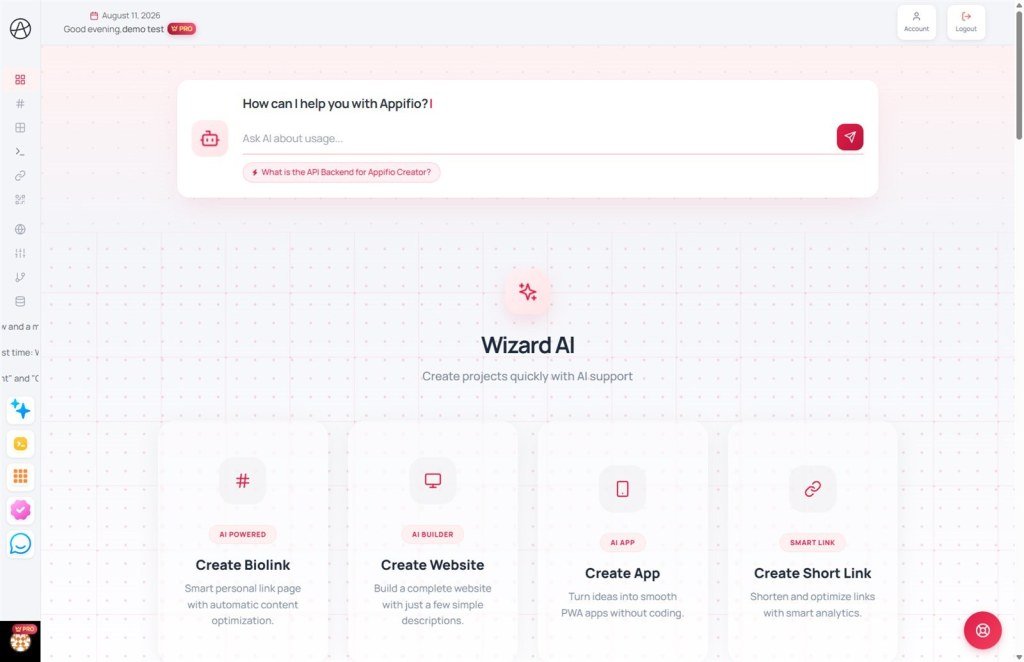
Located at the top of your Dashboard is an intelligent input field. This is your direct line to the system for instant assistance:
- Usage guidance: Ask the AI for instructions on specific tasks (e.g., "How do I connect a custom domain?").
- Feature walkthroughs: Get detailed introductions to Appifio tools (e.g., "What are the benefits of the Website AI Wizard?").
- Technical troubleshooting: Describe an issue you're facing for the AI to analyze the cause and suggest quick fixes.
- Creative suggestions: Ask for title ideas, content drafts, or color palettes for your next project.
Scope of assistance: Dashboard Chat is designed for quick technical answers, operational guidance, and feature consulting while you work.
4. AI help bubble & ticket support
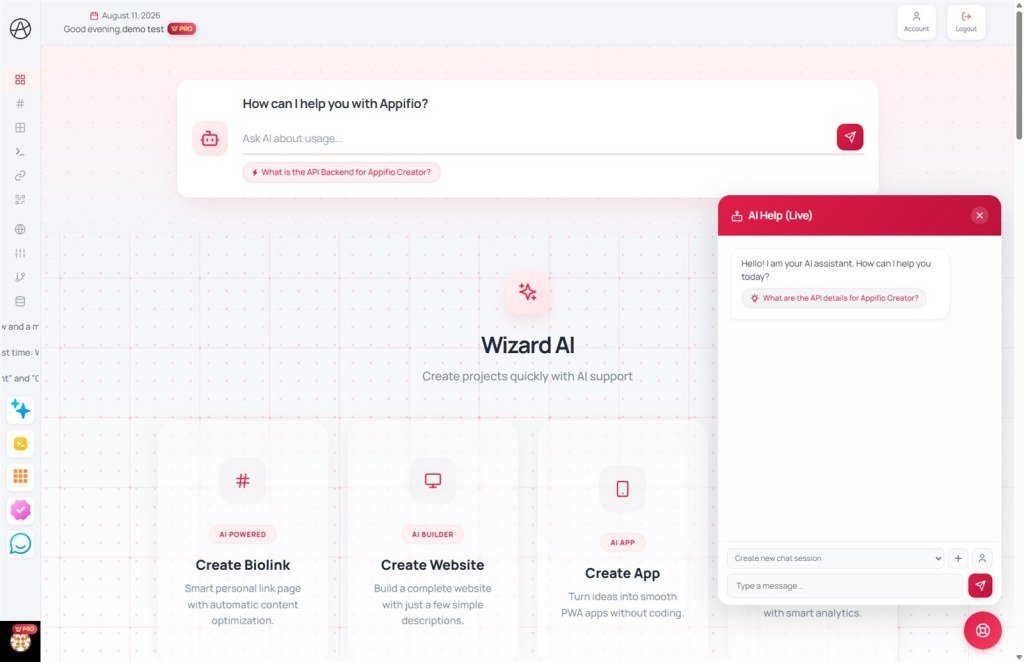
For more complex challenges, Appifio provides a multi-layered support system:
AI Help Bubble
The floating assistant icon in the bottom right corner is your 24/7 companion:
- In-depth Q&A: Ask any question about the system; the AI scans all documentation to provide accurate answers.
- Quick lookup: Search help center articles without ever leaving your current page.
Ticket system & Chat support
For complex issues requiring human intervention:
- Create Support Tickets: Submit detailed requests with screenshots for technical review.
- Request Admin Support: If the AI assistant doesn't fully resolve your query, you can request a **Human Admin** to join the conversation and handle your request directly.
5. When to use the official contact page
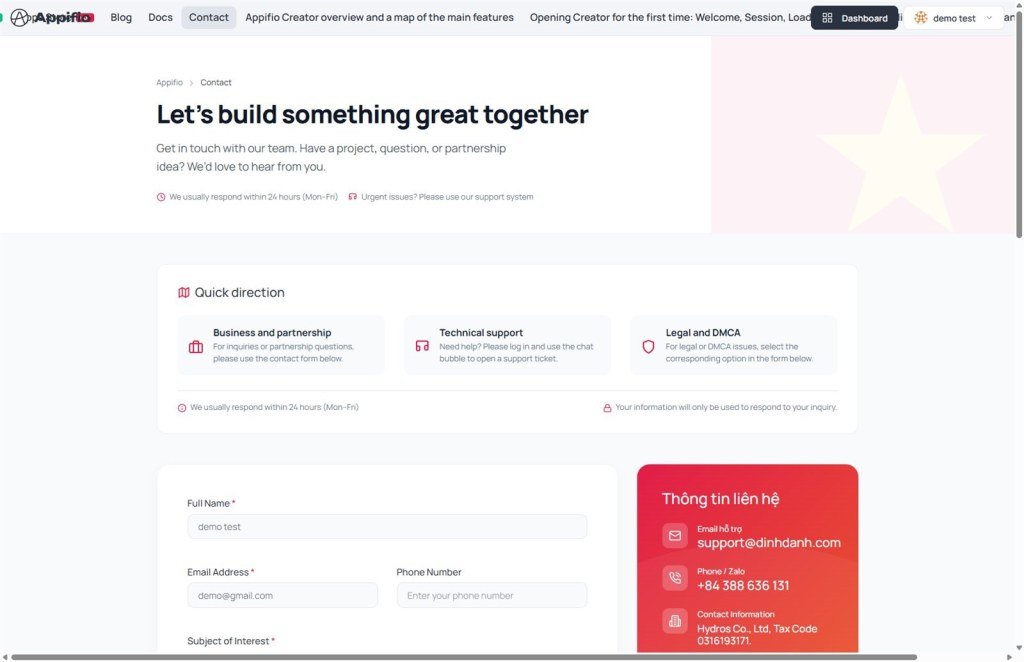
Important note: If your inquiry is non-technical (e.g., Sales inquiries, reporting abuse/links, or legal matters), please use our Official contact page. See the Contact and reporting guide for more details.
© 2026 Appifio Creator - AI at the service of human creativity
