
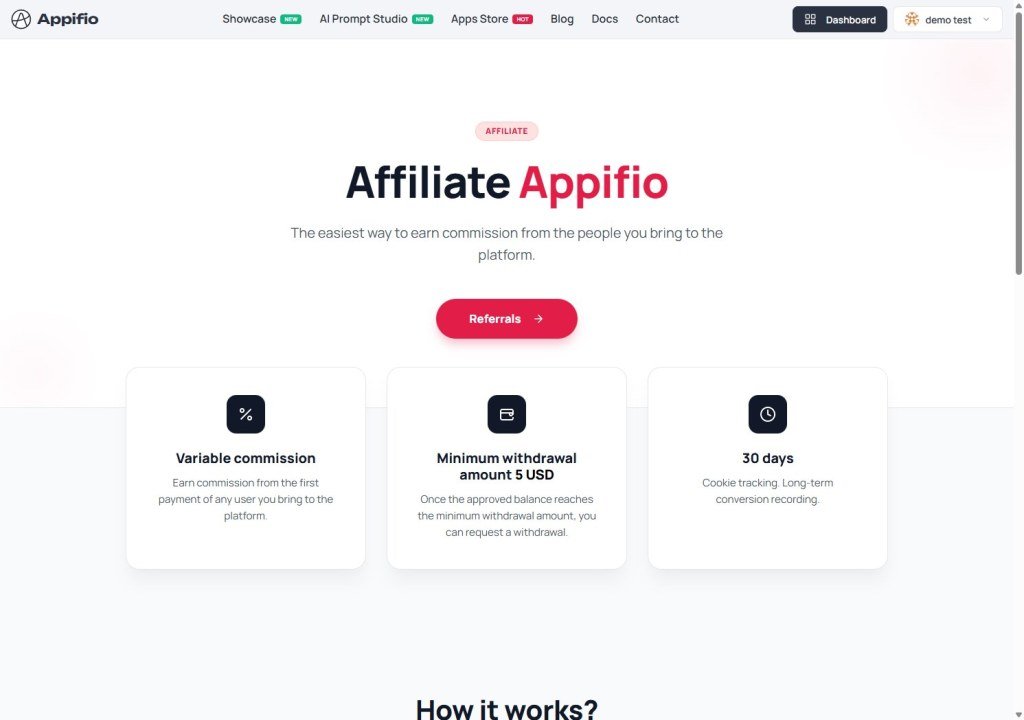
Growth Partnership
Estimated reading time: 7 minutes | 130 views
Learn how to share Appifio with your network and earn attractive rewards through our partnership program.
1. What is the affiliate program?
The Appifio Affiliate Program allows you to earn commissions or service rewards by referring new users to our platform. It's a powerful way to share a valuable tool while building a passive income stream or unlocking premium platform benefits.
2. How to get started
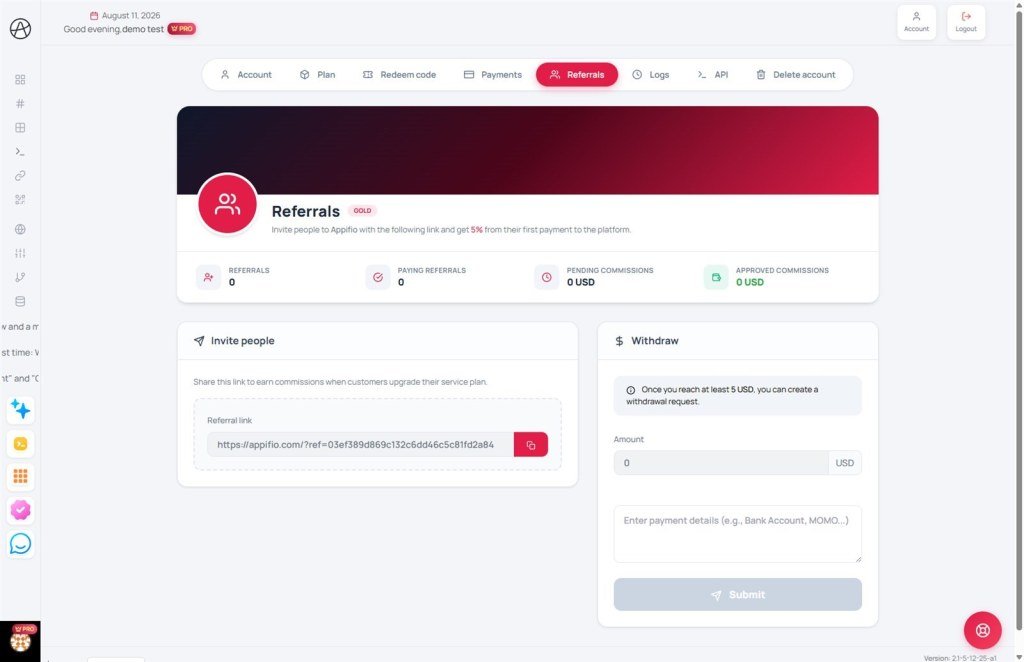
To join the program, visit the Affiliate page. Upon entry, you will be assigned a unique Referral Key linked specifically to your account.
Your referral link
Simply copy your unique referral URL and share it with your audience, friends, or across your social media platforms. When someone clicks this link, our system automatically tracks them as a potential customer referred by you.
The commission workflow:
- Referral: A user visits Appifio via your unique link.
- Registration: They successfully sign up for a new account.
- Conversion: When that user purchases a paid subscription plan, the system calculates your commission based on the percentage defined for your current plan level.
3. Tracking performance & analytics
We provide a real-time analytics dashboard to help you manage your marketing efforts effectively:
- Total referrals: The number of members who registered through your link.
- Converted users: referrals who have successfully made a purchase.
- Pending commissions: Earnings from the last 30 days currently in the holding period to ensure transaction validity.
- Approved balance: Your available balance that can be withdrawn to your personal account after the holding period ends.
4. Withdrawal process
Once your approved commission balance reaches the minimum threshold, you can request a payout.
Submitting a request
In the "Withdrawals" section, your available balance is displayed automatically. Enter your payment details (e.g., bank account info or digital wallet email) in the notes field and submit your request.
Transaction statuses:
- Pending: Our administration team is reviewing and approving your request.
- Paid: Funds have been successfully transferred to your provided payment method.
© 2026 Appifio. All rights reserved. Documented by Partnership & Growth.
